


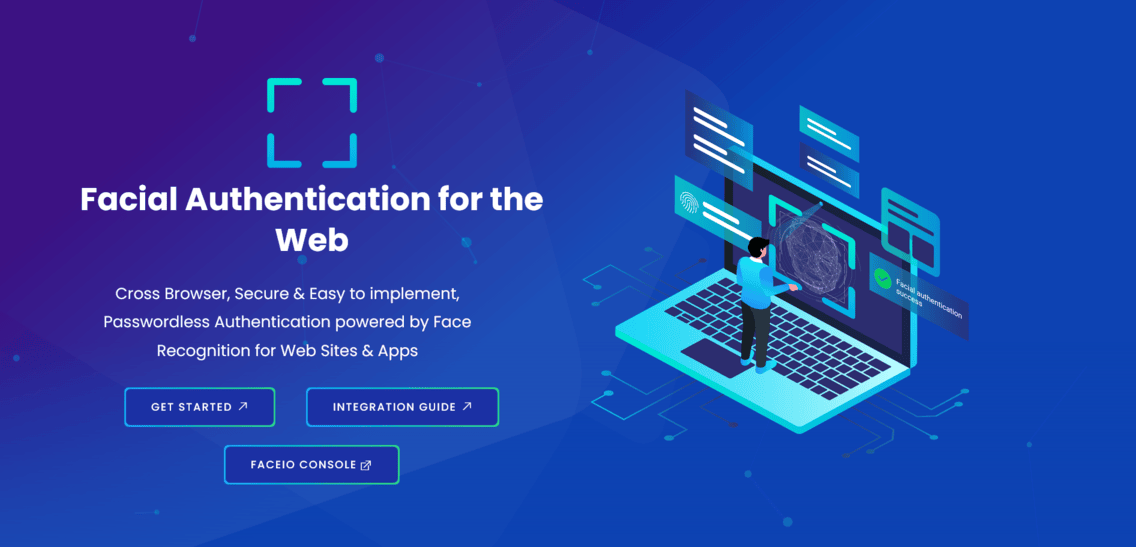
FACEIO Facial Authentication
Enable passwordless sign-in and identity verification on web and mobile with FACEIO, powered by secure, privacy-first facial recognition.
Start with FACEIOAccess over 150 API endpoints → from one platform. PixLab brings together ID document scanning, agentic desktop automation, document intelligence, background removal, and a unified Vision Platform for developers and business teams. Build production workflows across cloud, browser, desktop, and on-premises deployments.
Trusted by Product Teams and Developers Worldwide




Choose the APIs and tools your application needs: document extraction, image processing, content moderation and media editing. Add desktop automation with Think-Act or test document workflows in Vision Workspace, with documentation for each integration.
Enable passwordless sign-in and identity verification on web and mobile with FACEIO, powered by secure, privacy-first facial recognition.
Start with FACEIO
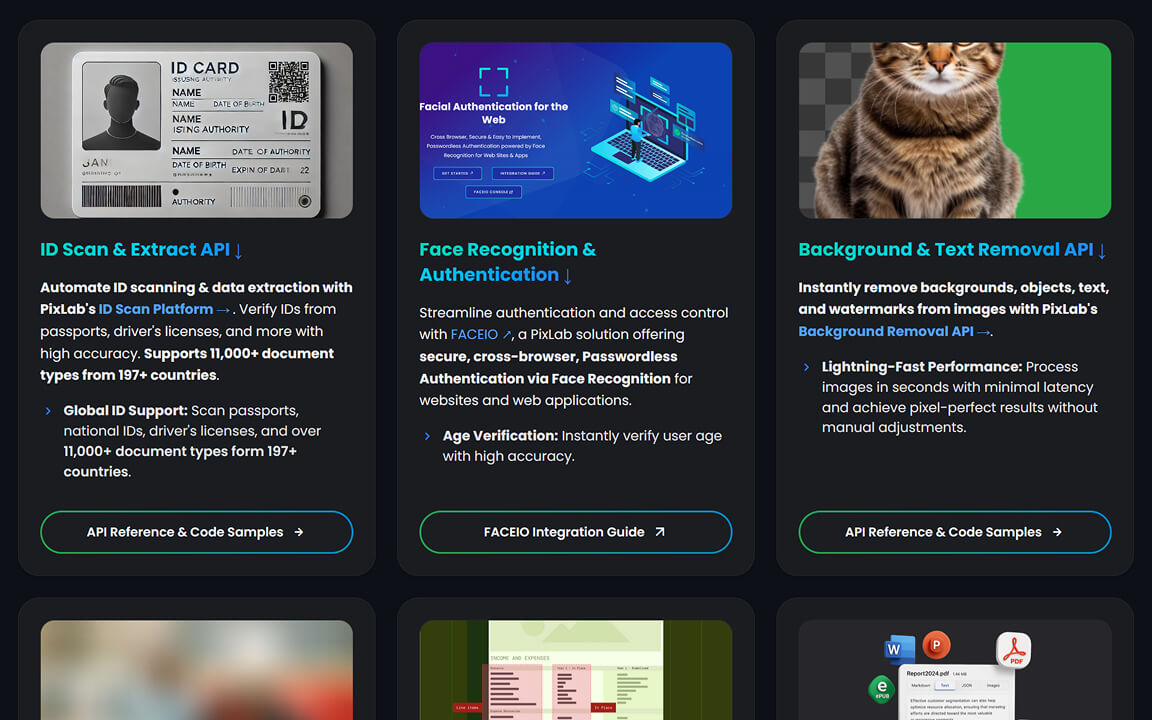
Parse passports, national IDs, and driver's licenses from 197+ countries into normalized JSON. Supports 11,000+ document types with lightweight integration.
Explore ID Scan API
Extract structured data, answer document questions, and automate image understanding with vision-language workflows powered by leading Vision Language Models.
Explore Vision Platform
Build faster with AI Photo Editor, AI Video Editor, Annotate, Creative Toolbox, Convert Box, and Bulk Image Background Removal in production-ready browser workflows.
Explore Creative ToolsExtract structured JSON from 11,000+ identity document types, including passports, driver's licenses, national IDs, and supporting documents across 197+ countries and territories. DOCSCAN is designed for document intake, onboarding forms, record processing, and back-office data entry.
Process passports, ID cards, and licenses with or without MRZ using one consistent DOCSCAN workflow.
Return standardized fields such as full name, document number, dates, and address for direct use in backend and document intake workflows.
Use extracted face crops and image quality indicators in downstream applications and manual document review workflows.
Use focused REST endpoints for background and watermark removal, then explore small vision models in development for browser automation, OCR, and image understanding.


Isolate the main subject and remove the background with pixel-accurate segmentation. Ideal for product catalogs, ad creatives, profile photos, and automated media pipelines.
Remove text overlays, captions, and watermark artifacts using inpainting-based reconstruction. Output remains natural for downstream editing, publishing, or model ingestion workflows.

PixWeb and PixVLM Small are compact vision models in development for browser, desktop and edge applications. PixWeb interprets browser screenshots for UI automation. PixVLM Small focuses on OCR, object recognition, visual questions, captions and image-to-JSON extraction.
Browser screenshots for UI automation.
Image understanding for your application.
Tested releases will include model downloads, browser demos, compatibility details and measured benchmarks. Choose the model that fits your task; an application does not need to load both.
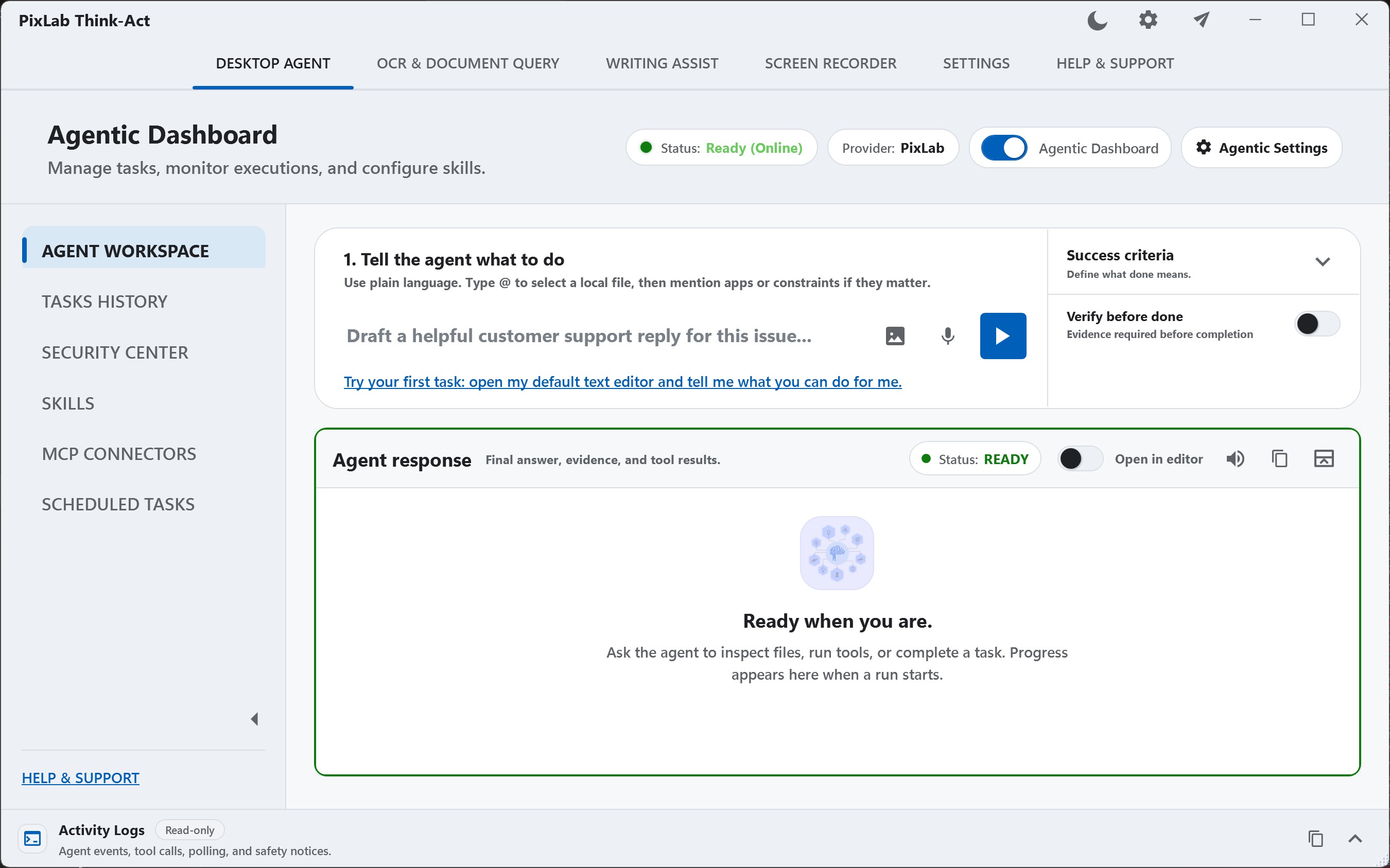
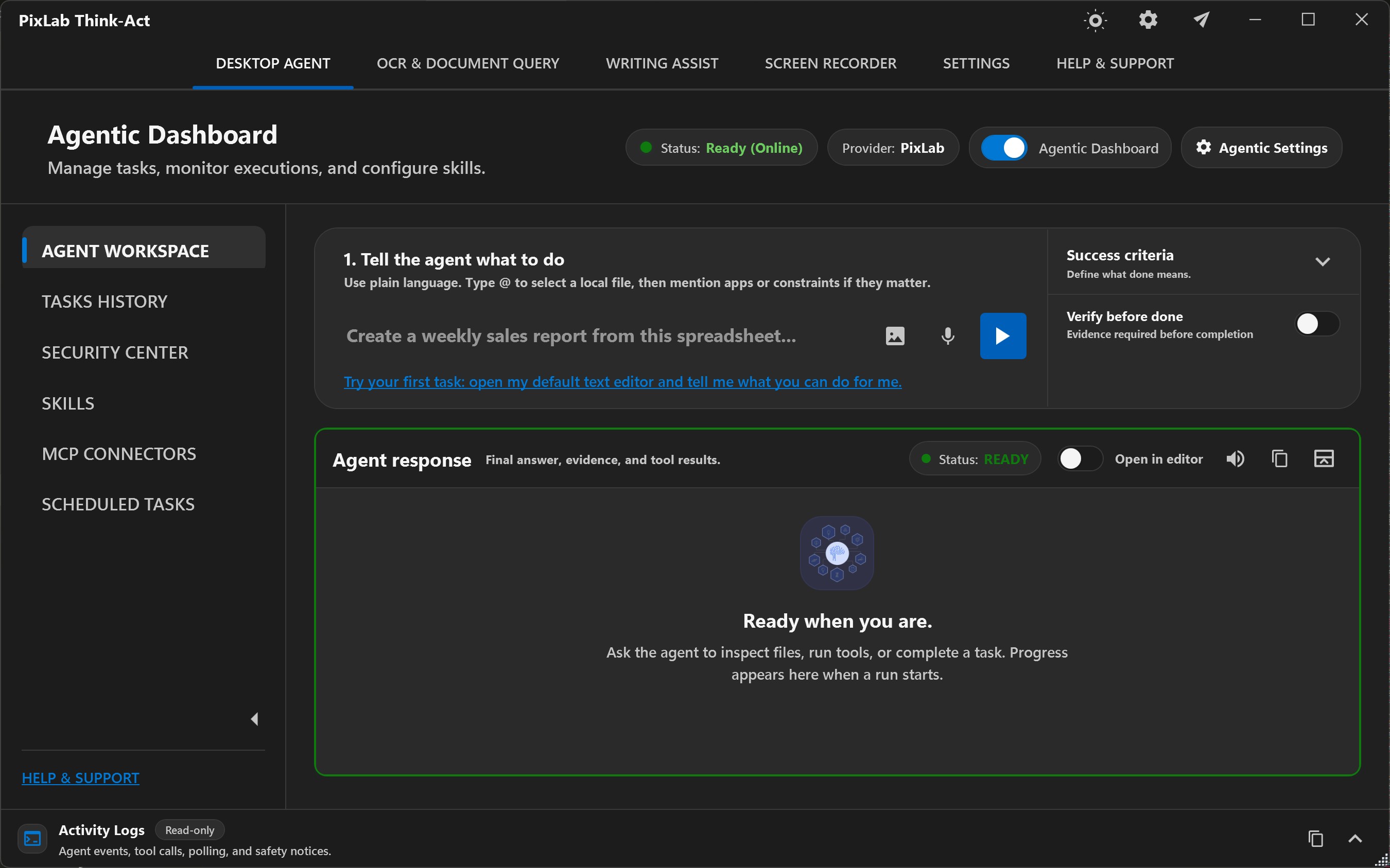
Think-Act combines a desktop agent, writing assistance, OCR, document intelligence and screen recording in one Windows and macOS app. Use a tool directly or describe a multi-step task, provide files or screen context, and follow its progress with approval controls and reviewable activity.
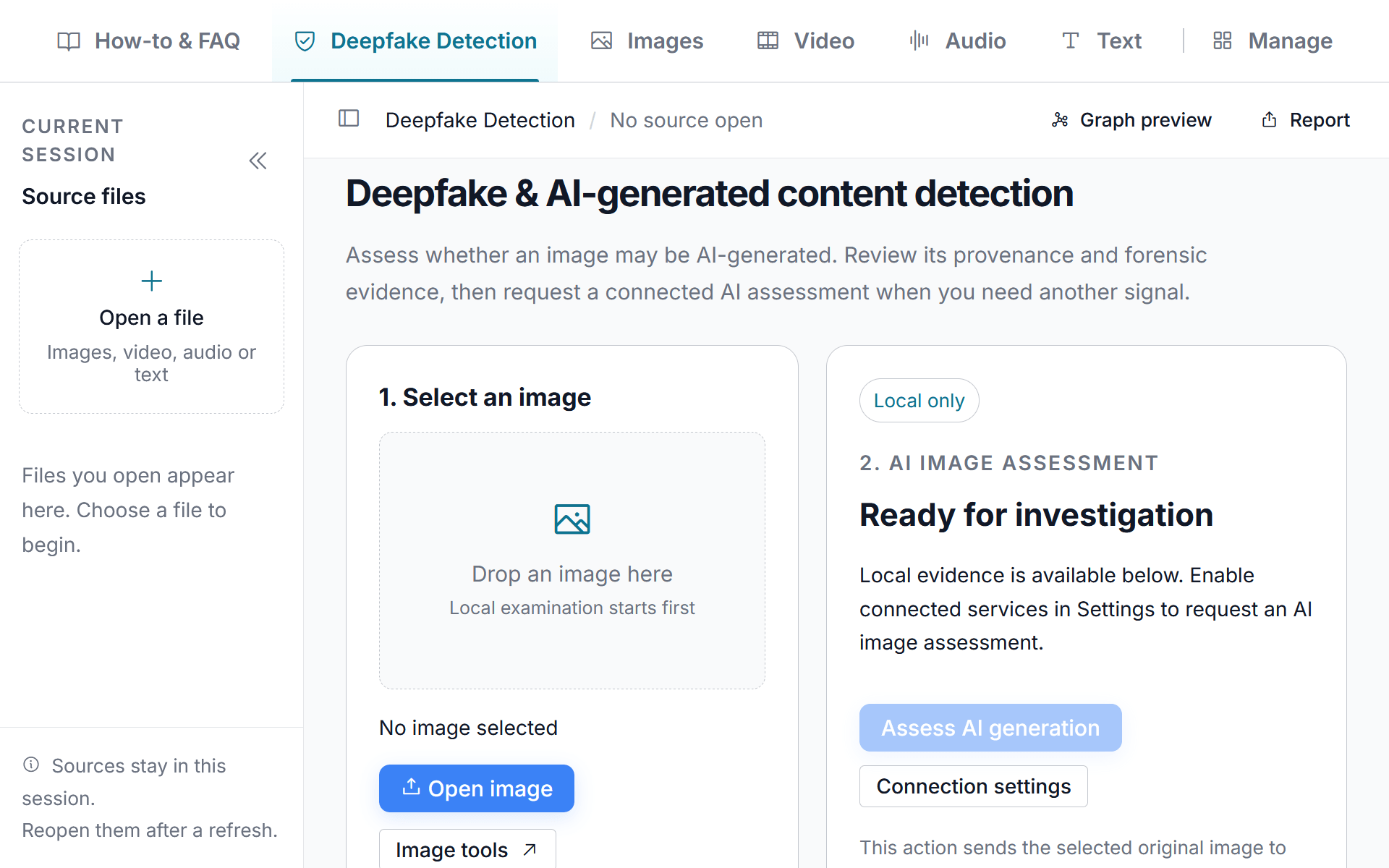
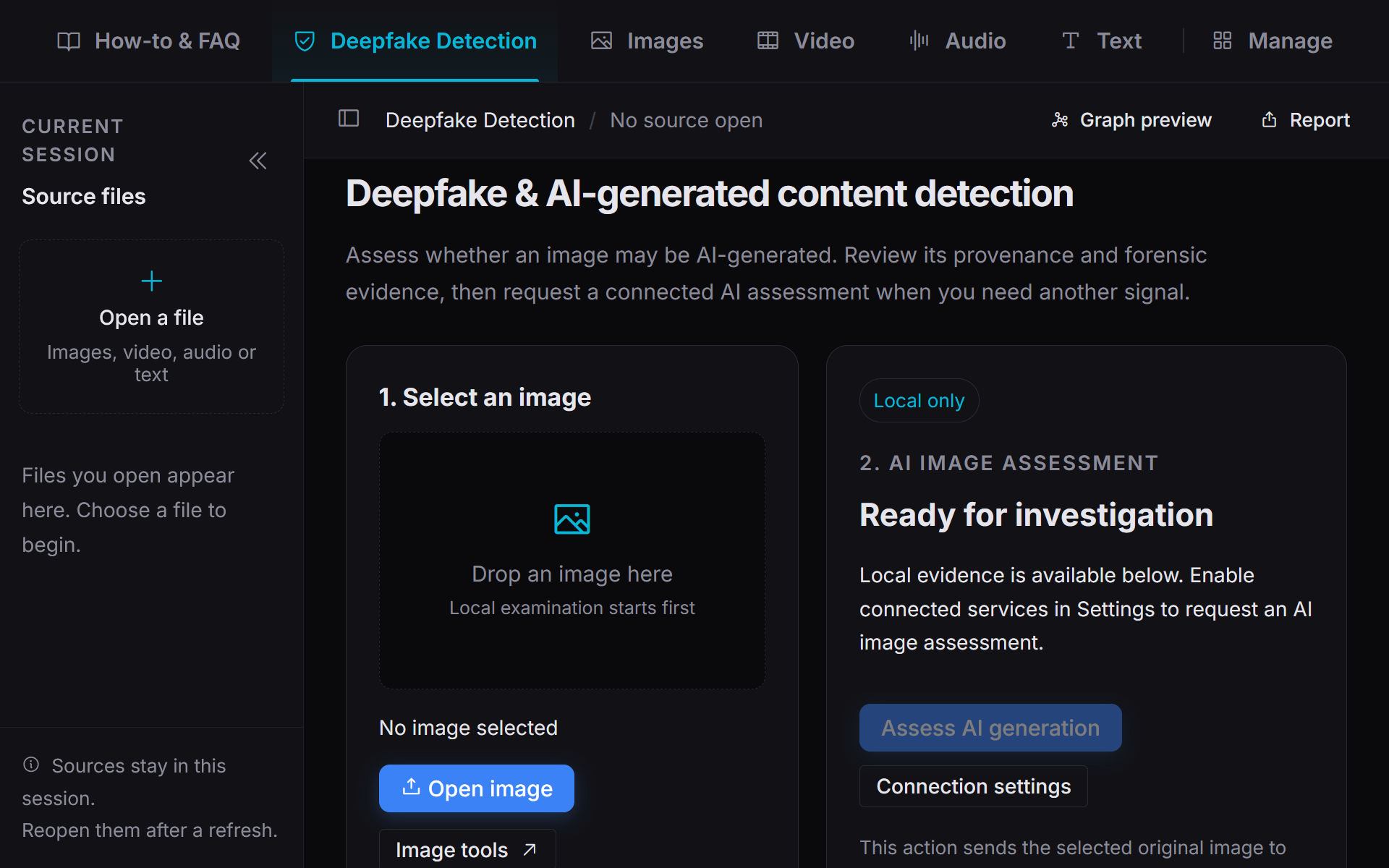
PixLab Forensic brings image forensics, deepfake investigation, recording review and text analysis into one workbench. Examine the original source, compare its provenance and diagnostic signals, and preserve the context behind your findings in projects and reports.
Developer resources
Choose an endpoint, try it with a sample file, and inspect the response before adding it to your application. Use the API references and practical tutorials for request parameters, response fields and error handling.
Generate Your First API KeyCreate your key in the PixLab Console and review the plan limits for your workload.
Follow the REST API guide with a representative file. Check the returned fields, image or document.
Use the tutorials and knowledge base for integration examples, batch processing and common implementation issues.
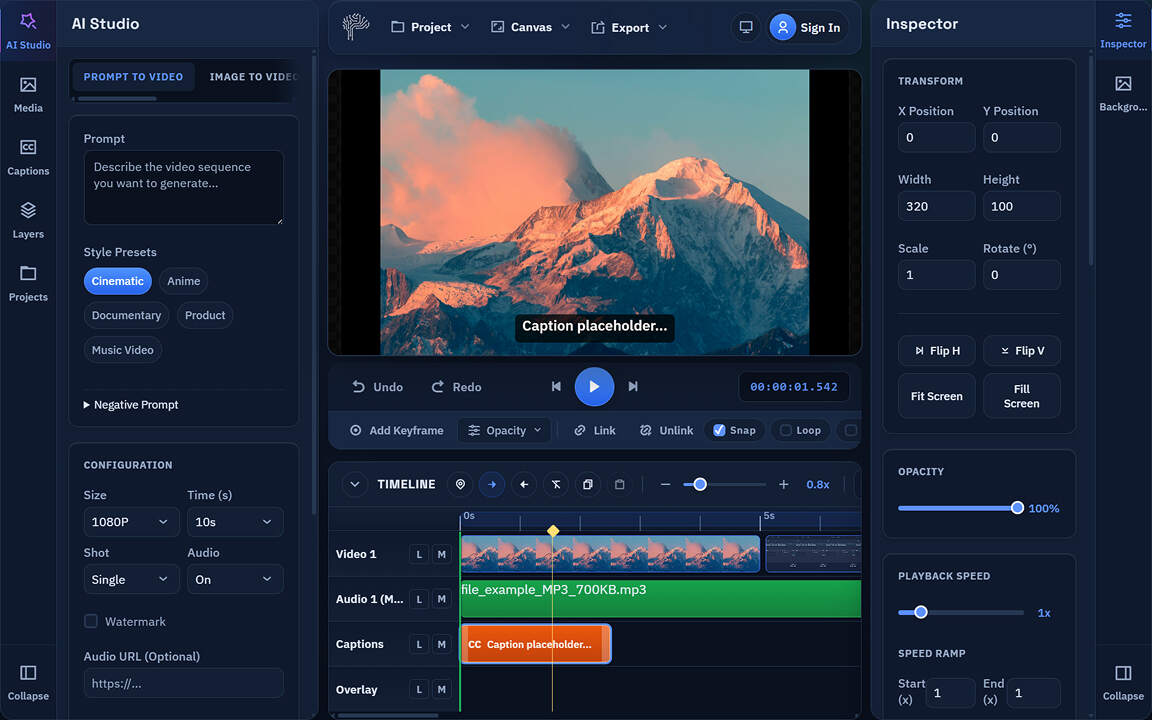
Prepare images with AI Photo Editor, Annotate, and Convert Box, then assemble clips and finish your video in the editor.
Open AI Video EditorThese examples reflect common production patterns across fintech, commerce, logistics, operations, and creator tooling. Use production-ready APIs, browser tools, and mobile apps to move from proof of concept to release with less integration overhead.
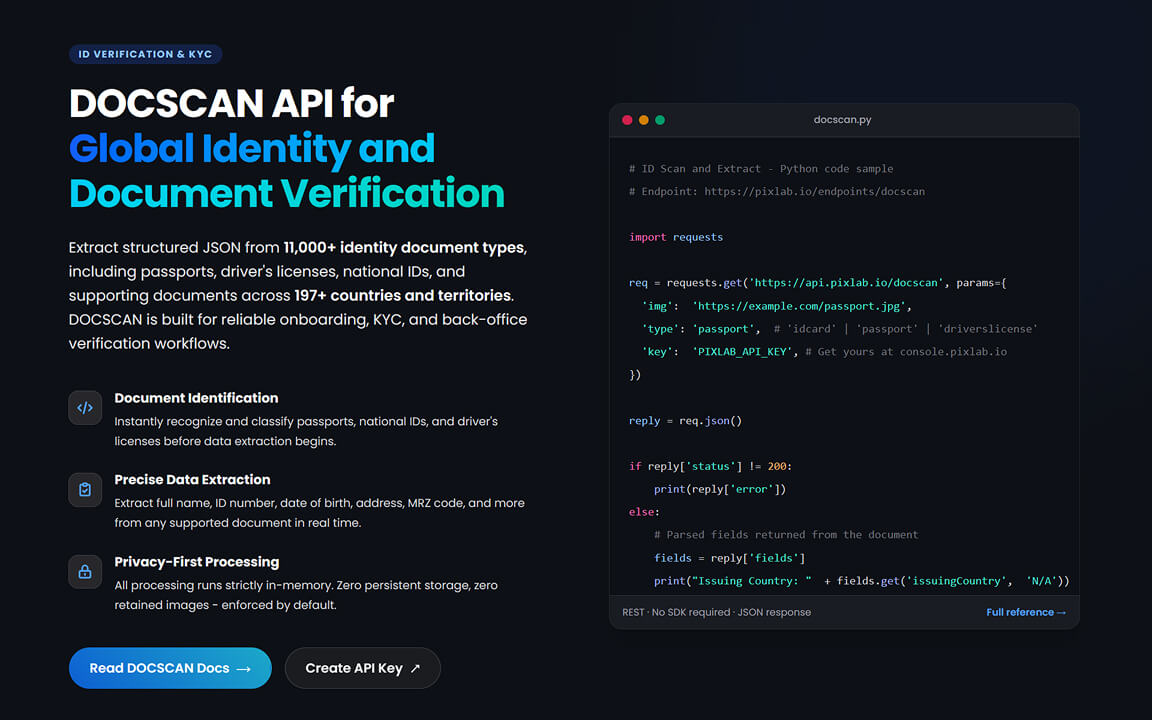
Identify passports, visas, and national IDs, then return normalized fields for onboarding forms and document intake workflows.
Open DOCSCAN Reference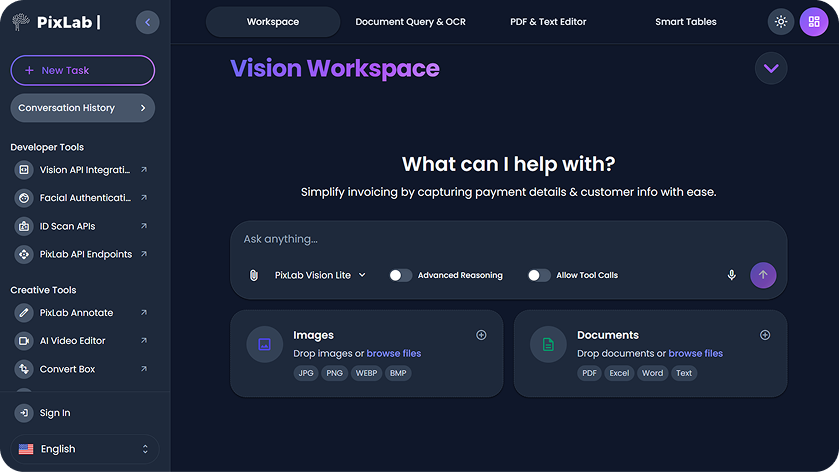
Ask questions over contracts, invoices, forms, and reports - and return structured answers using vision-language models.
Explore Vision LLMs
Score image uploads for adult or graphic content using the NSFW endpoint, then automatically blur or reject unsafe assets.
Try NSFW Endpoint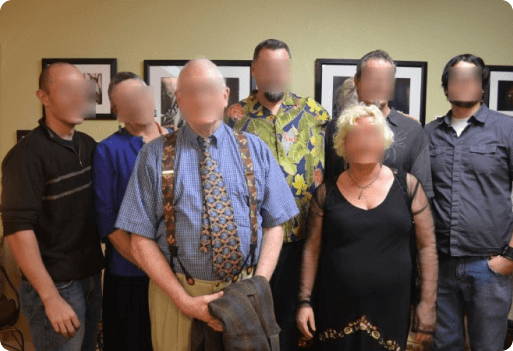
Detect all human faces in an image or video frame, then apply a privacy blur - using just two PixLab API calls.
Try FACEDETECT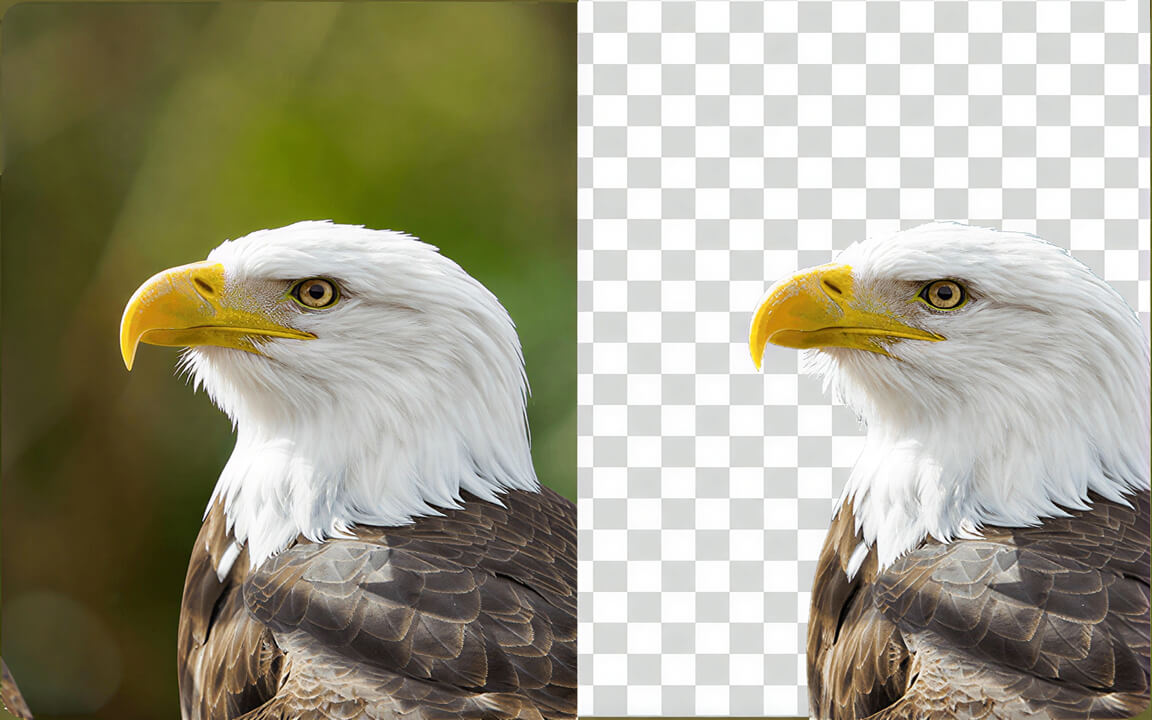
Remove backgrounds from product shots, portraits, and creative assets with a single API call - no manual masking needed.
Try BG-REMOVE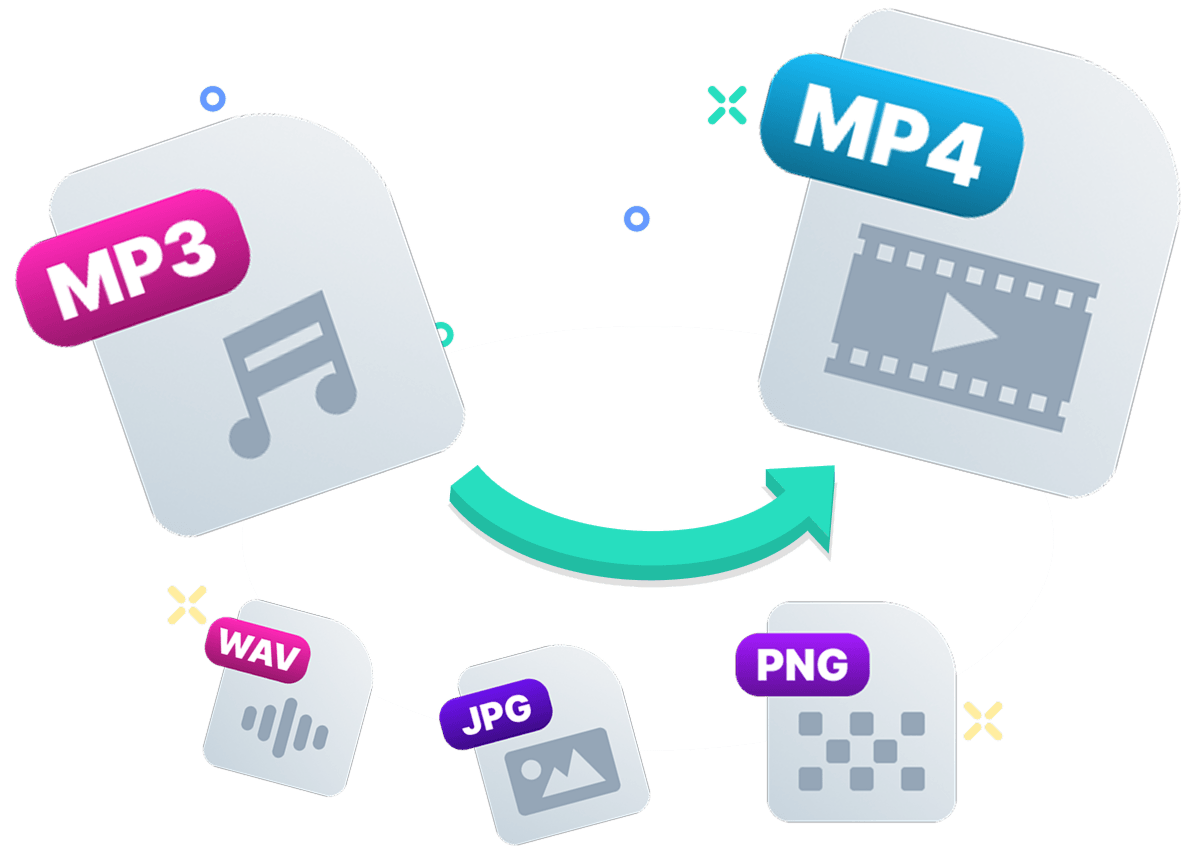
Convert between 239+ image, video, audio, and document formats in-browser or via API - no installs, no server setup, batch-ready.
Open Convert BoxCombine FACEIO for passwordless sign-in, DOCSCAN for global identity document extraction, and Think-Act for supervised desktop and document workflows.
Add facial authentication to an existing website or web app with FACEIO's JavaScript library. Enroll new users and authenticate returning users through their camera, while your backend keeps control of accounts and authorization.
Integrate FACEIO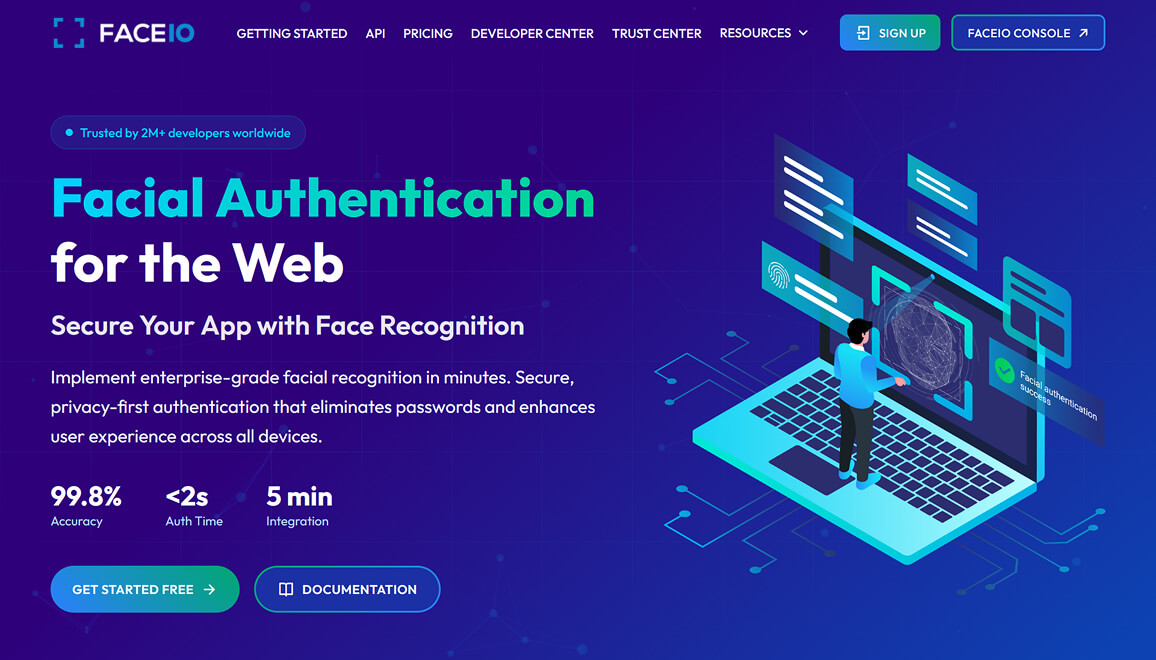
Connect account sign-in, document intake and analysis to the systems your team already uses. Choose a separate tool for each part of the workflow.
Browse the PixLab API catalog for ID document scanning, image and video processing, OCR, content analysis, automation, and more. Each reference focuses on the request format, response fields, and integration details developers need.
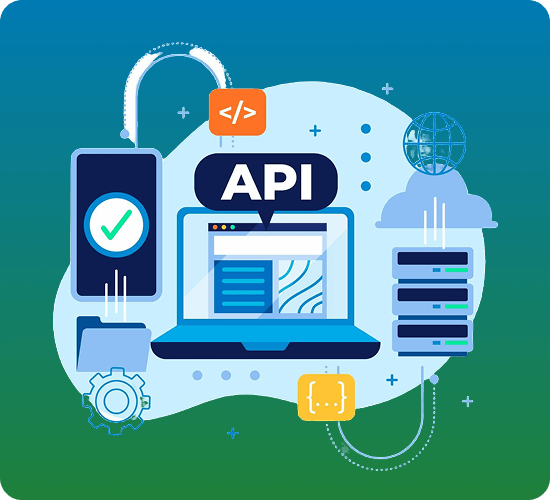
Try document questions, OCR and structured extraction with your own files. Review the results in Vision Workspace, then use the API reference to connect the workflow to your application.
Compare model responses, check extracted fields and work through representative documents before writing your integration.
Explore deployment on your own infrastructure, including private cloud and air-gapped environments. Review supported APIs, capacity and service requirements with the PixLab team.
Browser-native tools for UI code generation, design mockups, image annotation, and media conversion.
Explore PixLab iOS apps for video editing, photo editing, document scanning and camera translation in the Mobile Hub. Find features, screenshots and download links for each app.
Trim, merge, and apply AI effects to videos directly on iPhone. A full-featured mobile editor for creating polished content without desktop tools.
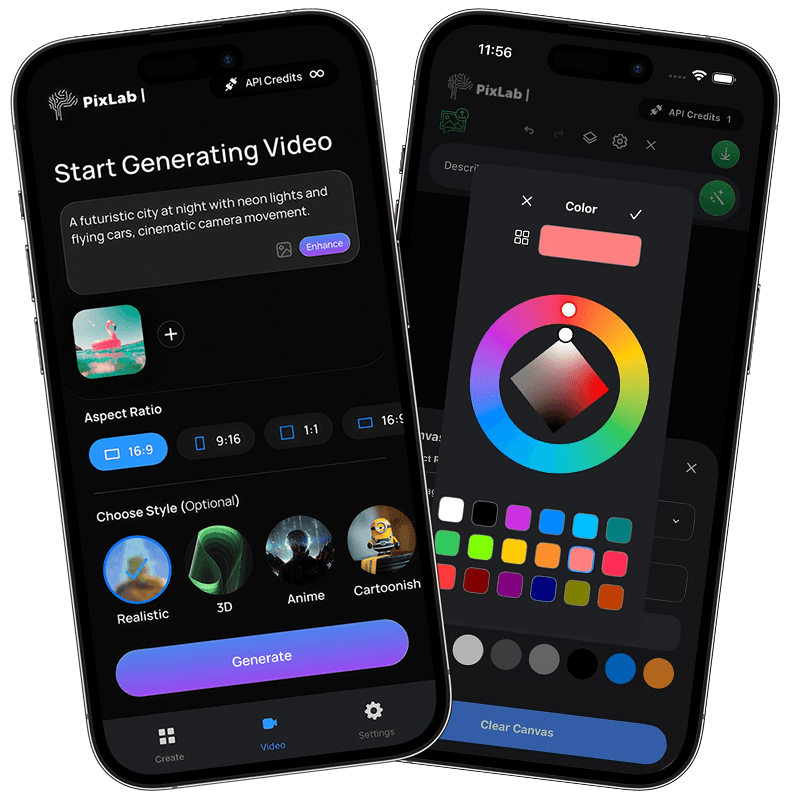
Prompt-based photo editing on iOS, with background removal, filters, layers and creative tools for everyday image work.
View iOS Product Page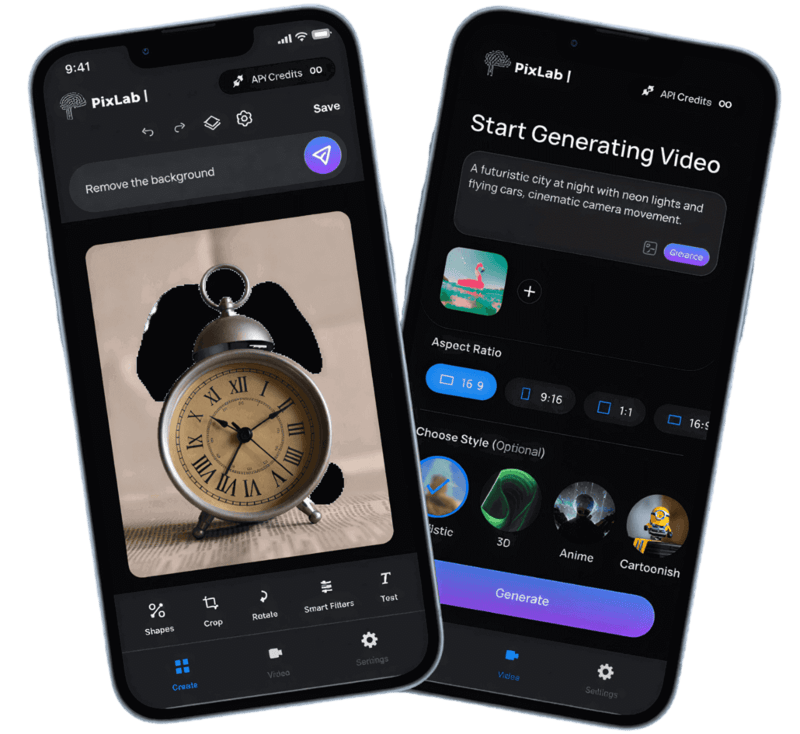
Scan, digitize, and extract data from ID documents, receipts, and forms - powered by the DOCSCAN API.
Point and translate - live on-screen translation of text in the real world, powered by PixLab OCR and translation APIs.
Browse the mobile apps for editing, scanning and translation. Developers can explore the API catalog to add related vision and media features to their own products.
Run vision, inference, and data workflows in embedded, desktop, or edge environments when local execution and runtime control matter.
Embedded computer vision and machine learning library in C for real-time object detection and face recognition in CPU-first environments.
C++ NumPy file reader/writer - read and write .npy and .npz array files from C++ without Python, for ML pipelines.
Stable Diffusion inference in pure C/C++ - generate images from text prompts on CPU without Python or PyTorch.
Real-Time ASCII Art C Library - transform images and video frames into ASCII art at runtime with configurable density.
Explore PixLab's open source libraries and start building locally.
Open DownloadsFind your starting point
Start with the job you need to do. These links take you to the product details, API documentation and deployment options for each workflow.
Test document questions, OCR and structured extraction in the Vision Platform, then integrate the VLM API with your application.
Add passwordless facial login with FACEIO, and extract structured fields from 11,000+ document types across 197+ countries with DOCSCAN.
Use Think-Act for supervised document work, screenshots, research, writing, and repeatable tasks across Windows and macOS.
Generate a starting point for SwiftUI, Flutter, React Native, or Jetpack Compose from a screenshot, sketch or description. Review and adapt the code to your app.
Automate background removal, watermark cleanup, cropping, moderation and object detection with REST APIs. For hands-on editing, use the video editor, photo editor, Creative Toolbox or bulk background removal tool.
Explore on-premises deployment for your infrastructure. Discuss supported APIs, air-gapped environments, dedicated capacity and service requirements with the team.
Straightforward answers for teams evaluating PixLab or planning an integration.
Browse API EndpointsBuild with PixLab
Open the PixLab Console to get your API key and start a 7-day free trial. Choose an endpoint, try it with your files, and review the output before building it into your workflow.
Monthly plans are available. Usage and throughput limits depend on your plan and endpoint.