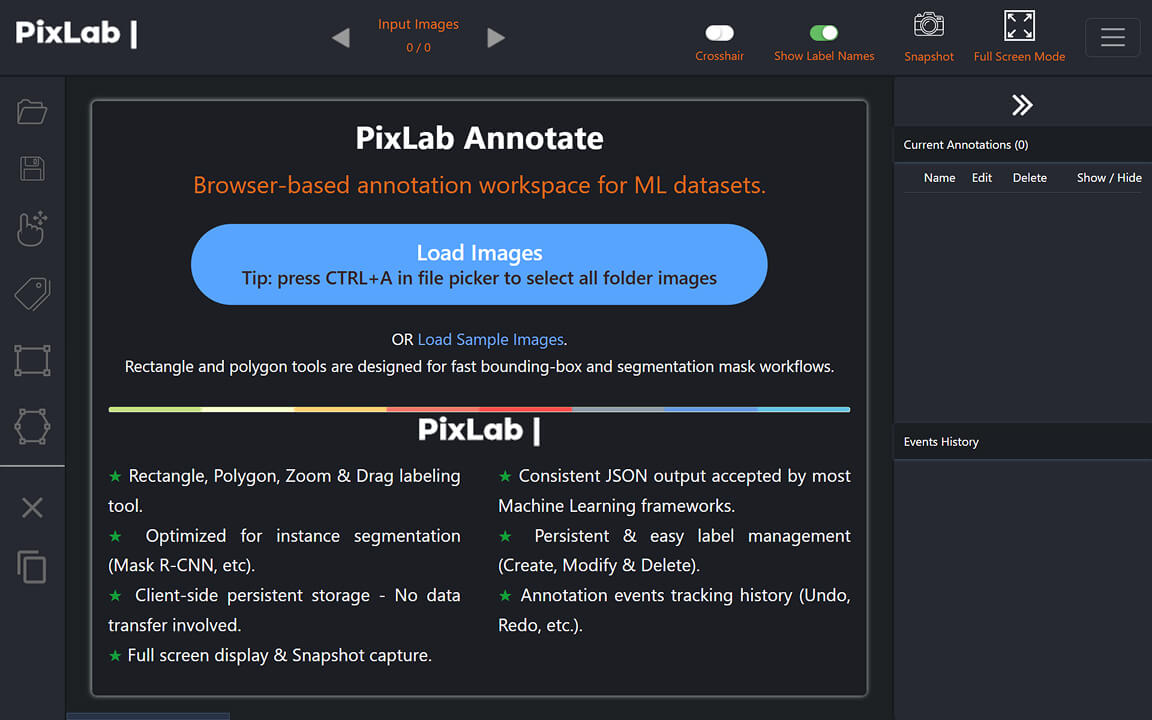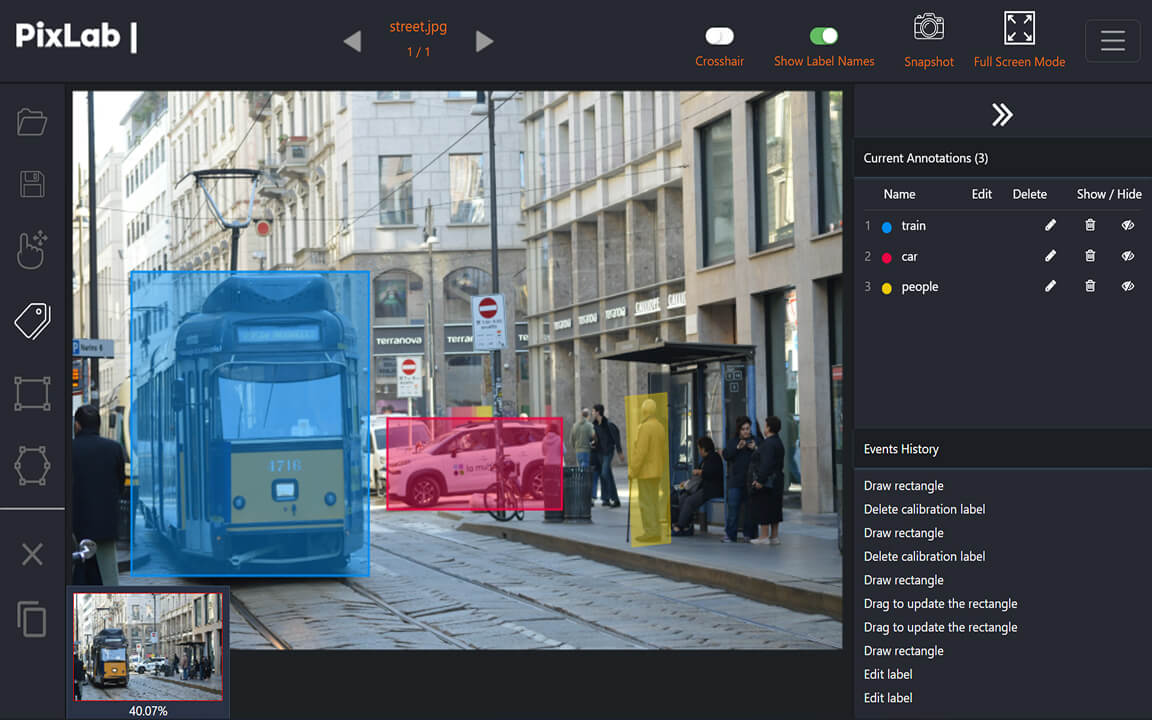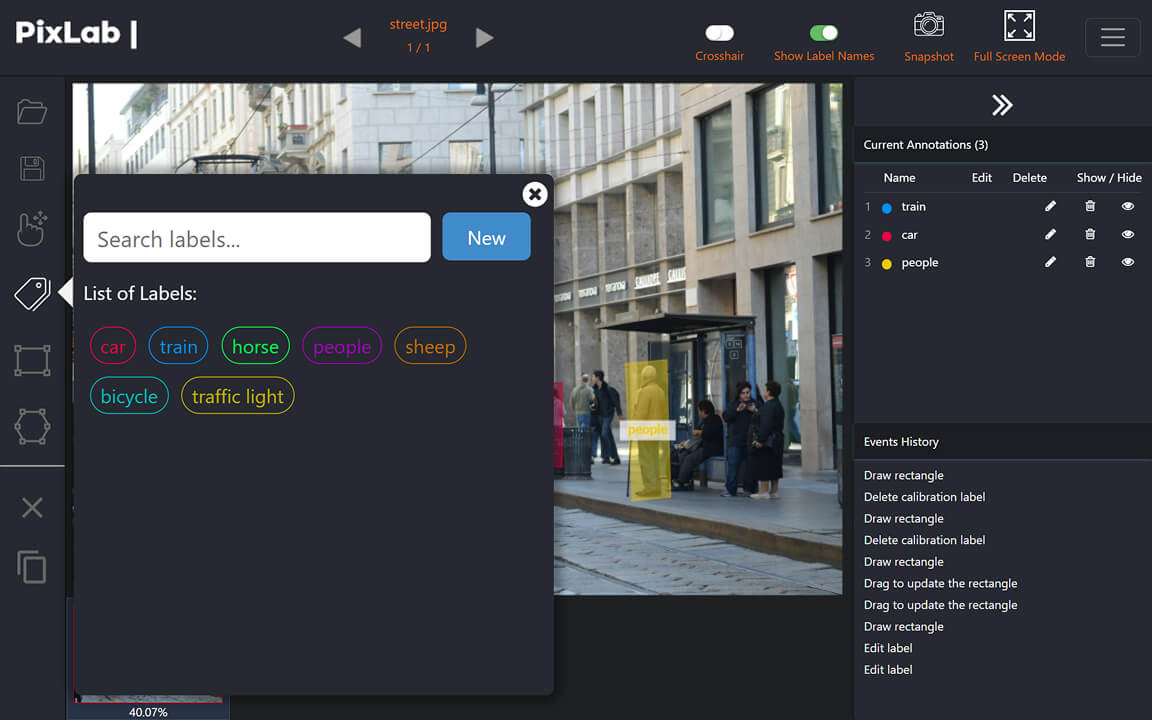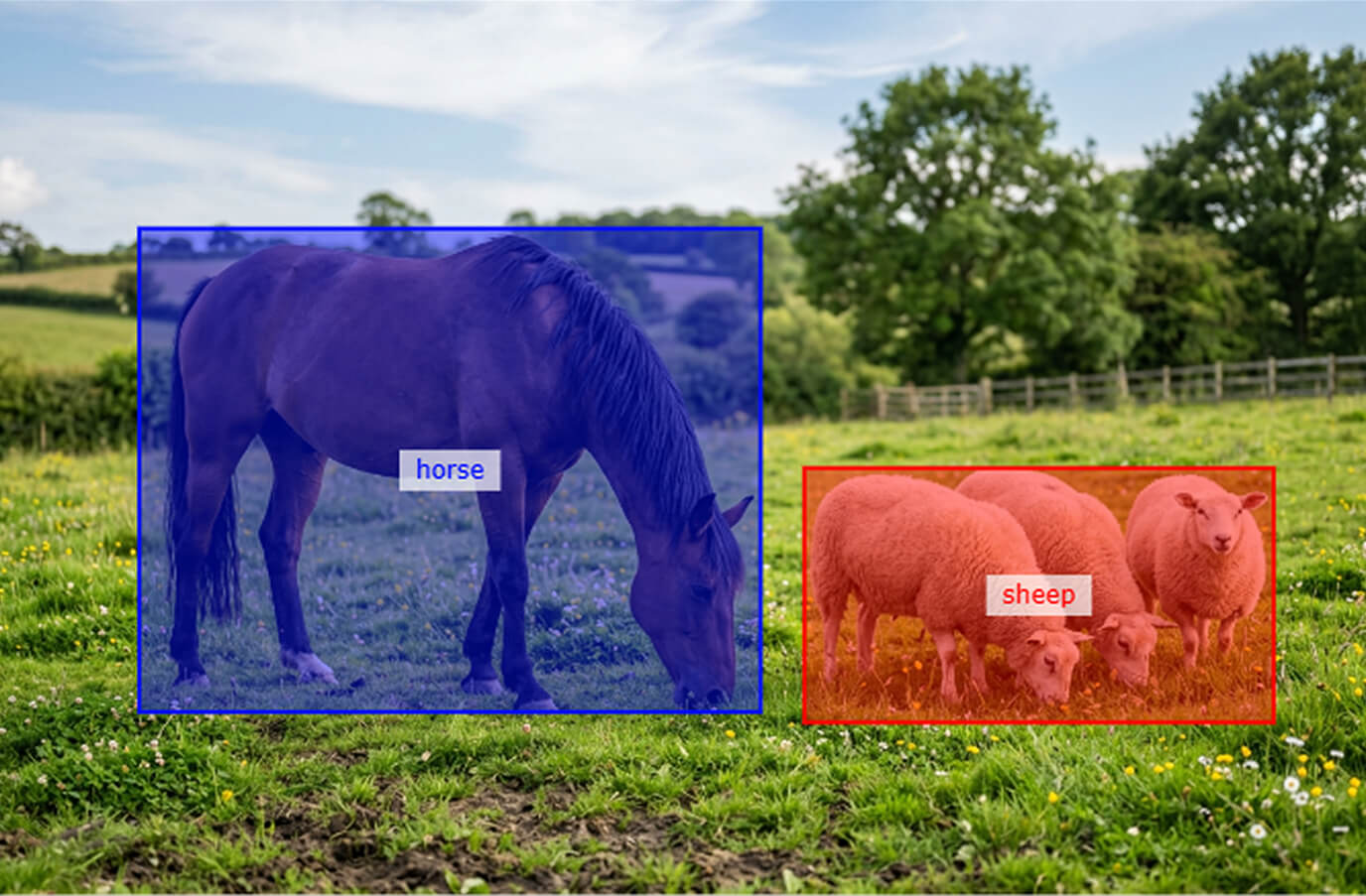
Multiple-Image Annotation
Select multiple images from a folder on your device, then move through them in sequence with keyboard-friendly controls. Source files remain on your device throughout the labeling session.
Create bounding boxes and polygon segmentation labels directly in your browser. PixLab Annotate processes source images locally on your device, with no image transfer to PixLab servers, and exports structured JSON for machine learning datasets.
Source-Image Transfers
Images remain on your device
Local Processing
No annotation server required
Structured Export
Coordinates and label metadata
Start Immediately
Open the browser tool and label
Load multiple images from your device, create bounding boxes or polygon labels, manage classes, review annotation history, and export structured JSON from one browser workspace.
Select multiple images from a folder on your device, then move through them in sequence with keyboard-friendly controls. Source files remain on your device throughout the labeling session.
Draw rectangular bounding boxes for object detection or polygon outlines for segmentation datasets, with zoom and drag controls for detailed labeling.
Export machine-readable JSON with annotation coordinates, rectangle geometry, and label metadata for use in your data preparation or model training pipeline.
Annotation state is stored in your browser. Use the event history to undo or redo changes and continue work later in the same browser on the same device.
Ready to label images without transferring them to a server?
Open the Annotation ToolAnnotation Tool
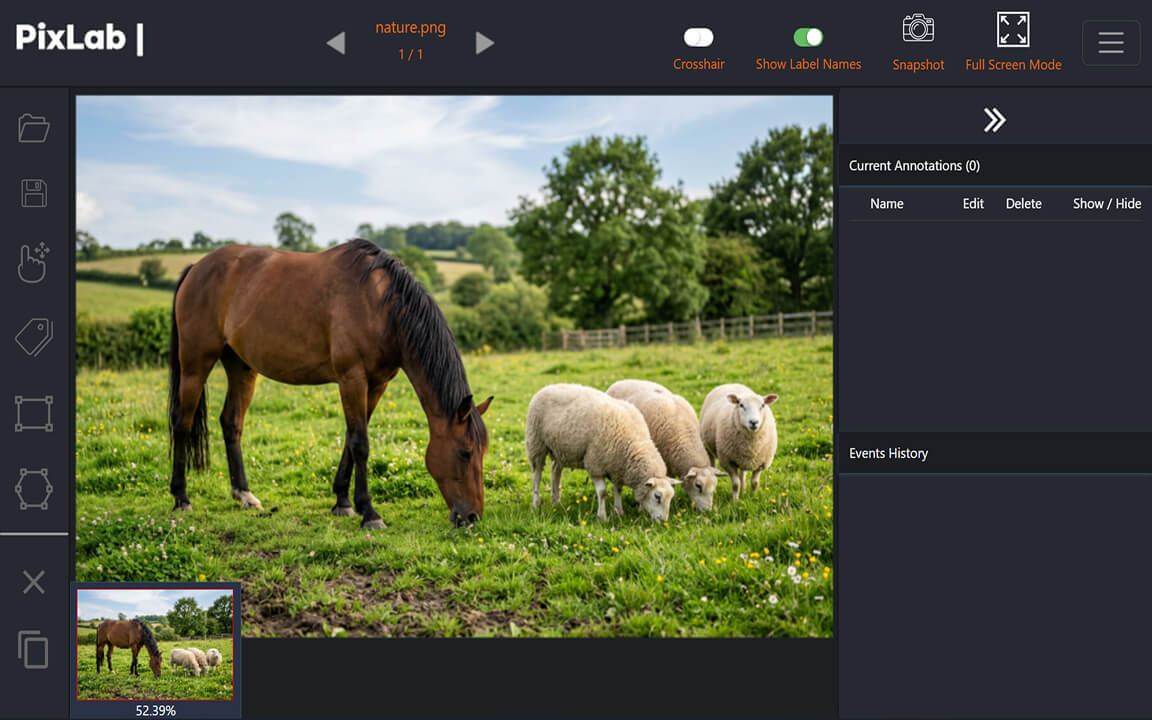
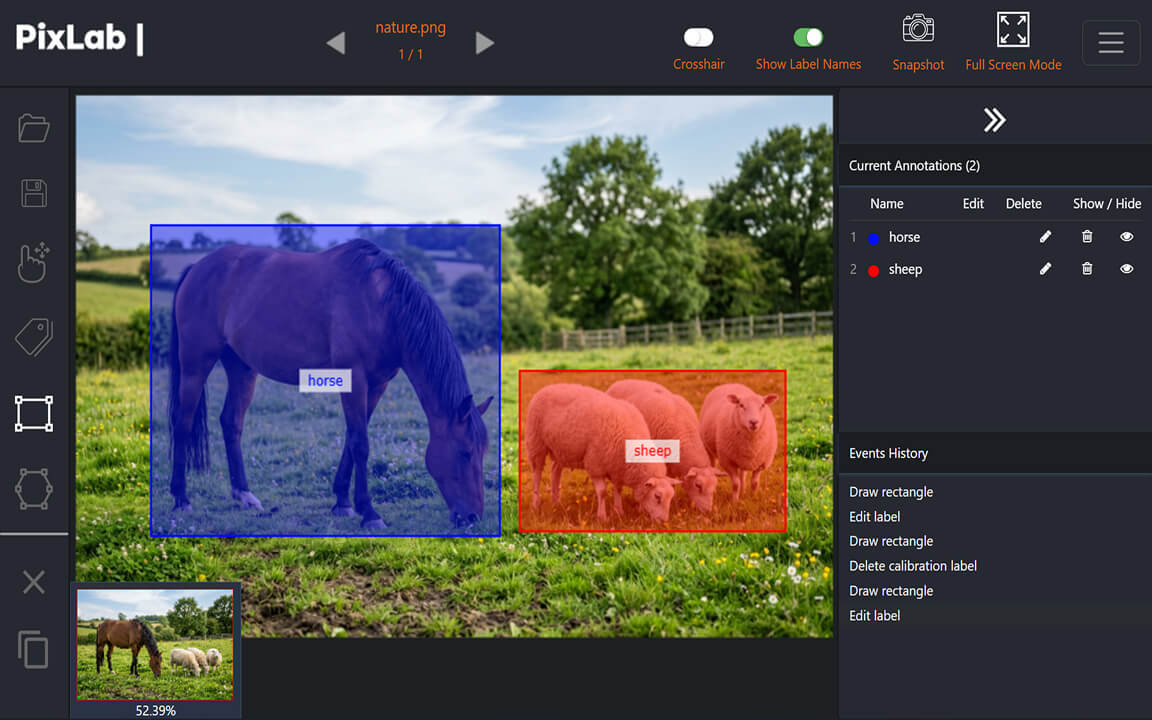
Annotate images for object detection and segmentation directly in your browser. Compare an unlabeled source image with its bounding box and polygon annotations below.
Open the app, select images from your device, and start labeling without an account. Source images are processed in your browser and are not transferred to PixLab servers.
Open Annotate
Select multiple files from an image folder, then move through them in sequence. The browser handles the working set on your device, so source images do not need to be sent to a remote annotation service.
Use rectangles to mark object locations and polygons to trace irregular boundaries for segmentation. The online labeler also includes an eraser for corrections, while zoom, drag, full-screen display, and snapshots support closer inspection.
PixLab Annotate loads and processes source images inside your browser. The images are not uploaded to PixLab servers, making the tool useful when a cloud annotation workflow is unnecessary or unsuitable for the dataset.
[{
"content": [
{ "x": 1368.42, "y": 1236.29 },
{ "x": 3036.72, "y": 1236.29 },
{ "x": 3036.72, "y": 2394.45 },
{ "x": 1368.42, "y": 2394.45 }
],
"rectMask": {
"xMin": 1368.42,
"yMin": 1236.29,
"width": 1668.30,
"height": 1158.16
},
"labels": {
"labelName": "meat",
"labelColor": "#ff0000",
"labelColorRGB": "255,0,0",
"visibility": true
}
}]
Export annotations as structured JSON that your own scripts can read, validate, transform, or map into the schema required by a computer vision training pipeline.
PixLab Annotate is a practical fit for developers, researchers, and teams that need manual image labeling without sending source datasets to a cloud annotation platform.
Create bounding box and polygon labels for experiments, baselines, and model iteration without installing an annotation server.
Define clear class names and colors, review each selected image, and export consistent JSON annotation data for downstream processing.
Prepare and review image datasets in the browser while keeping source files on lab machines.
Test a label taxonomy and prepare early datasets without accounts, server setup, or a cloud workspace.
Use event history, undo, redo, and label visibility controls to inspect and correct annotations before export.
Teach bounding boxes, polygon segmentation, class labels, and JSON annotation structure with a tool students can open in a browser.
Details about in-browser image processing, supported annotation tools, browser storage, and JSON export.
Open AnnotateOpen PixLab Annotate in a modern browser, select images from your device, and create bounding box or polygon labels. Your source images remain on the device.