Create 2D Game Tilemaps Online in Your Browser
Build layered tilemaps, import custom tilesets, and export your work as JSON or images with a fast browser editor designed for real 2D game workflows.
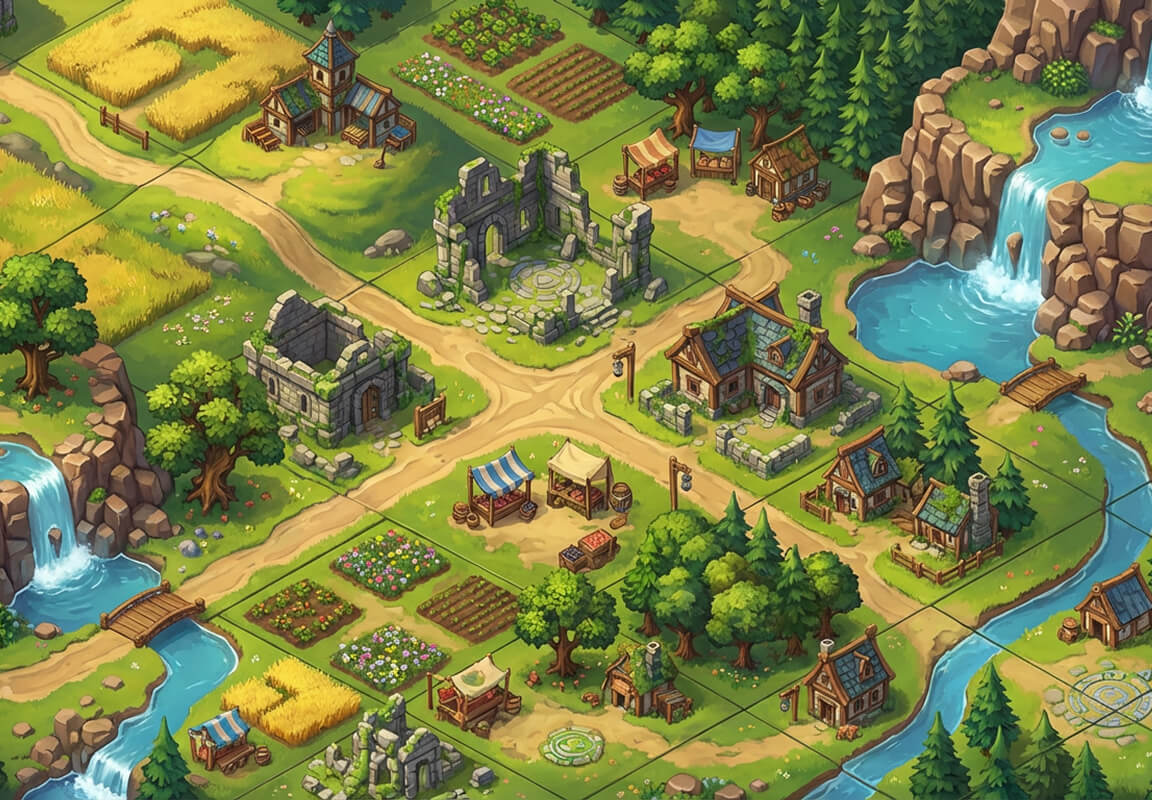
Why Teams Choose
PixLab for Tilemap Editing
PixLab gives developers a clean, browser-based tilemap workflow that removes setup friction and helps teams move from idea to playable level faster. Built for quick iteration, clear layer control, and portable exports that fit common 2D pipelines.
Zero Setup Friction
Start building immediately without downloads, forced installations, or mandatory account creation.
Focused Editing
Map editing stays focused and lightweight, without unnecessary UI clutter or setup overhead.
Your Own Tilesets
Import your own image assets instead of being locked into fixed art packs. Build the world exactly as you envisioned.
Advanced Layer Control
Organize complex maps with visibility toggles, layer locking, depth sorting, and per-layer opacity adjustments.
Engine-Ready Exports
Export finished maps as structured JSON or flat image formats (PNG/JPG) that are easy to inspect, parse, or drop directly into your custom 2D engine pipeline.
From Blank Canvas to
Playable Level in Minutes
Start building your next level quickly in the browser, with no installation or setup delay.
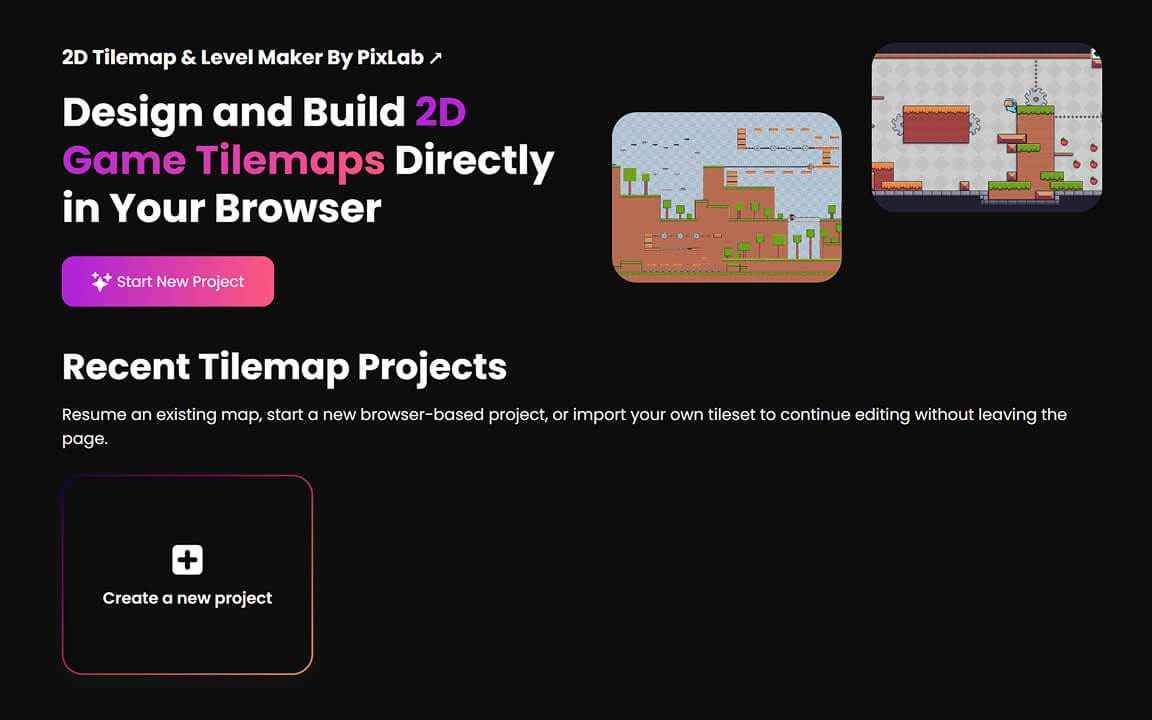
Start a New Project
Open the editor directly in your browser, set the tilemap grid dimensions, and give your project a starting size that matches the level you have in mind.
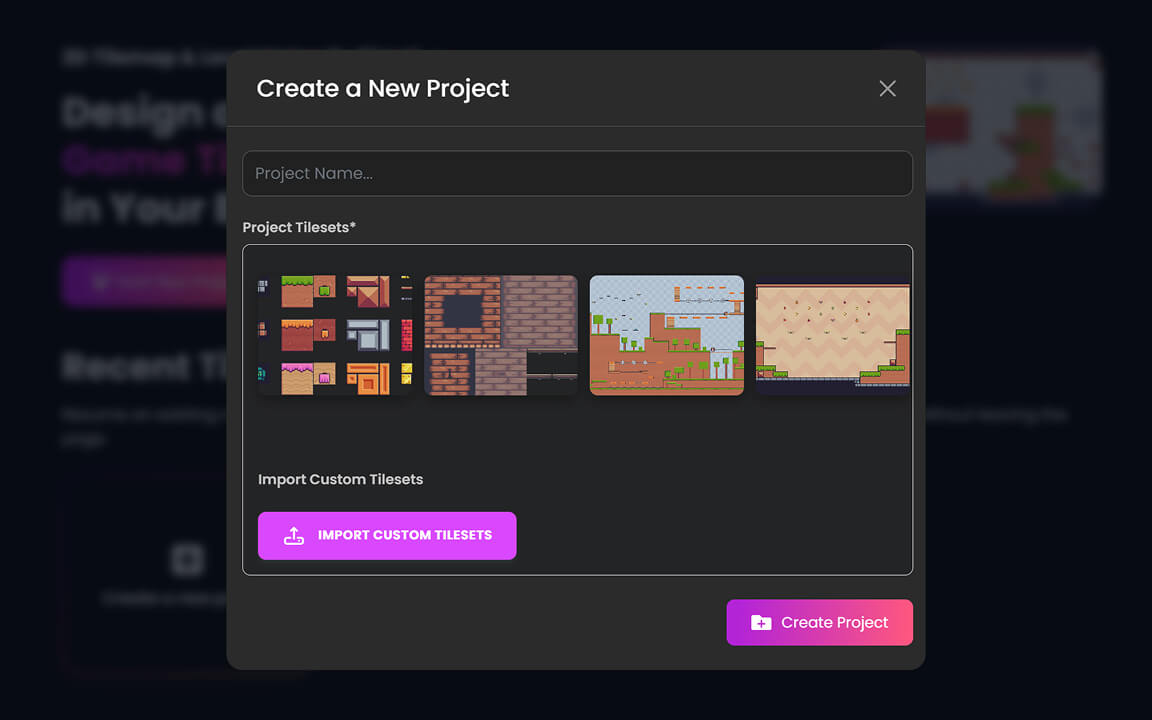
Choose Your Tileset
Pick a built-in tileset to get started quickly, or upload your own image-based art to work with artwork that matches your vision.
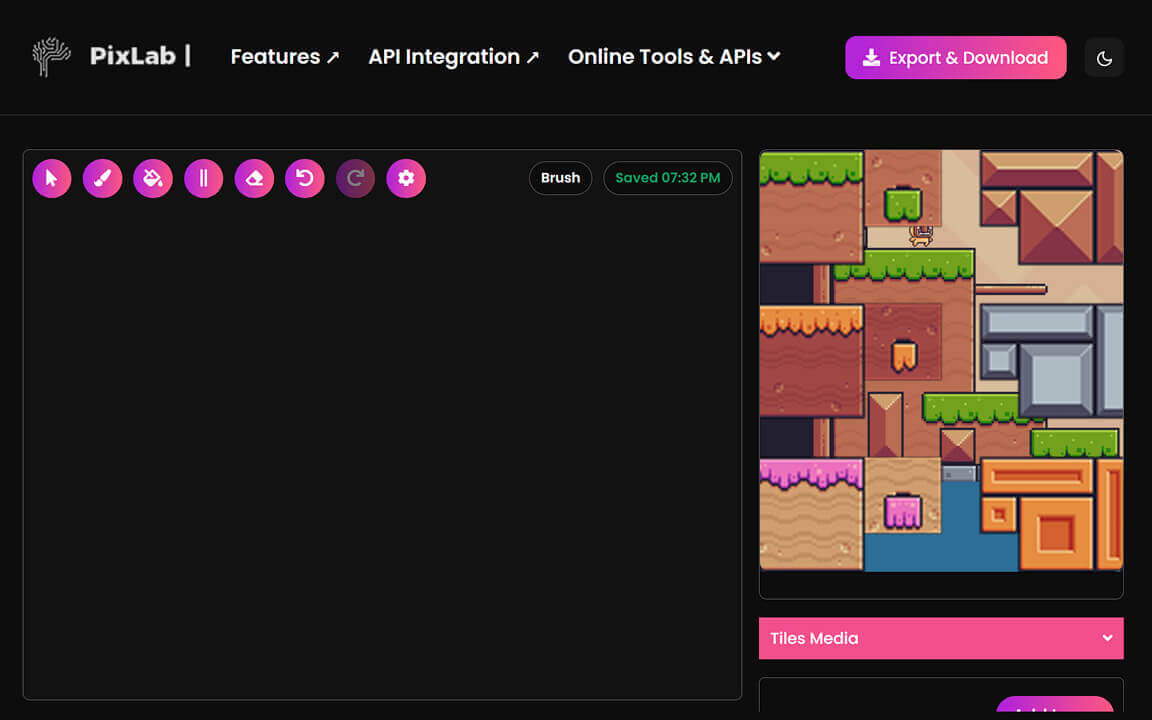
Start Designing
Use brush, fill, and line tools to shape levels quickly while keeping layouts easy to adjust.
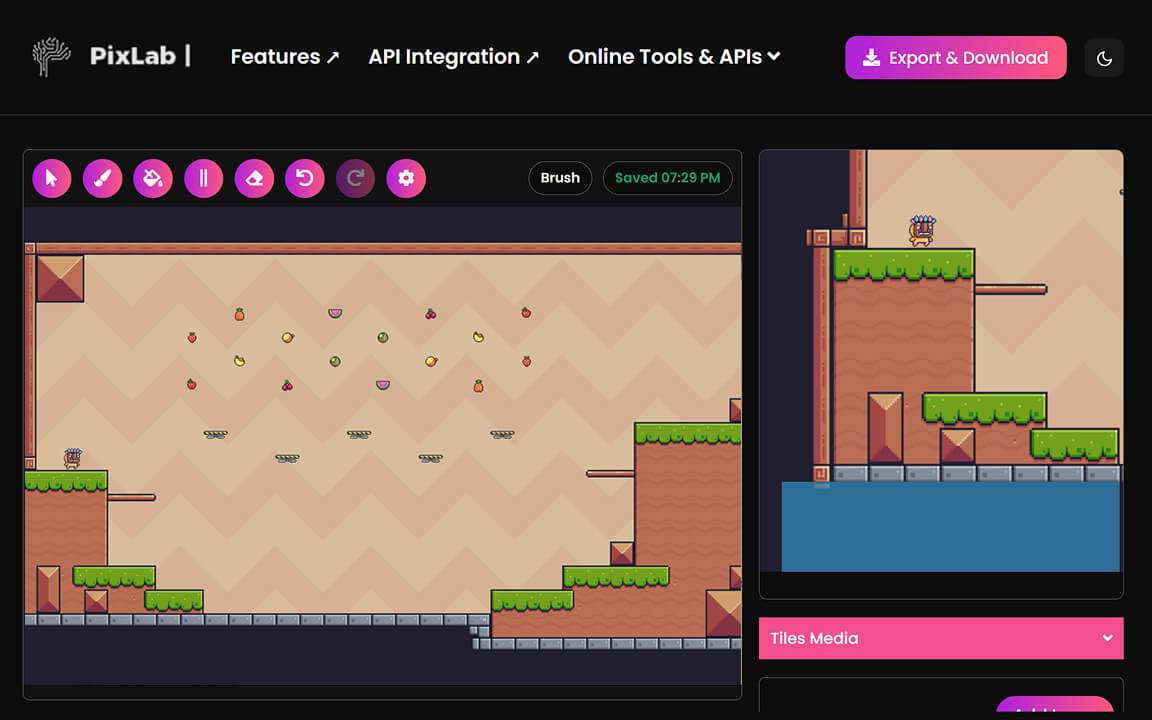
Fast Tilemap Editing Tools
The editor focuses on the actions you use most while building 2D maps, so you can block out levels, refine layouts, and test ideas without unnecessary complexity.
Brush & Fill
Paint tiles directly or fill larger areas in seconds.
Line Tool
Create clean walls, paths, and level boundaries.
Erase Tool
Fast and precise cleanup for mapping mistakes.
Precise Selection
Accurately grab and place uploaded tiles.
Layer Controls That Keep Large Maps Organized
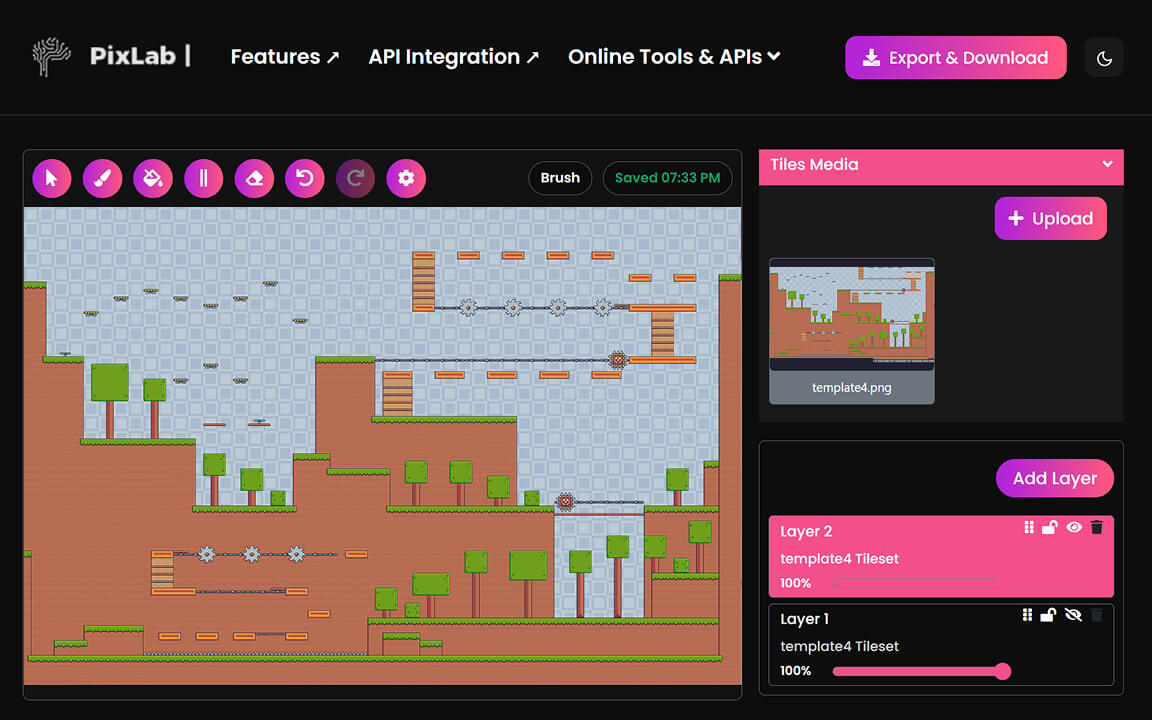
As projects grow, layer control becomes the difference between a usable editor and a frustrating one. PixLab keeps map structure manageable with controls that help prevent mistakes and speed up revisions.
Multi-Layer Stack
Create and reorder unlimited editable layers.
Layer Lock
Lock layers to prevent accidental painting.
Visibility Toggle
Show or hide layers while testing layout views.
Opacity Control
Adjust per-layer opacity for precise alignment and layout checks.
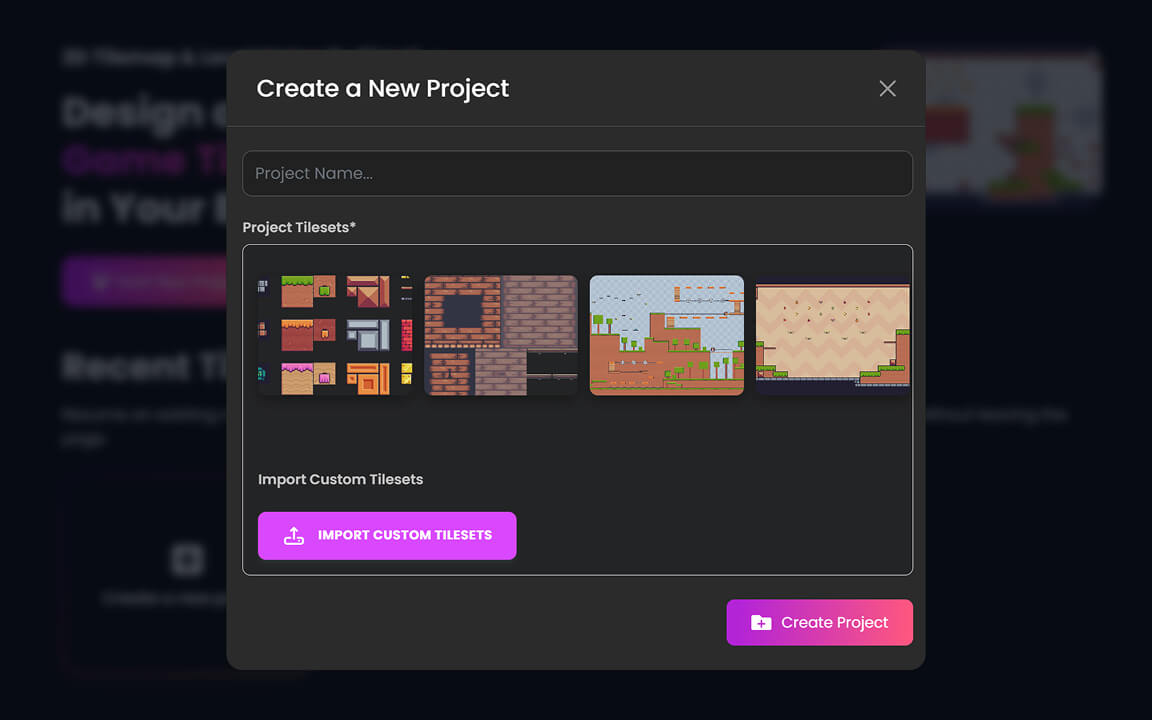
Bring Your Own Tilesets
You are not limited to preset assets. Upload your own tilesets and work with artwork that matches your game's style, your prototype, or your classroom project.
Custom Uploads
Import any image-based tileset directly.
Built-in Assets
Start quickly from robust built-in templates.
Layer Binding
Tie tilesets to specific active layers.
Quick Switch
Swap tilesets mid-editing without losing work.
Export and Keep Moving
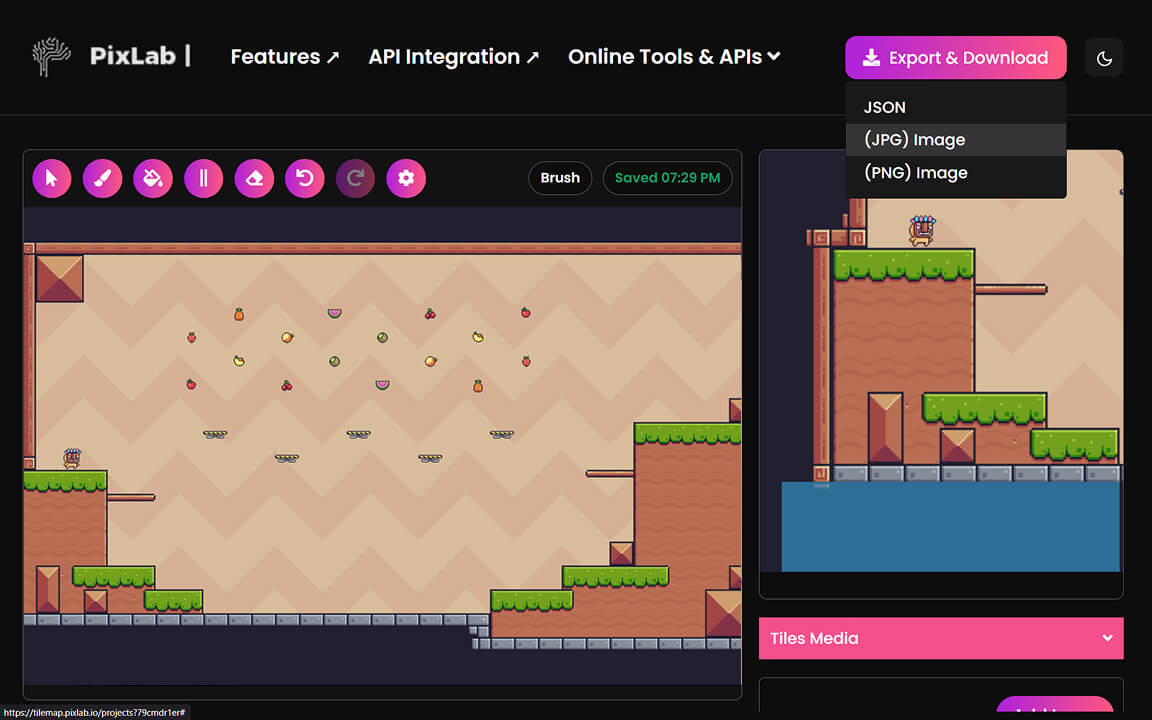
The editor is designed to fit real production handoff needs - from quick image exports for previews to structured data exports for engine integration or custom tooling.
JSON Export
Structured map data ready for engine parsers.
PNG / JPG Export
Flat image exports for quick previews and references.
Undo & Redo
Autosave with full undo/redo for safer iterations.
Local Persistence
Browser-based saving keeps your project between sessions.
Built for Real
2D Game Workflows
Whether you are drafting a quick prototype for a game jam or preparing final level data for integration, PixLab is designed to get out of your way and let you build.
Built for Real 2D Games
- Prototype top-down, platformer, RPG, and puzzle maps quickly.
- Build layouts for game jams without spending time on setup.
- Share a simple editing workflow with artists, designers, and students.
- Use JSON export as a starting point for custom engine pipelines.
Practical and Flexible
- Clear controls for first-time users.
- Layer features that help on larger maps.
- Fast enough for iterative level design.
- Flexible enough for custom tiles and custom export flows.
Browser-Based Setup
- No installation or desktop dependency.
- Easy to open on different machines.
- Good fit for classrooms, workshops, and remote teams.
- Lightweight workflow for quick editing sessions.
Why Developers Choose PixLab Tilemap Editor
PixLab keeps the mapping loop short. Open your browser, place tiles, adjust layers, and export without installing anything or working through a complex setup.
No Installation Required
Open your browser and start building. There are no downloads, no setup steps, and no account required to get started.
Stays Out of Your Way
The interface is minimal by design. Tools are where you expect them, and the workspace is the editor - not a dashboard to navigate around.
Useful at Every Skill Level
Accessible enough for students and beginners, with layer control and export depth that experienced developers also find useful.
Tilemap Editor Questions Answered
Everything you need to know about the PixLab 2D Tilemap Editor and how it works.
What is PixLab Tilemap Editor?
Is PixLab Tilemap Editor free to use?
Can I upload my own tilesets?
Does the editor support layers?
Can I export my tilemap?
Does it work entirely in the browser?
Who is this editor for?
What kinds of games can I use it for?
Build Your Next Level Faster
Open the Editor and Map.
Upload a tileset, build your level layout, organize layers, and export data your game engine can use.