Transform Your Images into Stunning Visuals
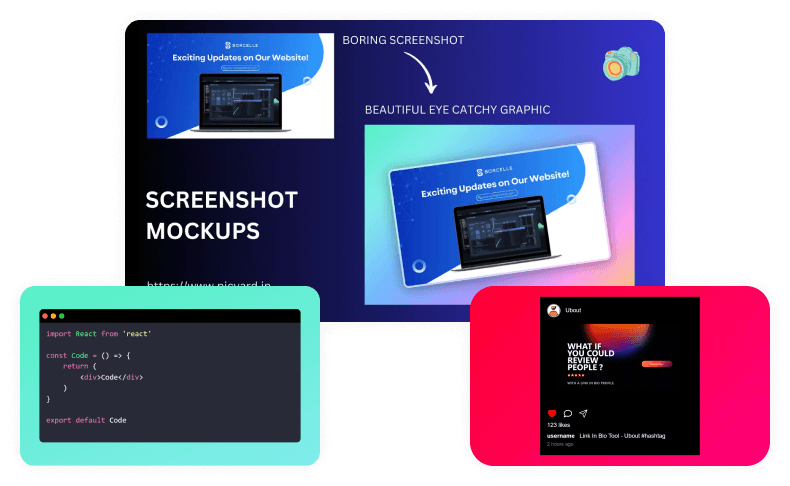
Transform app screenshots & images into stunning visuals with Creative Toolbox ↗. Easily create eye-catching designs for social media, product photography, and compelling presentations.
Try Creative Toolbox Now ↗Everything You Need to Create
Professional & Stunning Mockups
Powerful AI-enabled image creation tools that make your content stand out!
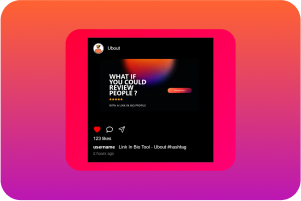




One-Click Transforms
Convert any screenshot into a professional mockup instantly
Intuitive Editing
Our user-friendly interface lets anyone create professional designs—no expertise needed.
Social Media Ready
Perfect dimensions and templates for all platforms
Premium Assets
Convert any screenshot into a professional mockup instantly
Multiple Formats
Export in PNG, JPG, SVG, and WEBP formats
Lightning Fast
Create and download your designs in seconds.
10K+
Screenshots Created
1K+
Happy Users
100+
Templates
4.9/5
User Rating
Design stunning mockups with all the tools you need
Turn your ideas into eye-catching images with tools anyone can use. No more struggling with complex software or paying for expensive programs.
- Create professional designs in minutes, not hours.
- Get everything right the first time with our smart editor.
- Make changes quickly until it looks perfect.
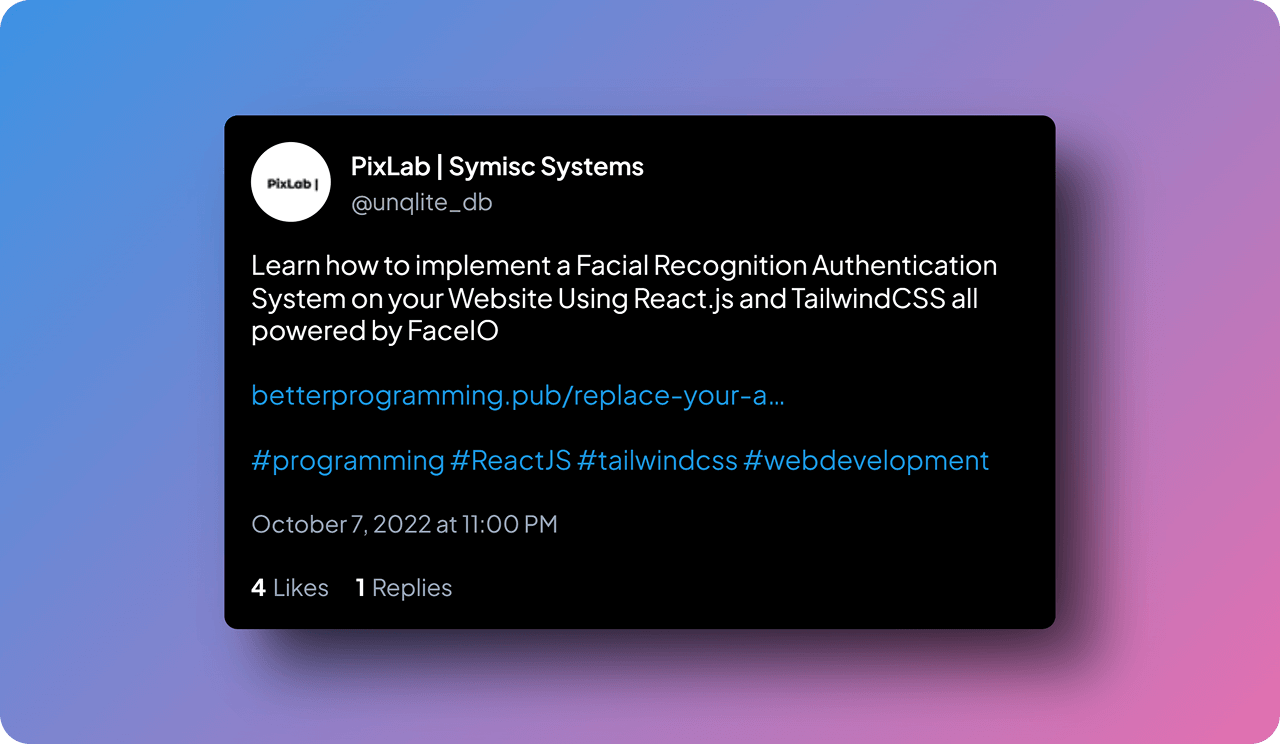
Tweet Screenshot Generator
Effortlessly turn tweets into visually stunning images by pasting the tweet URL. Perfect for sharing on social media or in presentations.
- Easily paste a tweet URL to generate an image.
- Customize colors, fonts, and layout to suit your brand.
- Perfect for sharing on social media or in presentations.
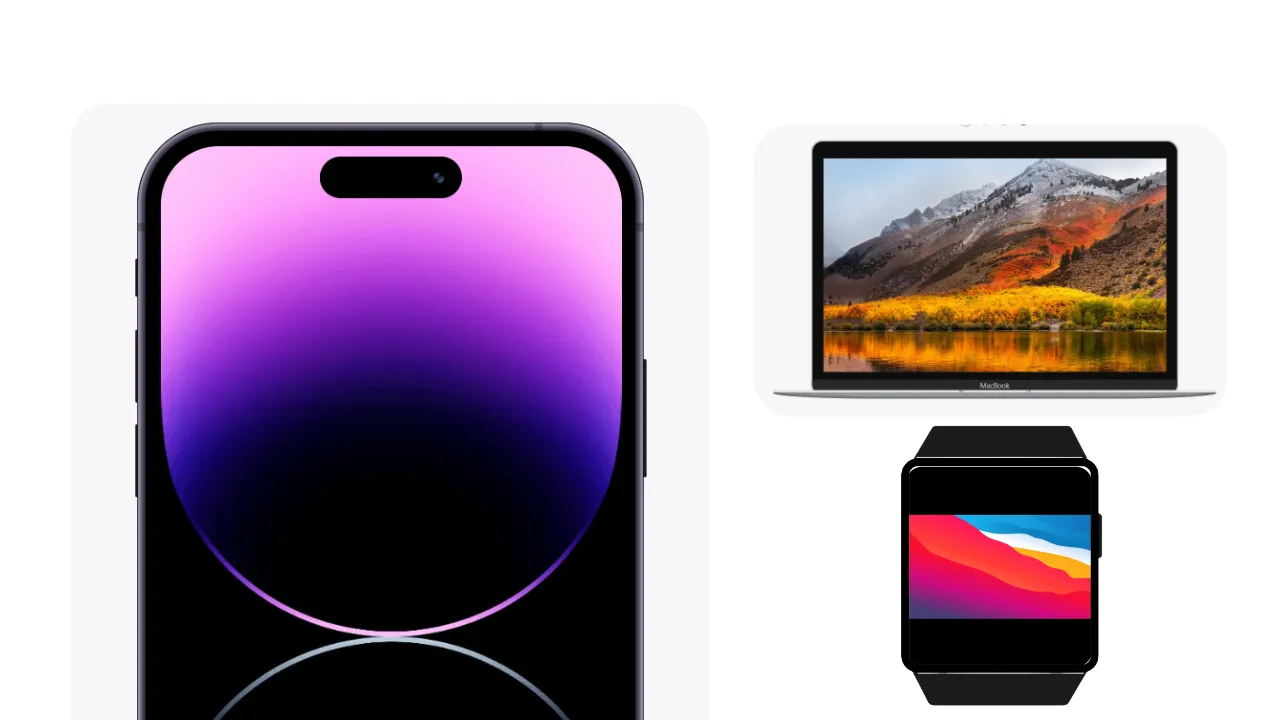
Professional Device Mockups
Display your designs on devices like iPhone 15 or MacBook Pro. Perfect for app showcases and portfolios.
- Display designs on the latest devices like iPhone 15.
- Customize backgrounds and orientations for a unique look.
- Perfect for app showcases, portfolios, and presentations.
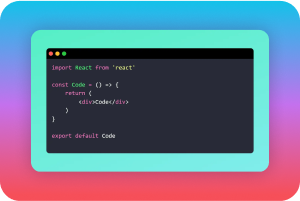
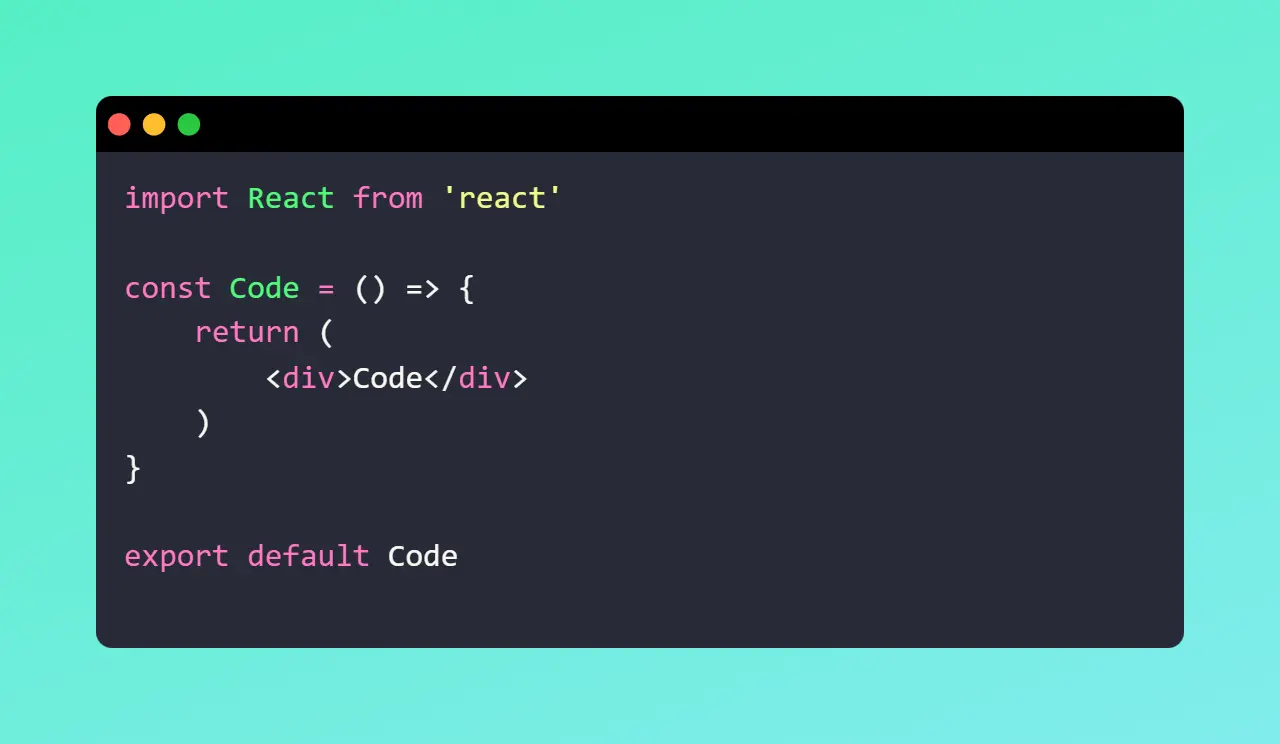
Beautiful Code Screenshots
Highlight your code beautifully with syntax themes and styling. Great for tutorials, blogs, and portfolios.
- Generate visually appealing images of your code.
- Highlight syntax and select from multiple customizable themes.
- Ideal for tutorials, blogs, or professional portfolios.
Unleash Your Creativity with Powerful Online Tools
Effortlessly create beautiful images, testimonials, code snippets, QR codes, and more.
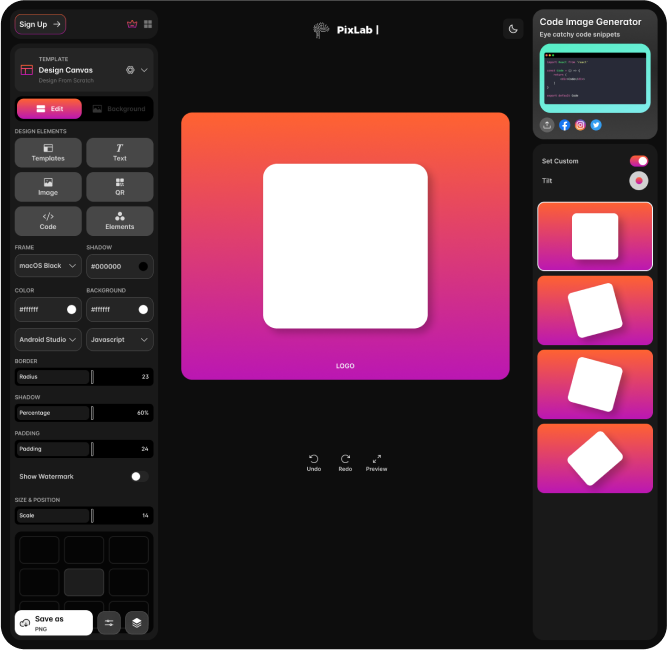
Edit with Ease No Design Skills Required
Create stunning visuals in just a few clicks. Our intuitive editor makes it simple for everyone.
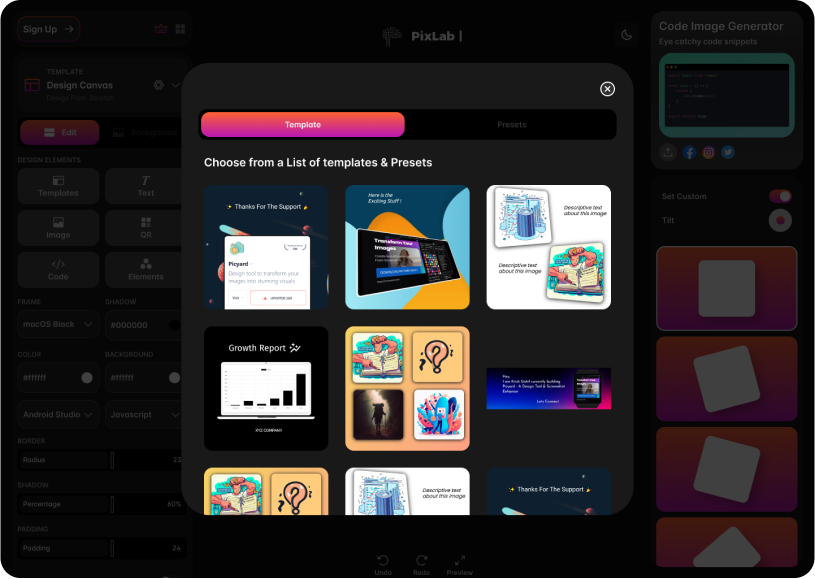
Ready-to-Use Templates and Premium Design Assets
Speed up your workflow with customizable templates or start from scratch, using a vast collection of premium backgrounds, fonts, and design elements to elevate your visuals.
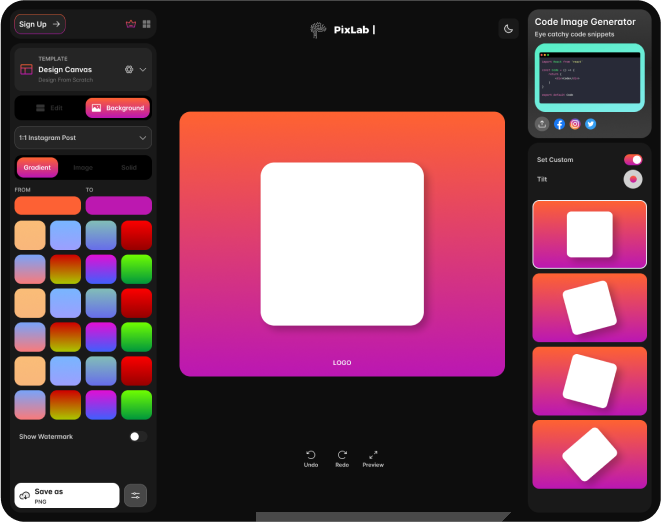
3D Mockups with Smart Backgrounds
Adjust mockup angles and customize backgrounds with gradients & images.
Export to Any Platform
Export flawless images with pre-made frames tailored for your chosen platform.
1:1
Instagram Post
3:1
Twitter Header
4:3
Standard TV
3:4
Potrait TV
5:4
Computer Monitor
4:5
Instagram Potrait
16:9
YouTube Video
9:16
Instagram Story
21:9
Ultrawide Monitor
Frequently Asked Questions
What are the maximum supported image dimensions and file sizes?
Our system supports images up to 16,384 x 16,384 pixels, with a maximum file size of 500MB per upload. We maintain full resolution across transformations, using lossless compression for PNG exports and configurable quality settings (1-100) for JPEG outputs.
How does the color management system handle different color spaces?
The platform processes images in 16-bit per channel color depth, supporting sRGB, Adobe RGB, and ProPhoto RGB color spaces. We maintain ICC profile embedding and perform color space transformations using relative colorimetric rendering intent with black point compensation.
What's the technical specification for the asset generation engine?
Our rendering engine uses WebGL 2.0 with custom GLSL shaders for real-time preview. It supports multi-threaded processing on compatible browsers, utilizing Web Workers for background tasks and maintaining 60 FPS performance during complex operations.
Can the API handle webhook notifications for batch operations?
Yes, the API supports asynchronous processing with configurable webhook endpoints. You can receive real-time status updates, progress notifications, and completion events with payload customization. Response latency averages 150ms, with automatic retry logic for failed deliveries.
What vector format specifications are supported for icon generation?
We support SVG 1.1 and 2.0 specifications, including full SMIL animation capabilities. The system handles compound paths, boolean operations, and gradient meshes. Output formats include optimized SVG, PDF (vector), and rasterized formats with configurable DPI settings.
How does the caching system work for repeated operations?
We implement a three-tier caching system: browser-level cache using Service Workers, CDN edge caching with Fastly, and server-side caching using Redis. Cache invalidation occurs through content-based hashing with a TTL of 7 days for static assets and 1 hour for dynamic content.
What's the technical architecture for collaborative real-time editing?
The collaboration system uses Operational Transformation with a central authority model, maintaining consistency through vector clocks. Changes sync with a maximum latency of 50ms, supporting up to 50 concurrent editors per document with conflict resolution based on last-writer-wins semantics.
Distinctive Features of Creative Toolbox
- Premium Templates
- Custom Watermark
- Code Image generator
- Custom Background Images
- Premium Quality (4x,6x,8x)
- Download in WebP and SVG Formats
- Save Presets
- Annotation Tools
- Premium Frames
- Premium Fonts
- Upto 500 Design Presets
- Always Ad-Free
Feature Comparison
See what each plan includes
| Feature | Free | Pro |
|---|---|---|
| Templates | Basic | All Premium |
| Export Quality | HD | 4K |
| Mockups per day | 3 | Unlimited |
| Custom branding | ||
| AD-Free | ||
| Watermark Free |
Give Creative Toolbox a Try </>
Elevate your images into stunning visuals with Creative Toolbox. Design eye-catching graphics for everything from social media and product photography to compelling presentations.