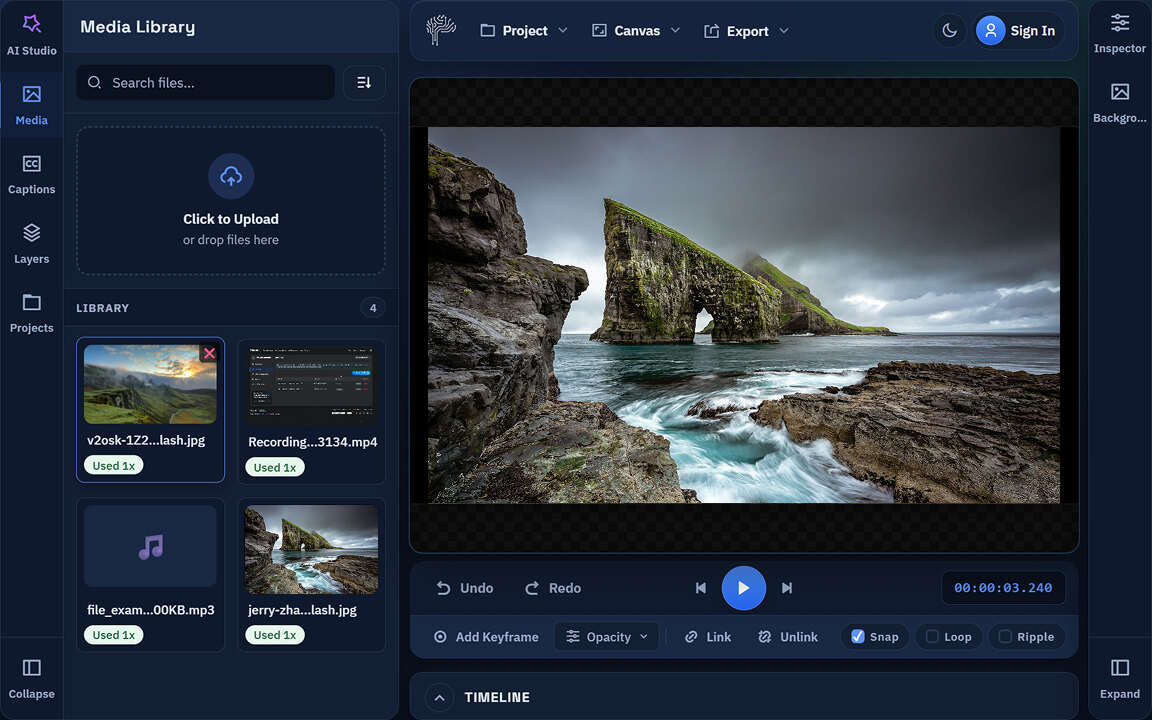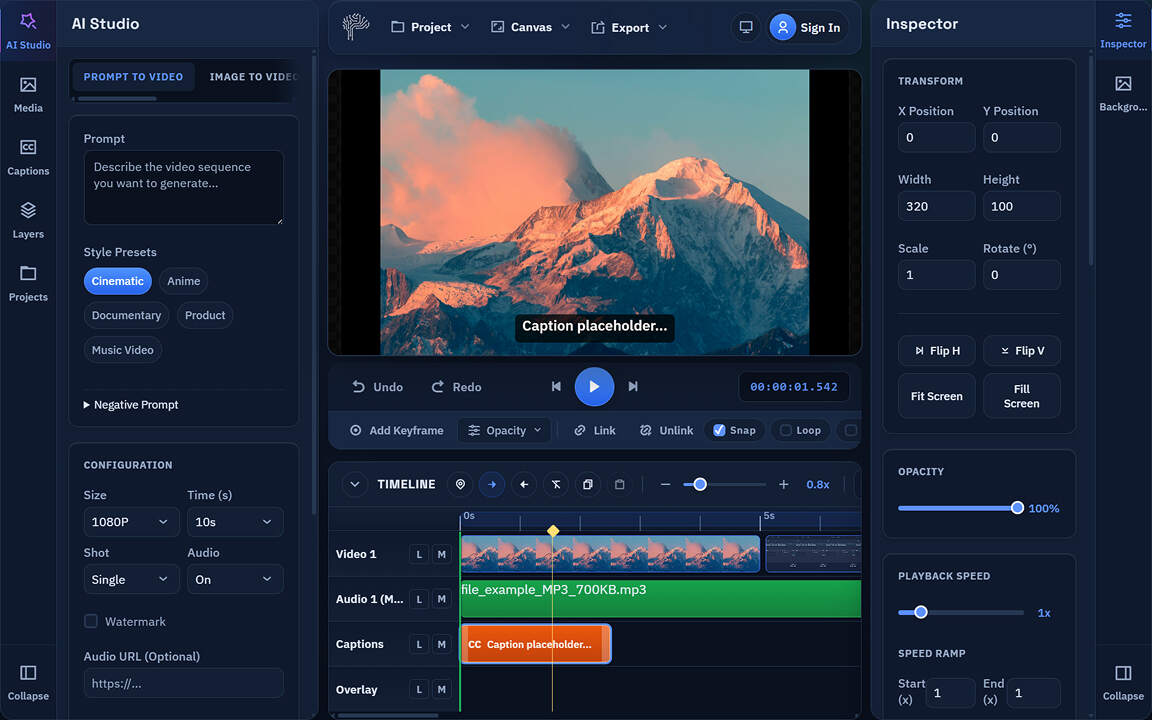
Next-Gen AI Video Editing Right in Your Browser
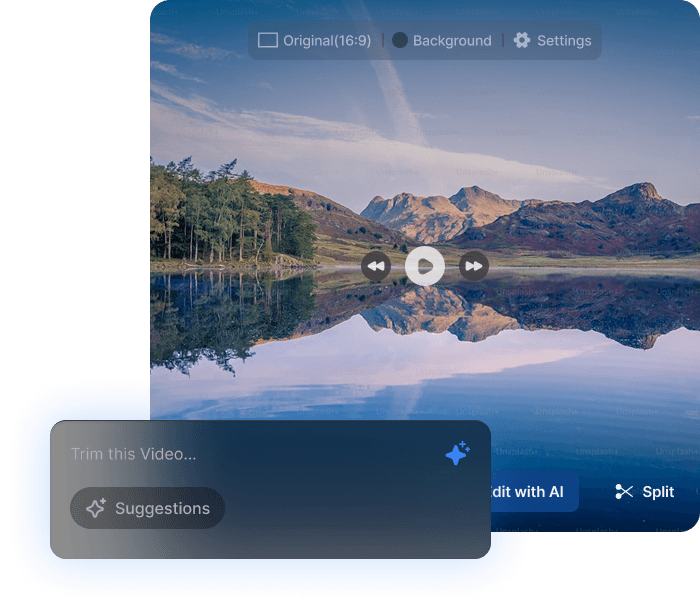
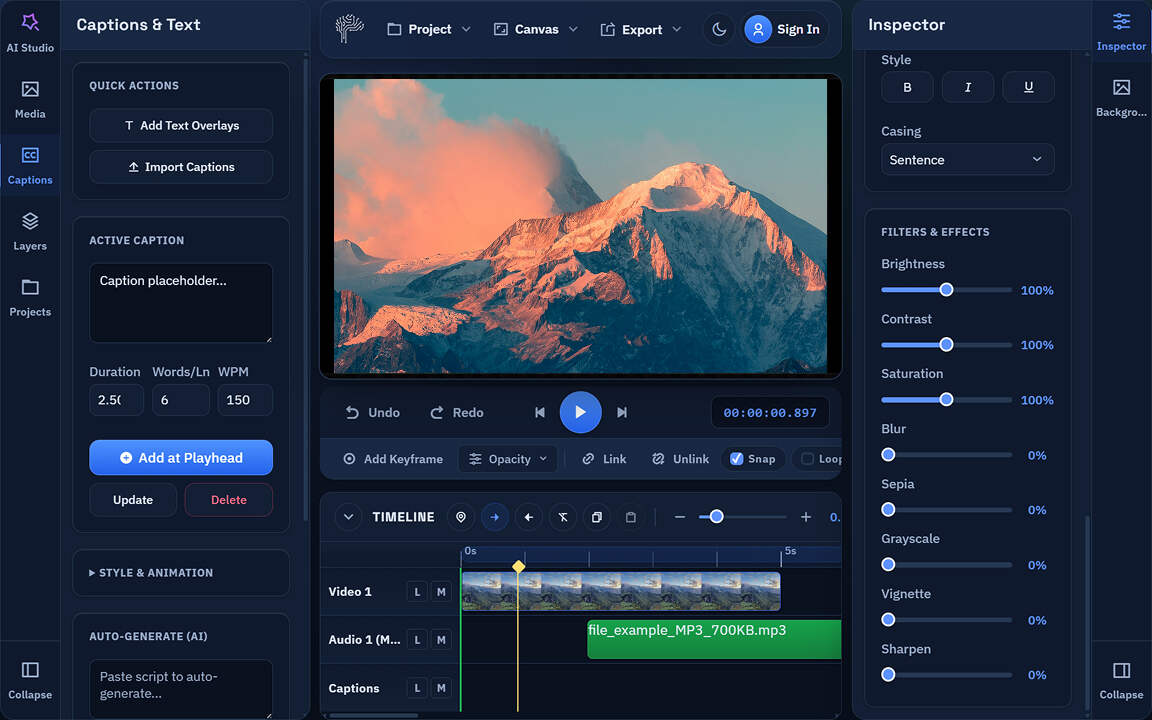
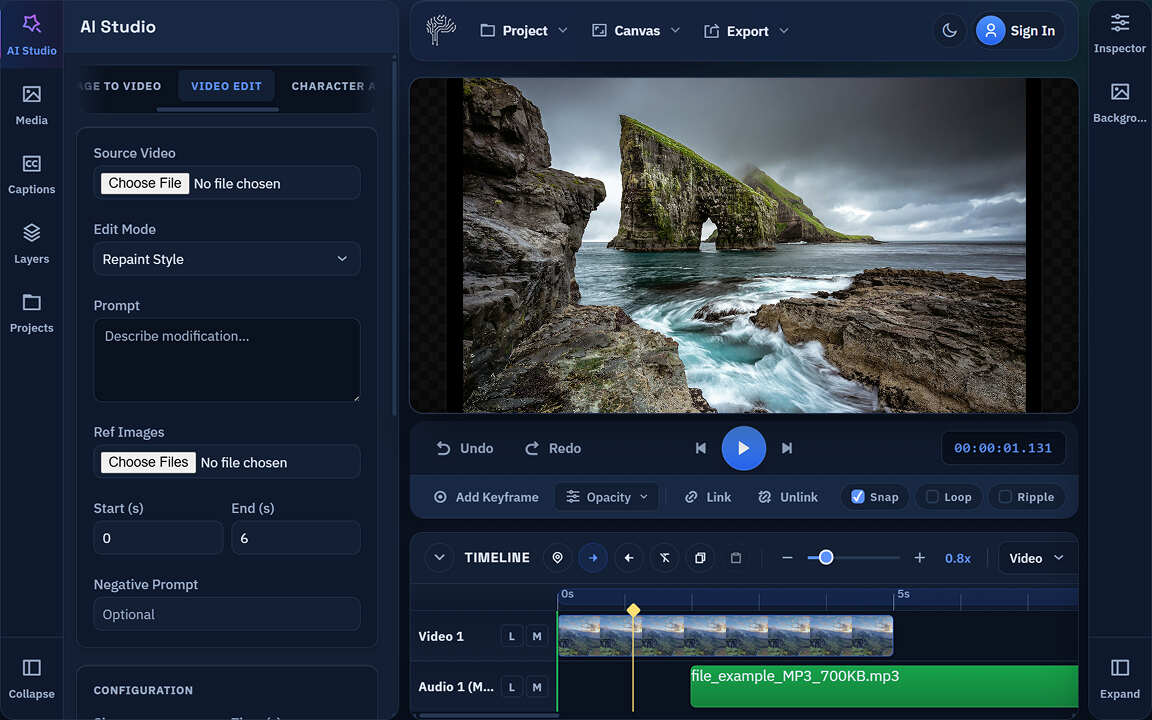
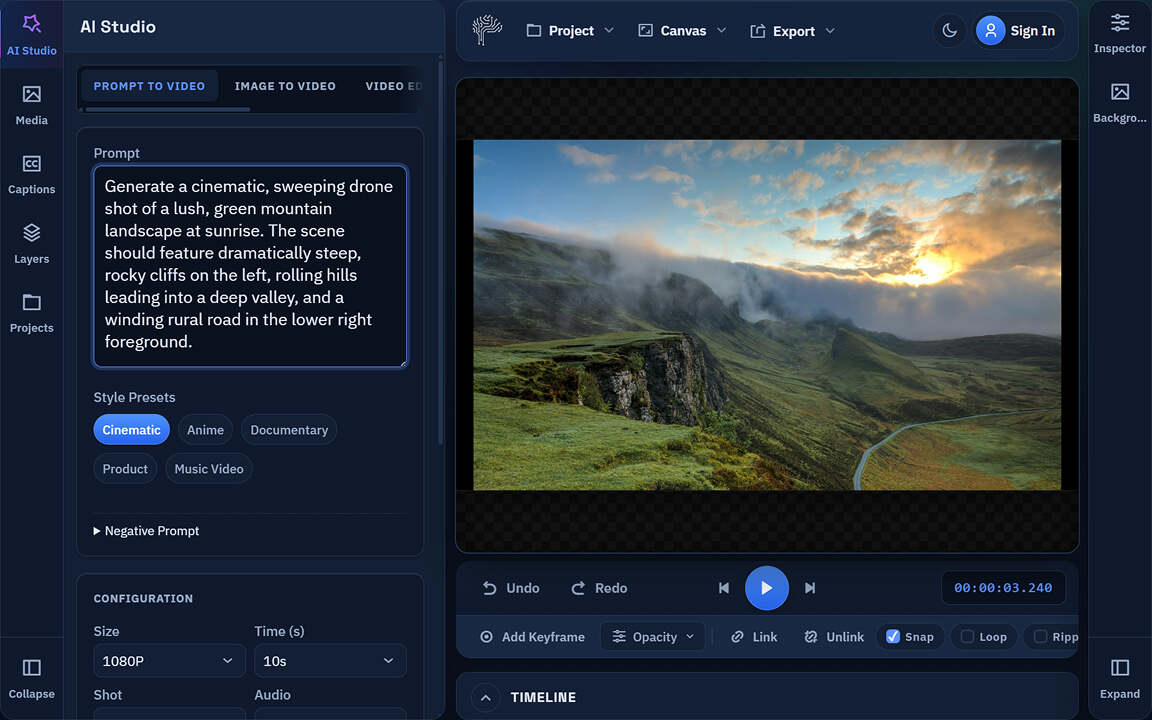
Create stunning videos with PixLab's browser-based AI video editor. Generate clips from text, add auto-subtitles, translate voices, and edit professionally—all without downloading software. Powered by WebAssembly and ffmpeg.wasm for lightning-fast online editing with complete privacy protection.
Why Choose Online Video Editing with PixLab
Join thousands of content creators, marketers, and businesses using PixLab's browser-based video editor to produce professional content faster than traditional software.
Faster Online Editing
Than desktop software
Downloads Required
Edit directly in browser
Privacy Protected
Local browser processing
AI Editing Features
Built-in automation tools
Meet the PixLab Online Video Editor
Craft cinematic-grade videos directly from your browser—no downloads, no installations. Powered by next-gen AI, PixLab lets you edit, enhance, and publish stunning content faster than ever before.
AI-Powered Editing
Let advanced AI handle the heavy lifting — automatically cut, enhance, and stylize your videos in seconds, no manual work required.
Smart Visual Enhancements
Color correct, stabilize, and beautify your footage effortlessly with intelligent filters and one-click enhancements.
Lightning-Fast Export
Get studio-quality results without the wait. Export your edited videos in HD or 4K with blazing-fast processing.
Turn Long Videos into Viral Clips with AI
Upload your podcast, webinar, or long-form content and let AI automatically identify the most engaging moments. Generate multiple platform-ready clips with smart captions, perfect timing, and viral potential—all processed locally in your browser for maximum privacy.
AI Scene Detection
Finds viral-worthy moments automatically
Multi-Platform Ready
TikTok, Instagram, YouTube Shorts
Smart Auto-Subtitles
Viral-style captions included
Batch Processing
Generate 10+ clips simultaneously
Create Professional Videos from Text Instantly
No camera, no footage, no problem. Simply type your script and watch our AI create professional videos with realistic avatars, perfect scenes, and natural voiceovers. All generated and edited entirely in your browser with zero downloads required.
AI Avatars & Presenters
50+ realistic digital humans
Dynamic Backgrounds
Any environment you imagine
Voice Translation
40+ languages & natural accents
Brand Customization
Colors, fonts, logos included
Next-Gen Browser Technology
Desktop-Grade Online Video Editing Performance
Powered by cutting-edge WebAssembly, WebGL/WebGPU, and ffmpeg.wasm technology. Experience professional video editing performance without installing anything—all processing happens securely in your browser using advanced web technologies that rival desktop applications.
WebAssembly Engine
Near-native editing performance
GPU Acceleration
WebGL/WebGPU powered rendering
FFmpeg.wasm
Professional codec support
Cross-Platform
Works on any modern device
Complete Online Editing Suite
Professional Video Editing Tools in Your Browser
Access all essential video editing tools directly online—trim, cut, split, merge, add effects, and more. Perfect for YouTube creators, marketers, educators, and businesses. Get professional results without downloading bulky software or compromising on quality.
- Trim, Cut, Split, Merge Videos
- Video Cropping & Aspect Ratio Control
- Speed Control & Reverse Playback
- Audio Editing & Voice Replacement
- Color Grading & Visual Effects
Privacy-First Online Editing
Secure Browser-Based Video Processing
Unlike cloud-based online editors, PixLab processes everything locally in your browser using advanced WebAssembly technology. Your sensitive content never touches our servers—enjoy complete privacy with professional-grade online video editing capabilities.
100% Local Browser Processing
Videos processed entirely in your browser
Zero Data Collection
We never see, store, or analyze your content
Enterprise-Grade Security
SOC 2 & GDPR compliant encryption
Offline Capability
Continue editing without internet
AI-Powered Smart Editing Features
Leverage cutting-edge AI to automate complex editing tasks. From intelligent scene detection to automatic color correction, let AI handle the technical work while you focus on creativity.
Auto Scene Detection
AI automatically identifies scene changes, speaker transitions, and key moments to suggest optimal cut points for your video content.
Smart Color Grading
Intelligent color correction that analyzes your footage and automatically applies professional-grade color grading for cinematic results.
AI Noise Reduction
Remove background noise, enhance audio clarity, and optimize sound levels automatically using advanced AI audio processing.
Export & Share Anywhere
Professional Export Options for Every Platform
Export your edited videos in multiple formats optimized for different platforms. From YouTube to TikTok, Instagram to enterprise presentations—get the perfect format and quality for your needs. All exports processed instantly in your browser.
- MP4, MOV, WebM, GIF, AVI
- 720p, 1080p, 4K export quality
- Direct social media sharing
- Custom aspect ratios & resolutions
AI Voice & Audio Generation
Create multilingual content with AI voice translation, synthesis, and dubbing. Maintain your unique voice across languages or generate professional narration from text.
Voice Translation
40+ languages supported
AI Voiceover
Natural-sounding voices
Lip Sync
Perfect audio alignment
Voice Cloning
Maintain your unique voice
Why Creators Choose PixLab
Average clip generation time
Maximum file size support
Maximum export resolution
Language support for AI features
How to Edit Videos Online with AI:
Get professional results in three simple steps—no software installation, no learning curve, just powerful online video editing.
STEP 1
Upload Your Content
Drag and drop your videos directly into the browser editor or input text prompts for AI generation. Supports all major formats up to 4K—start editing instantly with no account required.
STEP 2
AI-Enhanced Editing
Let AI automatically generate clips, add subtitles, translate audio, remove silences, and enhance visuals. Use smart editing tools powered by PixLab VLM APIs for professional results.
STEP 3
Export & Share
Export in MP4, WebM, or other formats up to 4K quality. Share directly to social platforms or download instantly—all processed securely in your browser with no watermarks.
Online Editing vs. Traditional Software
See why browser-based video editing is the future of content creation—faster, more secure, and accessible from anywhere.
Traditional Video Software
PixLab Online Editor
Online Video Editing FAQ
Yes! PixLab's online editor uses WebAssembly and GPU acceleration to deliver desktop-grade performance directly in your browser. With ffmpeg.wasm and advanced web technologies, you get professional editing capabilities without downloads or installations.
Create Professional Videos Online with AI
Join thousands of creators editing videos 10x faster with PixLab's browser-based AI editor. Generate clips, add subtitles, translate voices—all without downloads.