Mobile Apps for
OCR, Photo, Video & Visual Search
PixLab mobile apps bring OCR scanning, photo editing, video tools, and visual search to iPhone and iPad. The lineup is built for practical daily work, with an emphasis on speed, privacy, and reliability.
iOS Performance
Apple Silicon optimized
Mandatory Cloud Uploads
Privacy-driven workflows
Mobile Flexibility
Scan, edit, and create anywhere
Languages Supported
OCR across multilingual documents
One Mobile App Collection
Built to Work Together
PixLab mobile apps are designed to work together across phone, desktop, and web. OCR, editing, search, and workspace tools share the same core stack, so moving between tasks stays consistent.
Talkie OCR
Scan documents, ask follow-up questions, and get quick summaries.
iOS Photo Editor
Create and edit images with plain-language prompts.
Video Editor
Edit clips, add captions, and export quickly for social formats.
DOCSCAN
Document scanning and OCR with privacy-focused defaults.
Street Lens
Use your camera to identify text, objects, and places in real time.
Vision Workspace
Open documents, track tasks, and continue work on the go.
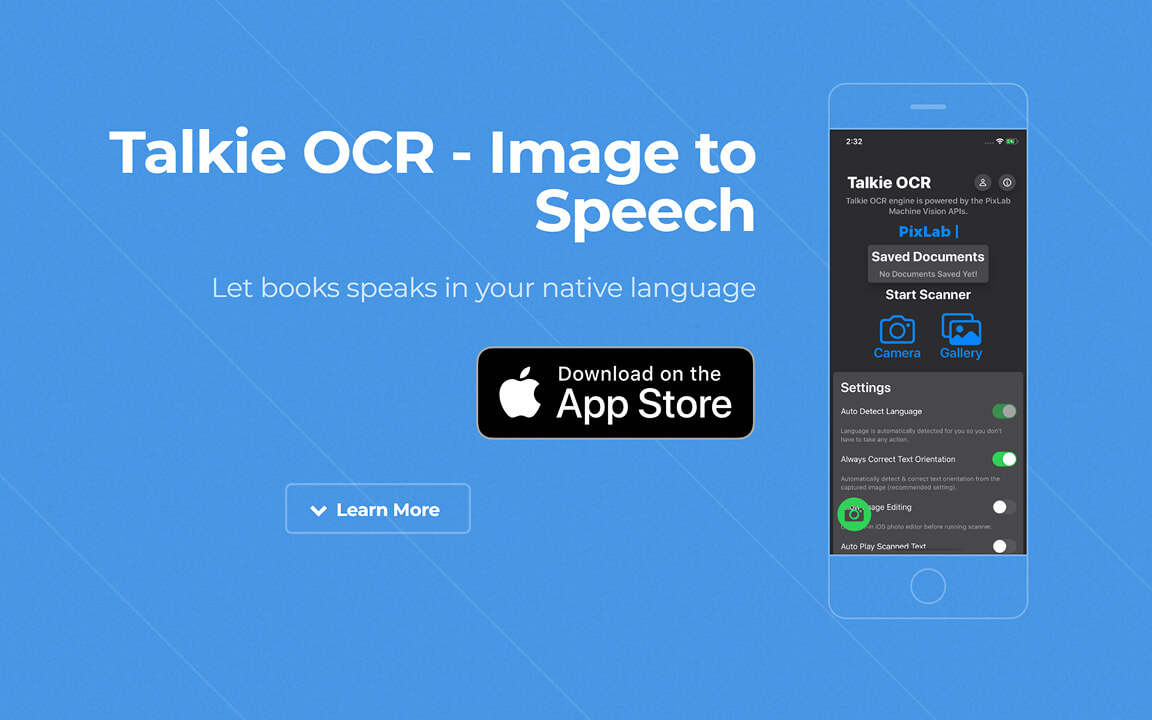
Talkie OCR - Scan, Read, and Ask
Scan receipts, notes, forms, PDFs, and handwritten pages, then search, summarize, or ask questions about the text right from your phone.
OCR Scanning
Capture receipts, invoices, notes, and study material.
Ask Questions
Summarize, search, and query your documents.
Multilingual
Handles multilingual and mixed-layout documents.
Private Processing
Handle sensitive documents with privacy in mind.
iOS Photo Editor - Prompt-Based Edits
Make quick photo edits or generate fresh image concepts from your phone using plain-language prompts.
Ideal For
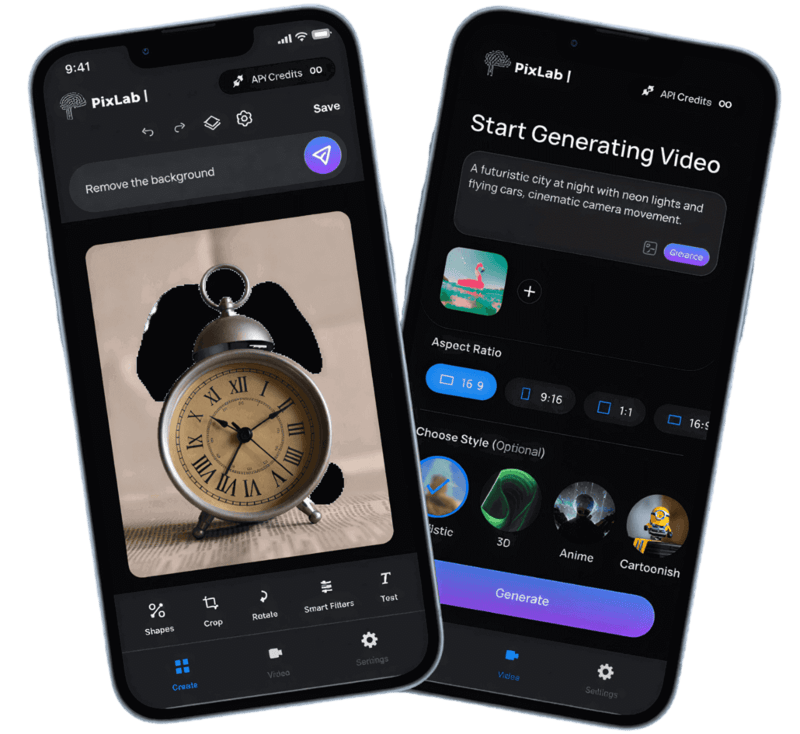
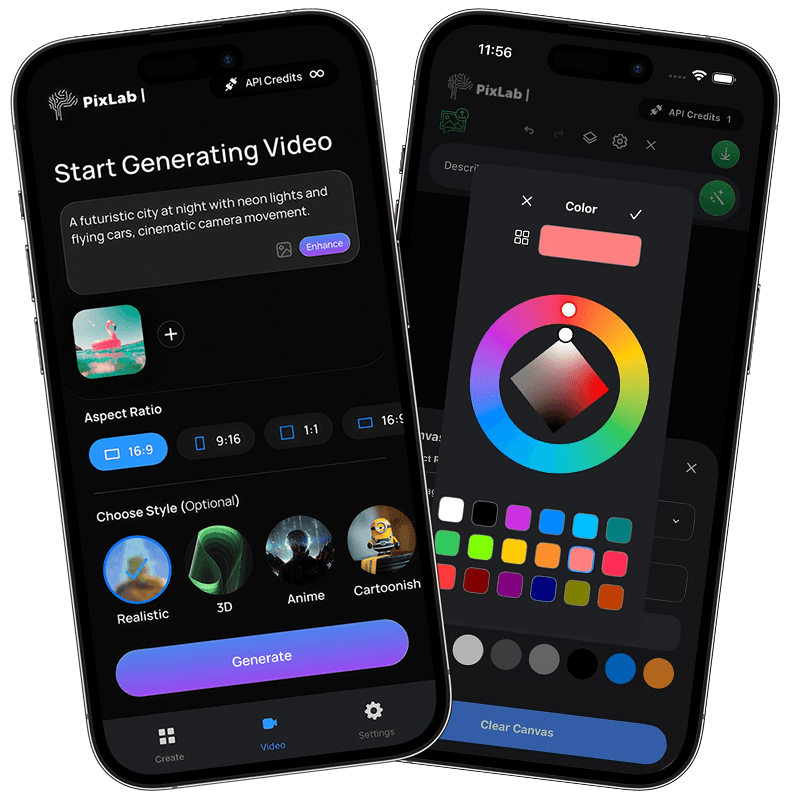
PixLab Video Editor - Captions, Clips, and Quick Exports
Edit clips, add captions, build short videos, and prepare exports directly on your phone without the overhead of a desktop editor.
Perfect For
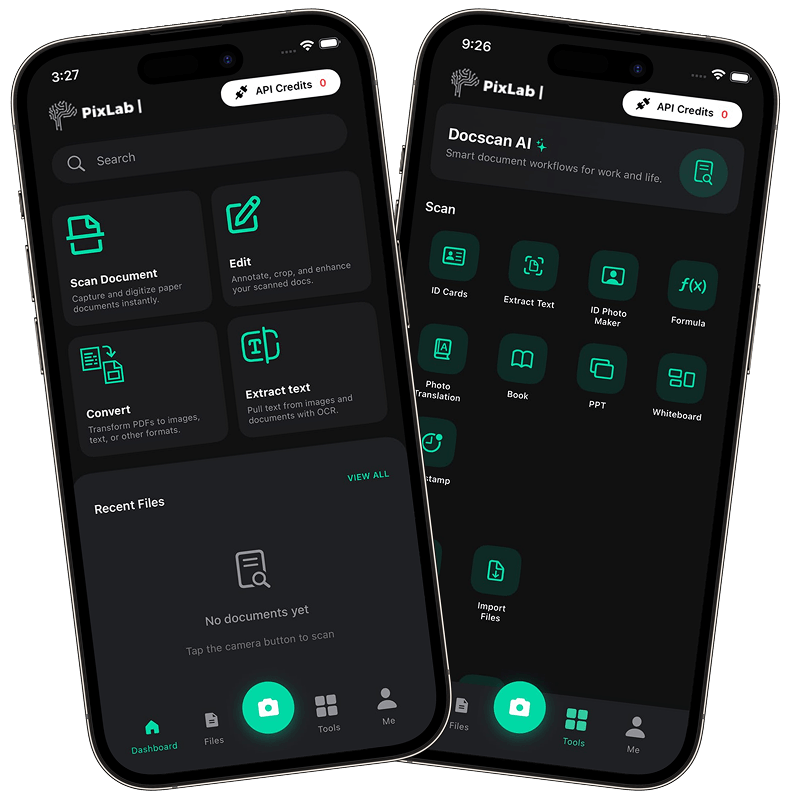
PixLab DOCSCAN - Scan, Extract, and Organize
Scan notes, receipts, IDs, and forms on iPhone, then search, structure, and export the results in practical formats.
Smart Scanning
Auto-crop, edge detection, and cleanup in one pass.
Built-in OCR
Extract text from printed, mixed, and multilingual pages.
Privacy First
Keep document handling private and controlled.
Secure Export
Export clean PDFs, text, and structured outputs.
PixLab Street Lens - Real-Time Visual Search
Point your camera at text, objects, or landmarks to quickly identify what you are seeing and pull useful context.
Recognize
Real-time object, landmark, and text recognition.
Live OCR
Multilingual OCR directly from your camera feed.
Scene Context
Get quick explanations for what you capture.
Accessibility
Support for visual understanding and navigation.
Vision Workspace Mobile - Stay in Sync on the Go
Vision Workspace Mobile keeps your documents, OCR results, and connected PixLab workflows available from your phone when you are away from your desk.
Access Anywhere
View and manage projects on the go.
Cloud Sync
Sync OCR documents and assets across devices.
Workflow Management
Run and track workflows from mobile.
Developer Ready
Monitor API-connected tools and activity.
Built for Fast, Private Mobile Work
PixLab mobile apps emphasize local processing, efficient battery usage, and privacy-conscious handling for daily work on iPhone and iPad.
Privacy-First Design
Use on-device processing where possible and avoid unnecessary cloud uploads, especially for sensitive scans.
Optimized for Apple Devices
Built to feel responsive on modern iPhone and iPad hardware while keeping battery use in check.
Fits Real Workflows
Built for creators, developers, researchers, students, and teams that need mobile tools they can trust.
Built for Everyday Workflows
From editing and scanning to prototyping and review, PixLab mobile apps are built for work you actually do on a phone.
Creators & Designers
Create image variations, trim short videos, and handle quick edits without leaving your phone.
App Developers
Test OCR and vision workflows on mobile, then move between ideas, prototypes, and production more easily.
Students & Professionals
Scan notes, receipts, forms, and documents, then search, summarize, or export them with Talkie OCR.
Explore
PixLab on iPhone and iPad
Explore PixLab apps for iPhone and iPad, from OCR and document scanning to photo editing, video editing, and visual search, all designed to help you handle everyday creative and productivity work faster on mobile.