Brand Kits & Templates
Save brand palettes, fonts, and watermarks. Use ready-made templates for consistency across all your content.
Get App NowEdit photos and short videos with simple text prompts. PixLab Photo Editor for iOS is a prompt-based photo editor built for iPhone and iPad as the mobile companion to editor.pixlab.io.
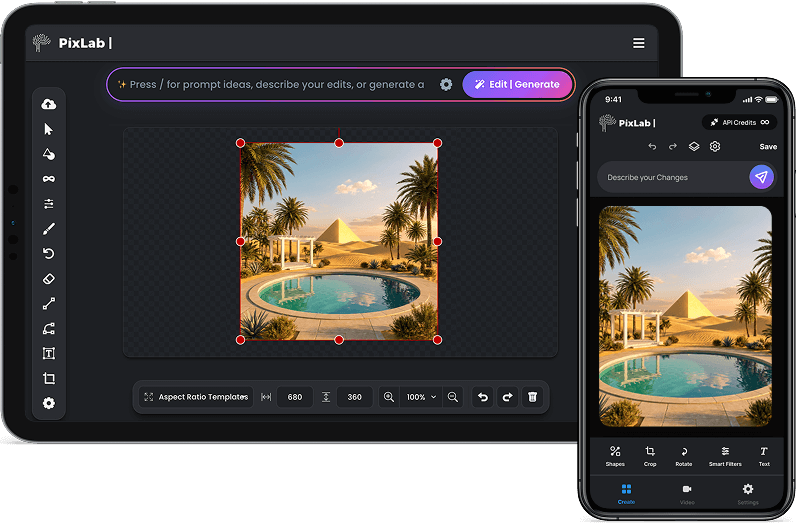
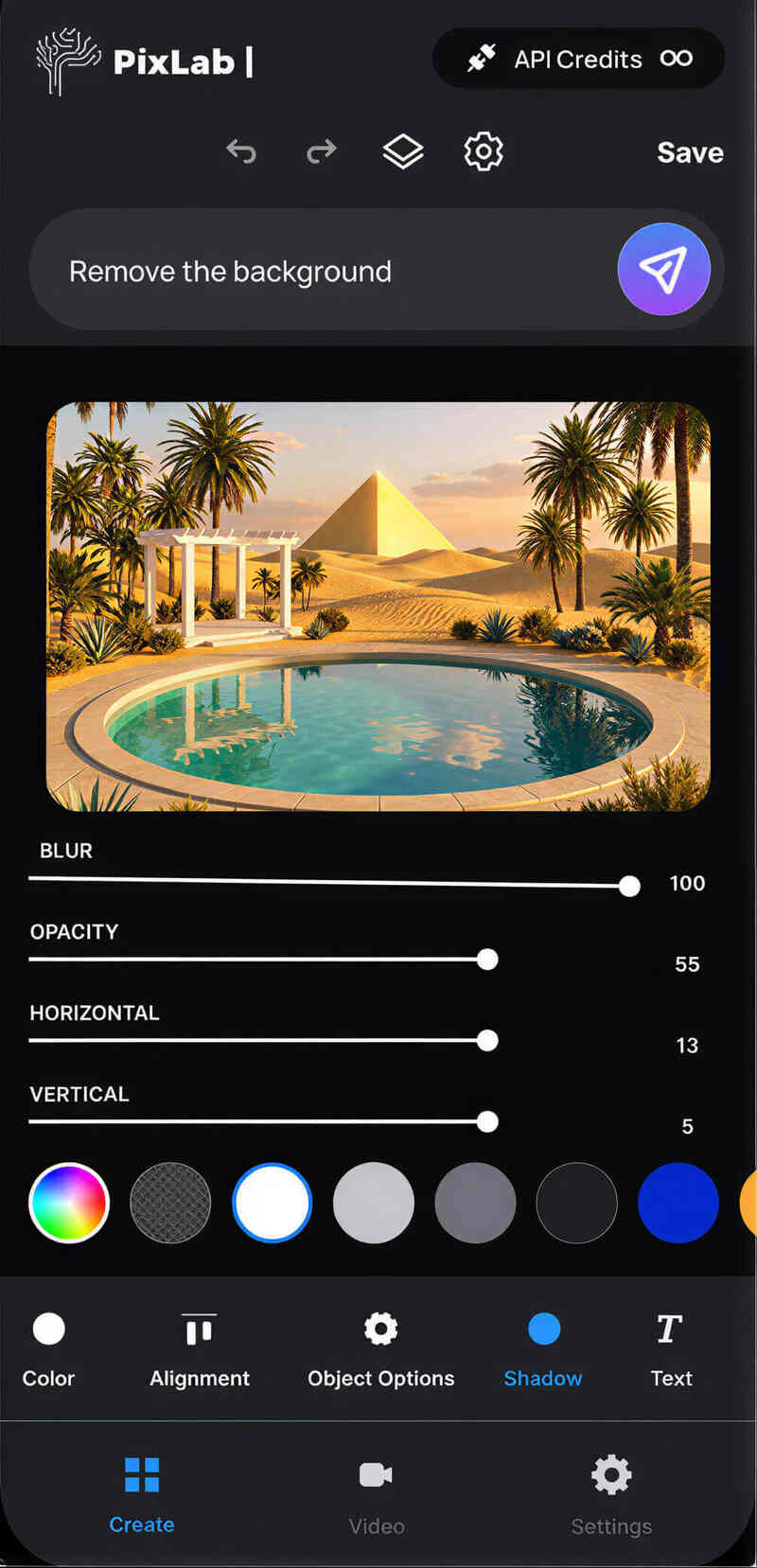
PixLab Photo Editor ↗ is built for people who want polished photo edits without learning complex desktop software. You can clean up images, remove backgrounds, and make quick adjustments in a few taps.
Describe the change, preview the result, and keep moving. This makes the app a strong fit for:
Transform personal photos without complex software
Create polished posts and campaign assets from your phone
Make quick edits without giving up quality
PixLab Photo Editor ↗ lets you edit photos with natural language instructions. Instead of digging through panels and sliders, you type the change you want and refine from there.
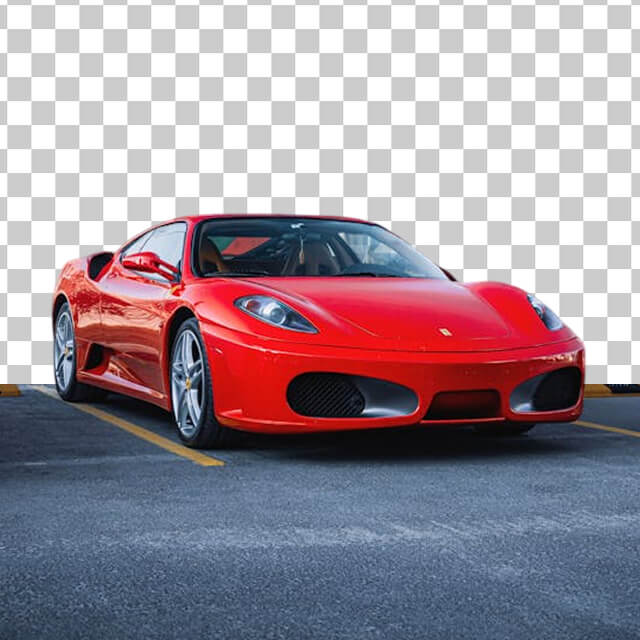
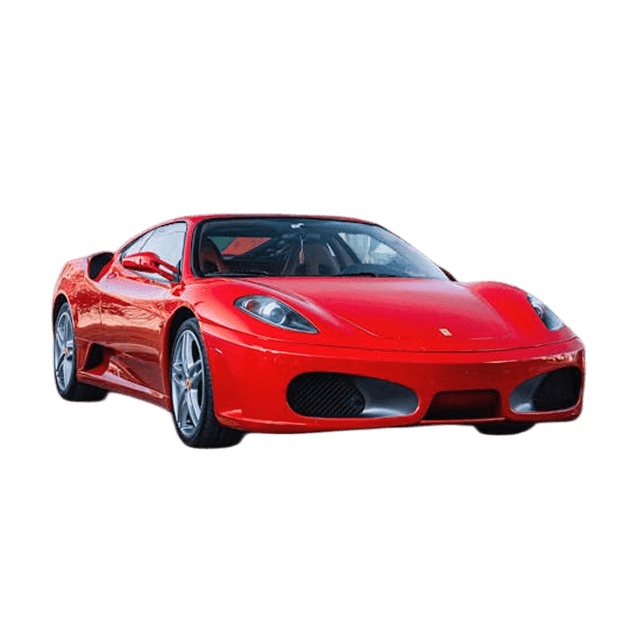
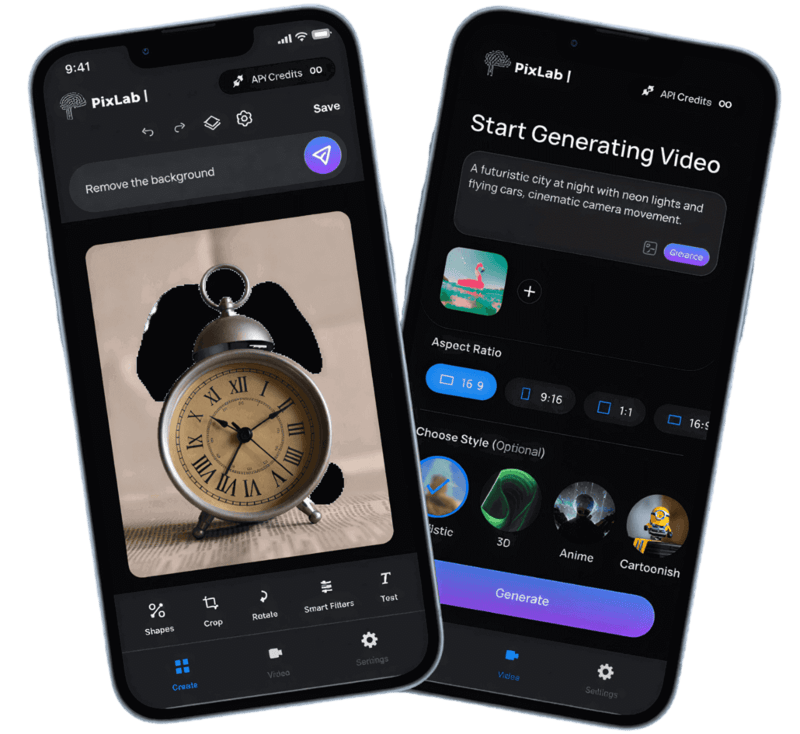
Text prompts handle the first pass, and the manual tools help you finish the details. The PixLab Photo Editor ↗ gives you touch-friendly controls for color, masks, layers, and retouching work without opening a laptop.
Non-destructive editing with masks, blend modes, and groups.
Curves, HSL, Split Toning, and LUT support for cinematic looks.
Healing brush, clone stamp, and frequency separation.
Save brand palettes, fonts, and watermarks. Use ready-made templates for consistency across all your content.
Get App NowOne-tap formats for Instagram, TikTok, and YouTube. Optimized aspect ratios and safe zones built-in.
Fast performance with smooth Photos and Files integration. Built to feel quick and natural on iPhone and iPad.
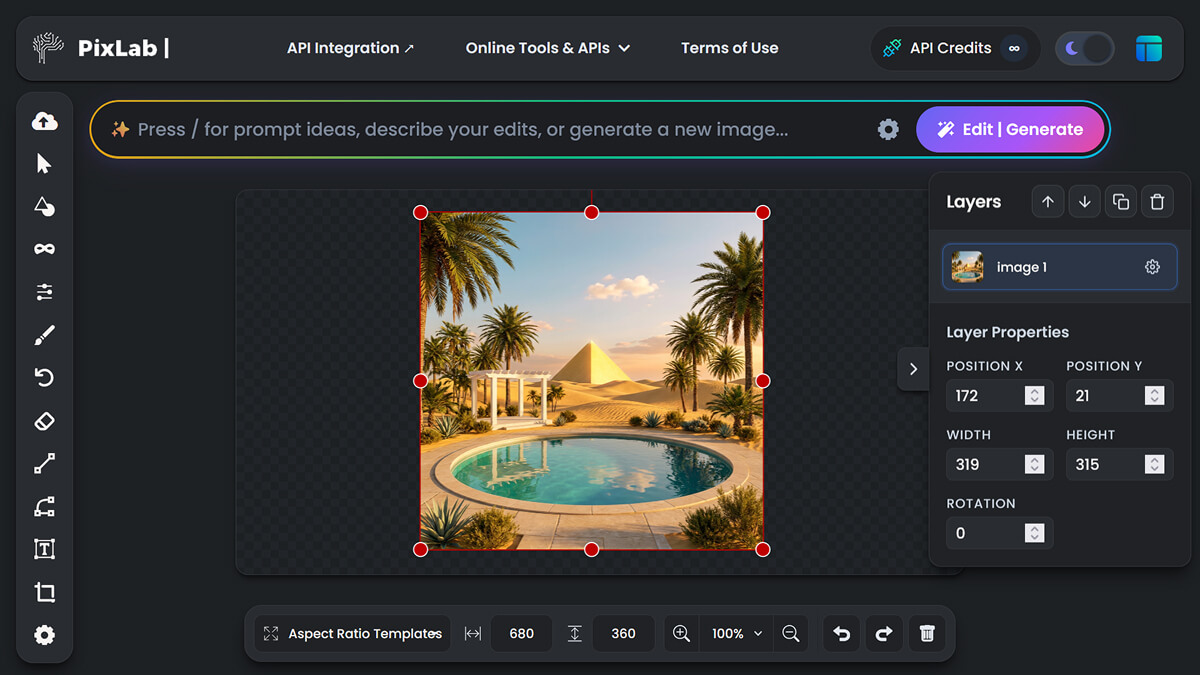
Move projects between the iOS app and the browser editor without rebuilding your work. Keep assets, fonts, and brand kits in sync across devices.
Instant state sync between mobile and web.
Private encrypted storage for all projects.
PixLab is built for touch first, with prompt-based editing when you want speed and precise manual controls when you need more detail.
Try curated looks like Cinematic, Anime, or Oil Painting, or write your own prompt to shape a custom visual style.



Start on iPhone, finish on iPad. Your layers and assets sync instantly across all your devices.
Remove unwanted objects and distractions with quick content-aware cleanup.
Generate short clips or animate still images directly from the app.
Export in multiple formats, from transparent PNGs to 4K MP4s, with aspect ratios for Instagram, TikTok, and YouTube.
Create images from text, expand scenes, clean up details, and generate short videos without leaving your phone.
Make targeted edits with plain language while keeping the rest of the image intact.
Create short clips from text or animate existing photos. Adjust motion, camera zoom, and aspect ratios directly from the iOS app.
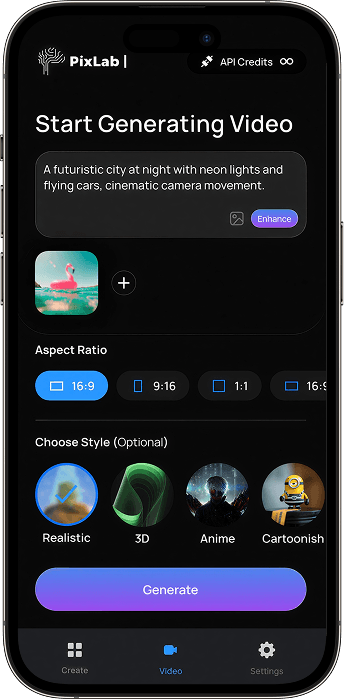
PixLab Photo Editor keeps the image and the prompt front and center. Write a prompt, preview the change, and refine it if needed.
The interface stays out of the way so you can move faster without losing control over the final result.
Clean interface that keeps you focused on your creative work
Smooth previews and responsive controls built for iOS
Every gesture and interaction designed specifically for iOS
Yes. PixLab supports still images, short video clips, and photo animation from the same app on iPhone and iPad.
Yes. You also get manual editing tools such as layers, masks, curves, HSL adjustments, and retouching tools built for touch screens.
Yes. Projects can sync between the iOS app and editor.pixlab.io, so you can start on mobile and continue on the web.
Use Brand Kits to save colors, fonts, logos, and watermarks so your content stays consistent across projects.
Export images in PNG, JPEG, HEIC, or WebP formats. Videos can be saved as MP4 or MOV with resolutions up to 4K and fully customizable aspect ratios for any platform.
Yes. PixLab works on both iPhone and iPad, with a larger workspace on iPad for more detailed edits.
Basic editing tools are free. Generation features use credits, and paid plans include monthly credits across iOS, iPad, and web.
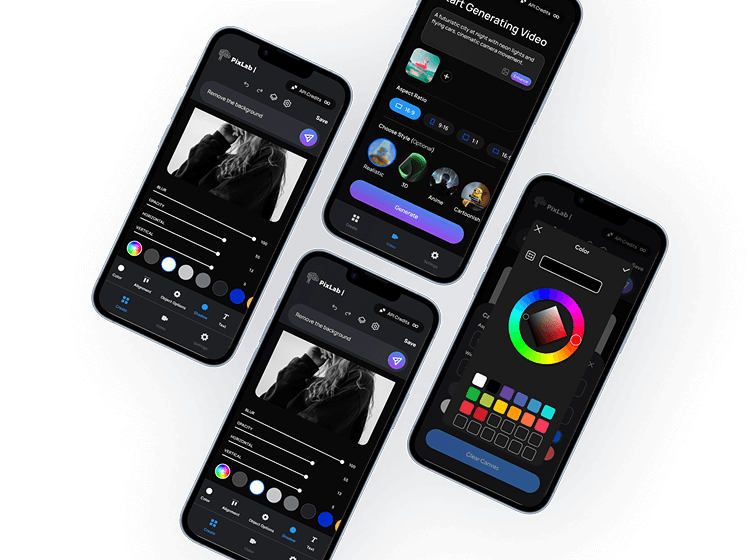
Download PixLab for quick photo edits, prompt-based changes, and flexible exports on iOS.
Requires iOS 16.0 or later. Compatible with iPhone and iPad.