Searchable PDF
Create clean PDF exports with a searchable text layer for sharing, audits, and long-term archive workflows.
DocScan helps you capture and understand real-world documents on iPhone/iPad, including messy handwriting, thermal receipts, multilingual signs, and ID cards. Scan once, then search, organize, and ask follow-up questions when you need details.
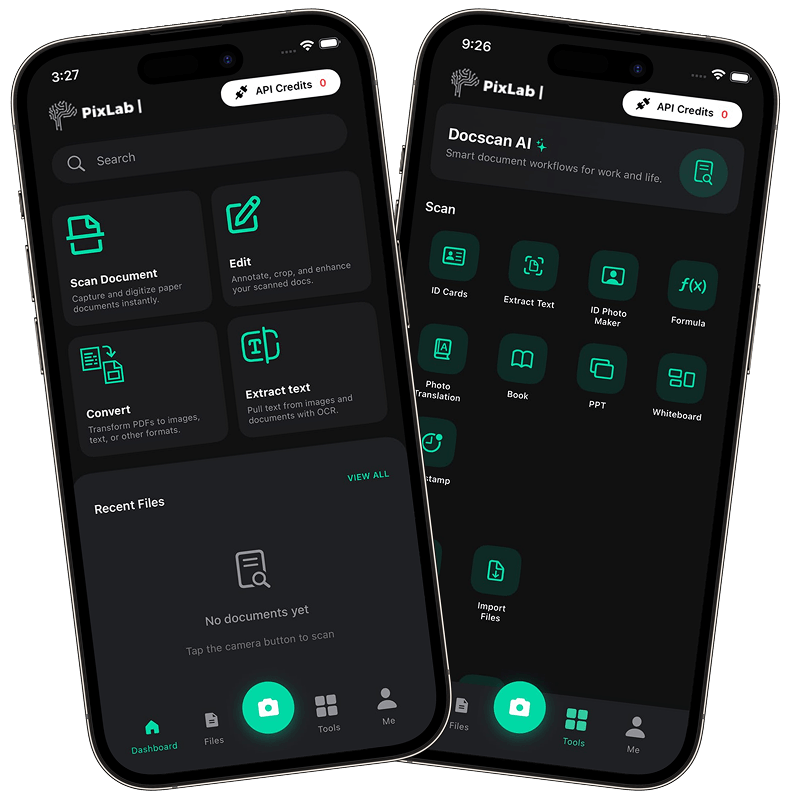
Most scanner apps capture an image and stop. DocScan reads the content, structures it, and makes it ready to use.
On-device OCR runs first for speed, then a cloud pass improves difficult text.
Processing starts on-device. When cloud processing is needed, requests are encrypted and not retained.
Export to PDF, Markdown, JSON, or CSV based on where the file goes next.
Signs, menus, and business cards are readable and actionable in seconds.
Open DocScan, capture a document, and move from image to usable output in minutes, with clean results ready for search, sharing, and export. It is built to keep everyday document work fast and reliable.
Point your iPhone/iPad at a note, receipt, ID, or sign. DocScan detects edges and captures a clear scan with minimal effort.
DocScan reads text, handles handwriting, and structures key fields so the output is ready for real work.
Find details quickly, ask follow-up questions, or export to PDF, JSON, Markdown, or CSV for downstream workflows.
DocScan handles handwritten notes that standard OCR often misses, including cursive, shorthand, mixed scripts, and rushed writing. Capture once, then search and reuse the text across your workflow.
Capture lecture notes, flashcards, and research pages so they stay searchable and easy to revisit.
Preserve sketch notes and brainstorming pages while still extracting usable text.
Each scanned page is indexed so you can search across months of notes quickly.
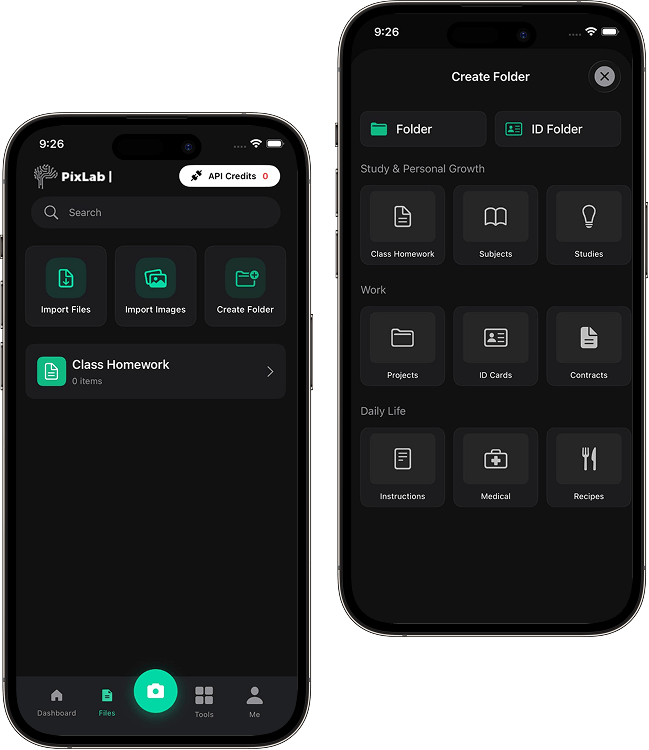
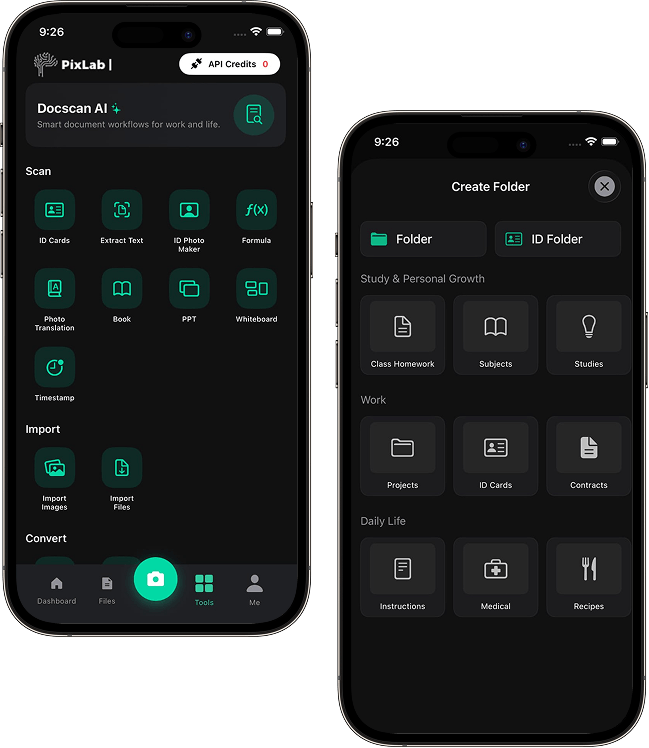
Invoices and thermal receipts rarely follow one layout. DocScan extracts vendor names, dates, line items, and totals so you spend less time on manual entry.
Vendor, date, amount, and tax values are extracted and ready to review.
Keep expense records organized so nothing disappears before reporting season.
Send extracted data to spreadsheets, accounting tools, or reporting systems.
DocScan includes built-in document chat so you can ask plain-language questions about any scanned page. Summarize a contract, pull invoice totals, or find specific details without reading line by line.
Ask questions like "What is the total after tax?" or "When does the warranty expire?" and get direct answers.
Get concise summaries from long notes and dense contracts in seconds, without missing key context.
DocScan reads tables, columns, and nested layouts so answers follow document structure, not just raw text.
DocScan keeps multi-page context, so follow-up questions across pages stay consistent across your entire document set.
Passports and driver's licenses need more than a basic photo. DocScan includes dedicated capture tools with glare reduction, edge detection, and contrast tuning for ID documents.
Dedicated capture settings for passports, licenses, and insurance cards to reduce glare and improve legibility.
Automatic edge detection frames ID cards cleanly with less post-crop cleanup.
Keep secure digital copies of key travel documents available when needed.
Document Type
Driver's License

Original Detected
平井眼科
English Translation
Hirai Ophthalmology
When you're traveling or navigating unfamiliar places, DocScan reads signs, menus, notices, and cards so text is ready to translate, search, or save.
Point at a sign and extract text quickly, then translate, search, or copy it.
Scan menus to check dishes, ingredients, or translations on the spot.
Copy phone numbers and addresses from cards or flyers directly into your phone.
Scanned content should move cleanly into the tools you already use. DocScan exports in practical formats for sharing, archiving, and automation.
Create clean PDF exports with a searchable text layer for sharing, audits, and long-term archive workflows.
Get structured output for developer workflows, documentation pipelines, internal tools, and downstream automation.
Send documents directly to Apple Files, iCloud, Google Drive, or connected productivity apps your team already uses daily.
From school notes and travel docs to expense workflows and production systems.
Digitize lecture notes, textbook pages, and handwritten flashcards into a searchable study archive.
Capture receipts, contracts, and invoices quickly, then extract names, amounts, and dates with minimal manual entry.
Read foreign signs, translate menus, and keep secure copies of passports and travel documents.
The same engine behind the app is available as a REST API. Add document scanning, KYC extraction, or OCR to your own product.
Every scan in DocScan runs through the same REST API available to developers. Built to be developer friendly at enterprise scale, it delivers rich data output for KYC checks, receipt ingestion, and production-ready OCR workflows.
Quick answers about scanning quality, privacy, export options, and device support.
DocScan turns everyday documents into searchable, reusable data, from handwritten notes to receipts, IDs, and signs. It helps you move from capture to action without extra manual cleanup.