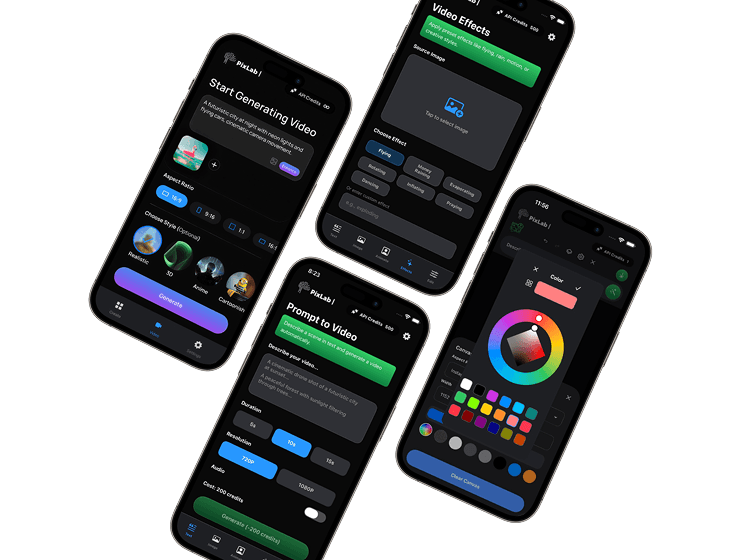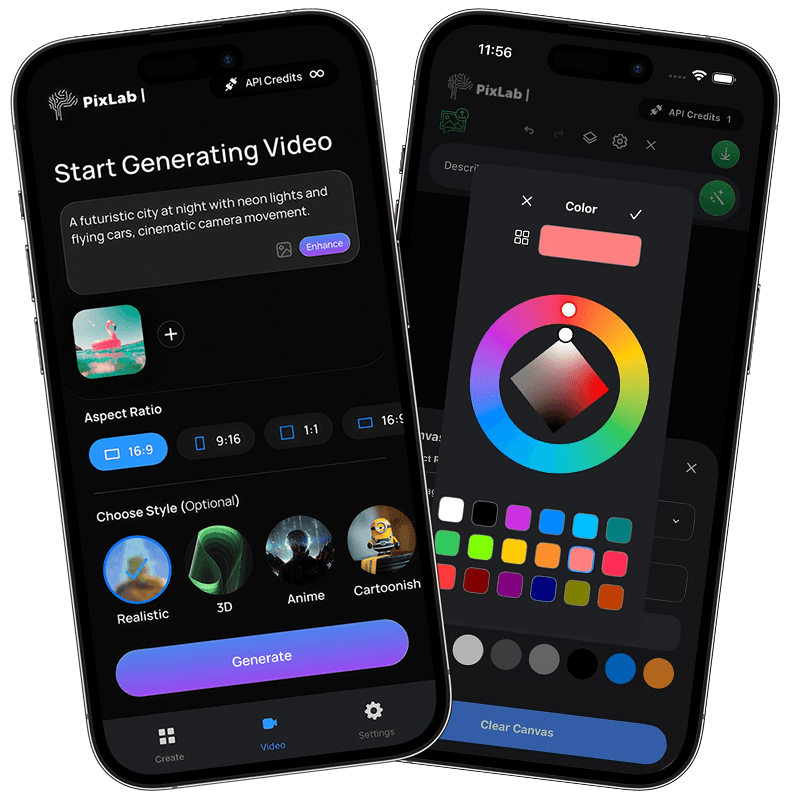
Text-to-Video Generation
Turn text prompts into short video clips and product shots, then fine-tune motion, look, and framing without a heavy desktop workflow.
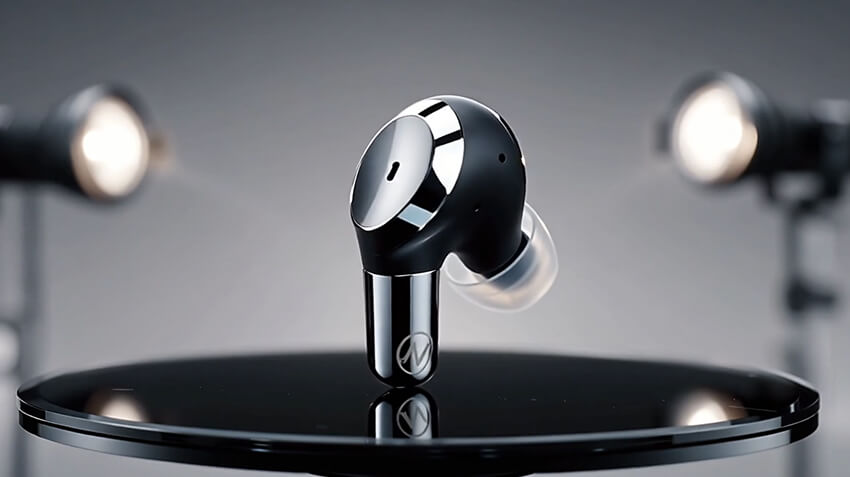
"Premium earbud with 360-degree rotation and studio lighting"

PixLab Prompt Video Editor helps you create clips, animate still images, and revise scenes with simple text instructions on iPhone and iPad.
No crowded timelines. Just describe the edit and keep moving.
Create short clips, animate photos, and edit scenes from your phone with a workflow built for quick iteration.
Turn text prompts into short video clips and product shots, then fine-tune motion, look, and framing without a heavy desktop workflow.
"Premium earbud with 360-degree rotation and studio lighting"
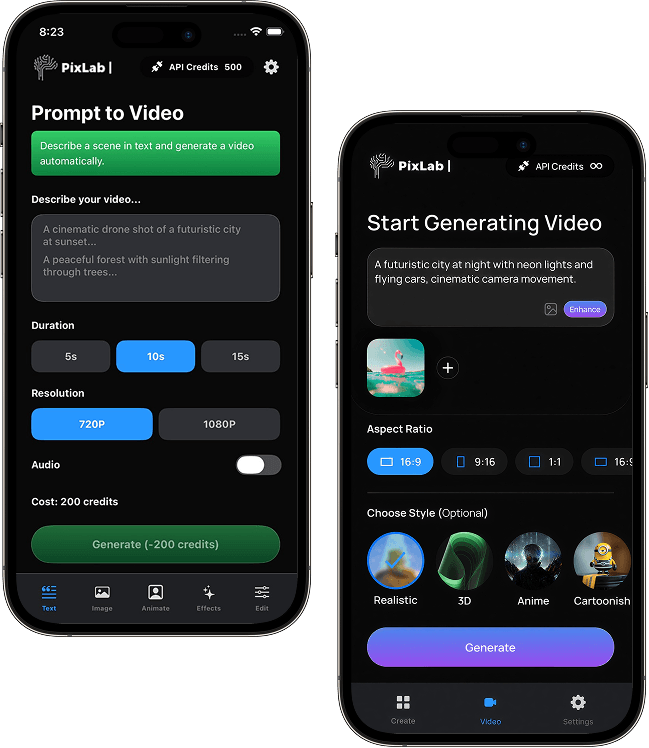
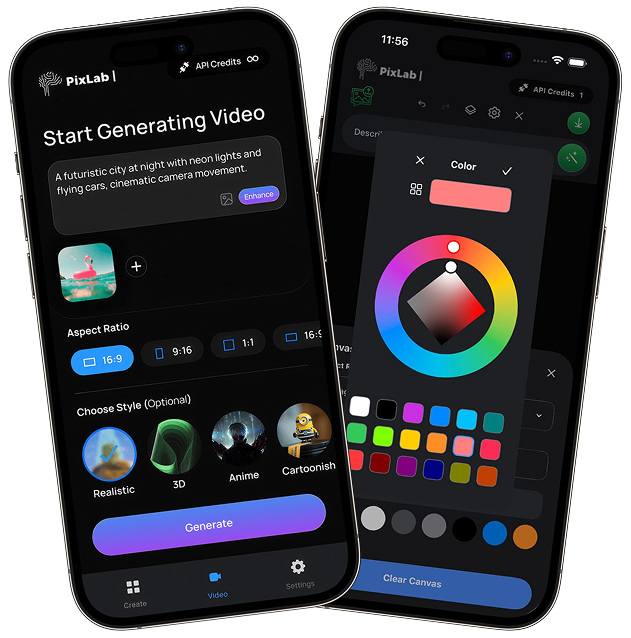
Export in the right aspect ratio for Reels, TikTok, Shorts, and Stories without reformatting every shot by hand.
Sketch shots before filming so you can plan camera angles, composition, and lighting from your phone.
Fine-tune your creations in seconds. Adjust camera movements, aspect ratios, and style modifiers without navigating complex timelines.
Create video drafts, edits, and exports on iPhone and iPad.
Start Creating on iOSPixLab Video Editor ↗ lets you describe the shot you want, then generate a clip you can preview, revise, and export from your phone.
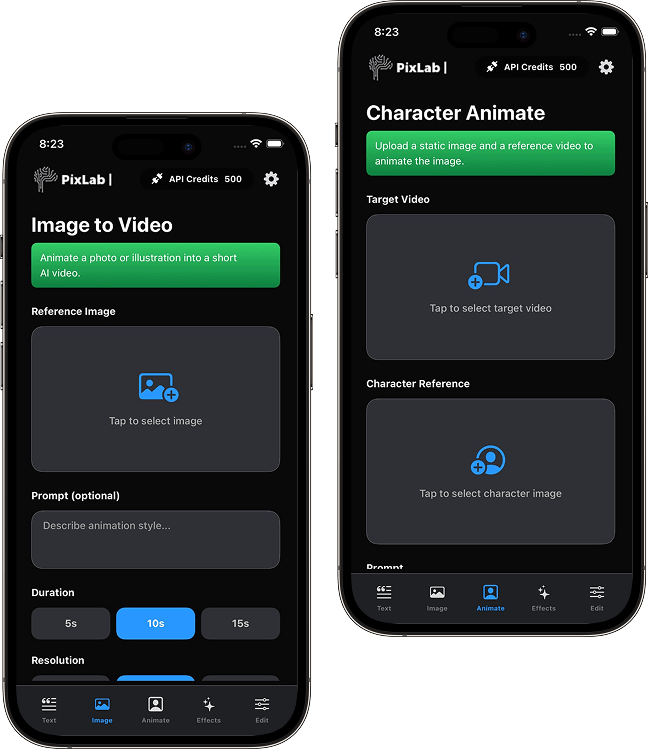
Start with a still image and add motion, camera movement, and pacing to turn it into a short video clip.
Build motion from the structure of the image for smoother, more natural movement.
Add pans, zooms, and movement presets without hand-animating every shot.
PixLab Prompt Video Editor lets you edit videos with natural language. Instead of digging through dense menus, you describe the change and refine from there.
Adjust lighting and color quickly from a prompt or a few controls.
Shift tone with deeper shadows, contrast changes, or softer highlights.
Swap backgrounds and restage scenes without rebuilding the clip from scratch.
Smooth shaky handheld footage for cleaner playback.
PixLab is built for people who want faster video edits without learning a full desktop timeline. Prompt-based workflows keep the process moving.
Separate spaces for generation, animation, and editing keep the app easier to navigate on iPhone and iPad.
PixLab Prompt Video Editor ↗ gives you prompt-based tools to restyle footage, extend short clips, and reframe scenes directly from your phone.
Apply new visual styles to existing footage. Transform videos to look like "90s VHS," "anime style," or any creative aesthetic.
Extend short clips with generated in-between motion for longer scenes.
Expand your video's canvas to reveal more of the scene. Convert vertical 9:16 videos to widescreen 16:9 format effortlessly.
Preserve character identity using reference images. Generate new scenes while maintaining consistent appearance, outfits, and facial features throughout your video series.
PixLab Prompt Video Editor ↗ is built for iOS creators who want text-guided tools without a dense desktop interface.
Rendering happens in the cloud so the app stays responsive on your device.
Simple pay-as-you-go credits. No hidden fees or surprise charges.
A clean, distraction-free workspace focused entirely on your creativity.
No forced subscriptions. You control when and how you create videos.
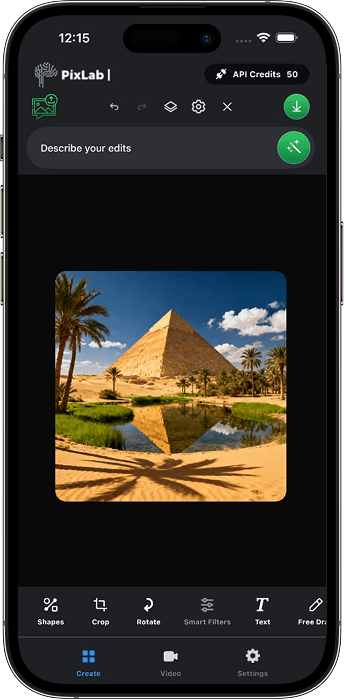
Use PixLab Photo Editor on iPhone and iPad for prompt-based retouching, background cleanup, and quick creative asset generation.
Start with a text prompt, upload a reference image, or select an existing video from your gallery.
Use plain language like "add a vintage filter," "create a slow zoom," or "make it cinematic."
Your request is processed in the cloud so you can review variations and pick the best result.
Iterate with additional prompts if needed, then export in up to 4K resolution optimized for any platform.
Create polished videos in minutes from your phone.
Get Started on iOSPixLab Prompt Video Editor is an iOS video editor that lets you create and edit clips with text prompts on iPhone and iPad. It is built for quick drafting, image animation, scene changes, and mobile exports.
You can create scenes from text, extend clips, change visual style, add motion effects, or make focused edits like "increase brightness" or "add smooth camera movement."
Yes. Upload a photo and turn it into a short animated clip with motion presets and prompt-guided changes.
Export videos in standard formats like MP4 or MOV with popular aspect ratios including 16:9, 9:16, and 1:1. Choose from optimized social media presets or select custom resolutions up to 4K quality.
Basic editing and project review work offline, but generation and prompt-based rendering need an internet connection. Your progress is saved so you can continue when you are back online.
Video generation and heavier rendering run in the cloud, while the app stays responsive on your device.
Basic editing tools are free. Generation and heavier rendering use credits, and paid plans include monthly credits plus premium features.
Download PixLab Prompt Video Editor to create clips, animate images, and export social-ready video from iOS.
Requires iOS 16.0 or later. Compatible with iPhone and iPad.