Use the smallest useful tool first
Rewrite text, inspect a document, or record a process without turning a simple job into automation.
Think-Act brings writing assistance, OCR and document intelligence, screen recording, reusable Skills, connected tools, and a controlled Desktop Agent into one desktop workspace. Use the focused tool first, then connect the steps when the task actually needs it.
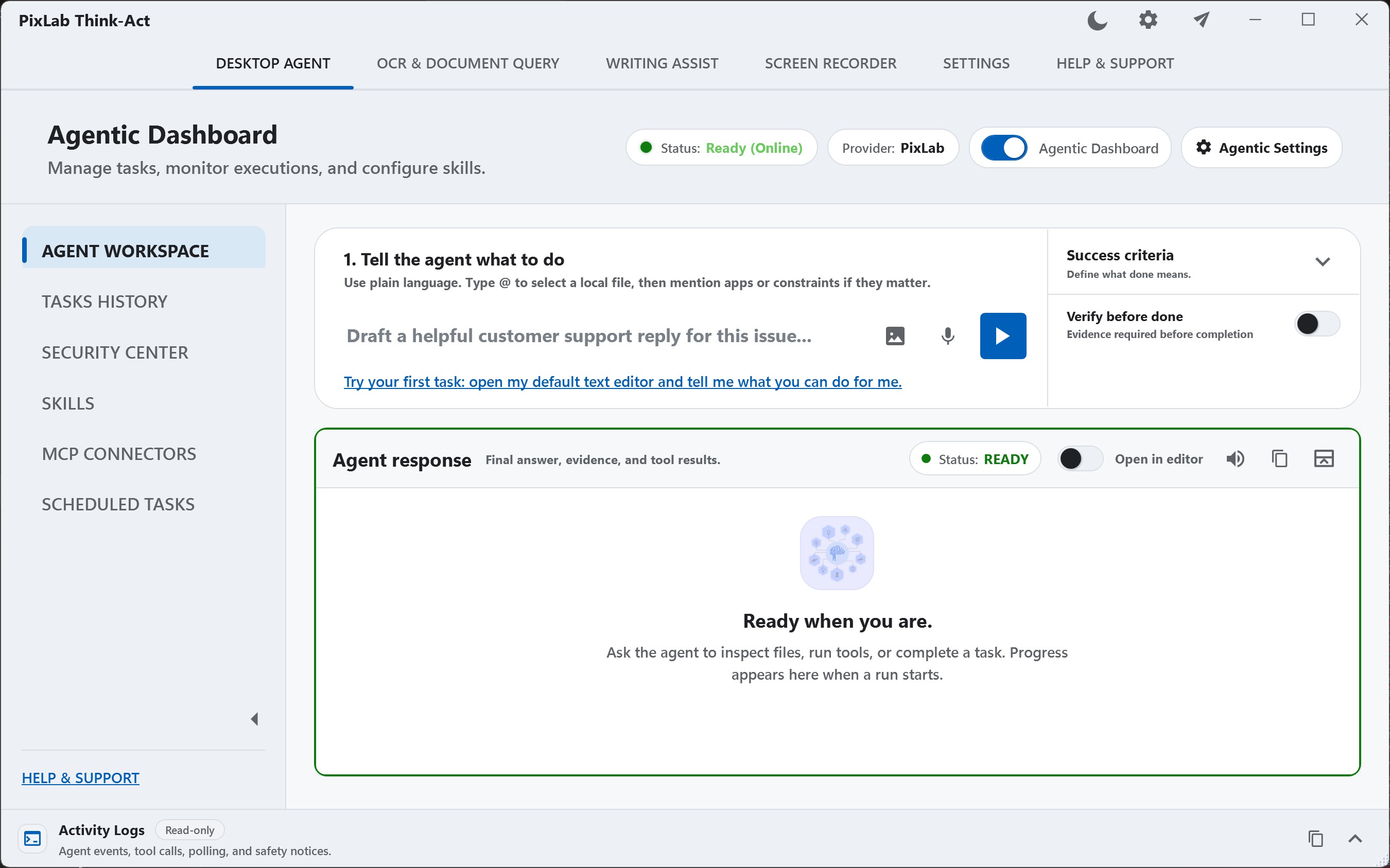
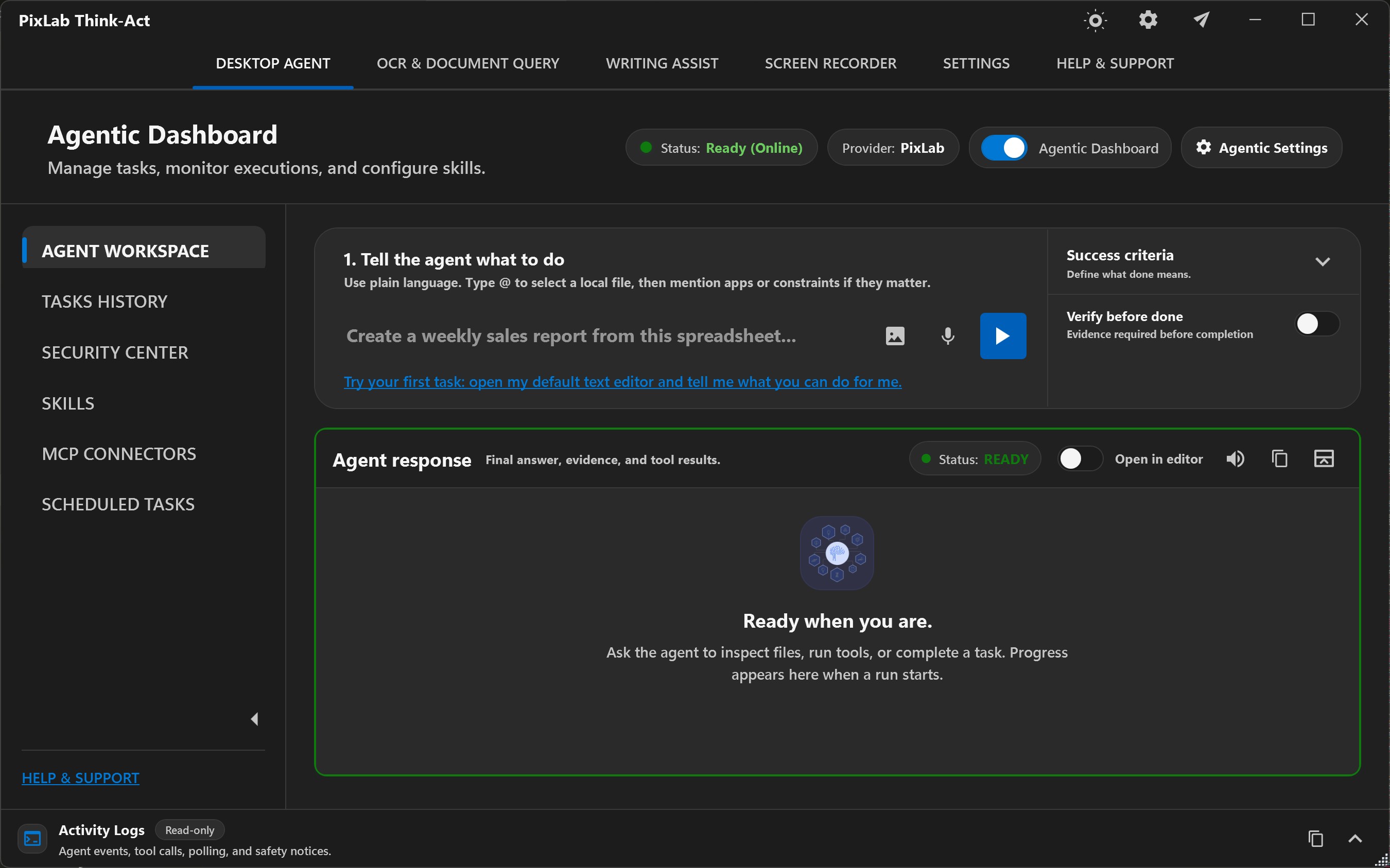
Think-Act workflow
A task might begin with a PDF, screenshot, selected paragraph, scan, local file, or recording. Think-Act keeps that source close while you extract information, improve text, capture a process, or coordinate a larger task.
Rewrite text, inspect a document, or record a process without turning a simple job into automation.
Give it a bounded outcome, choose what it may use, respond to approvals, and review the result.
Desktop context
Keep the source close while you work
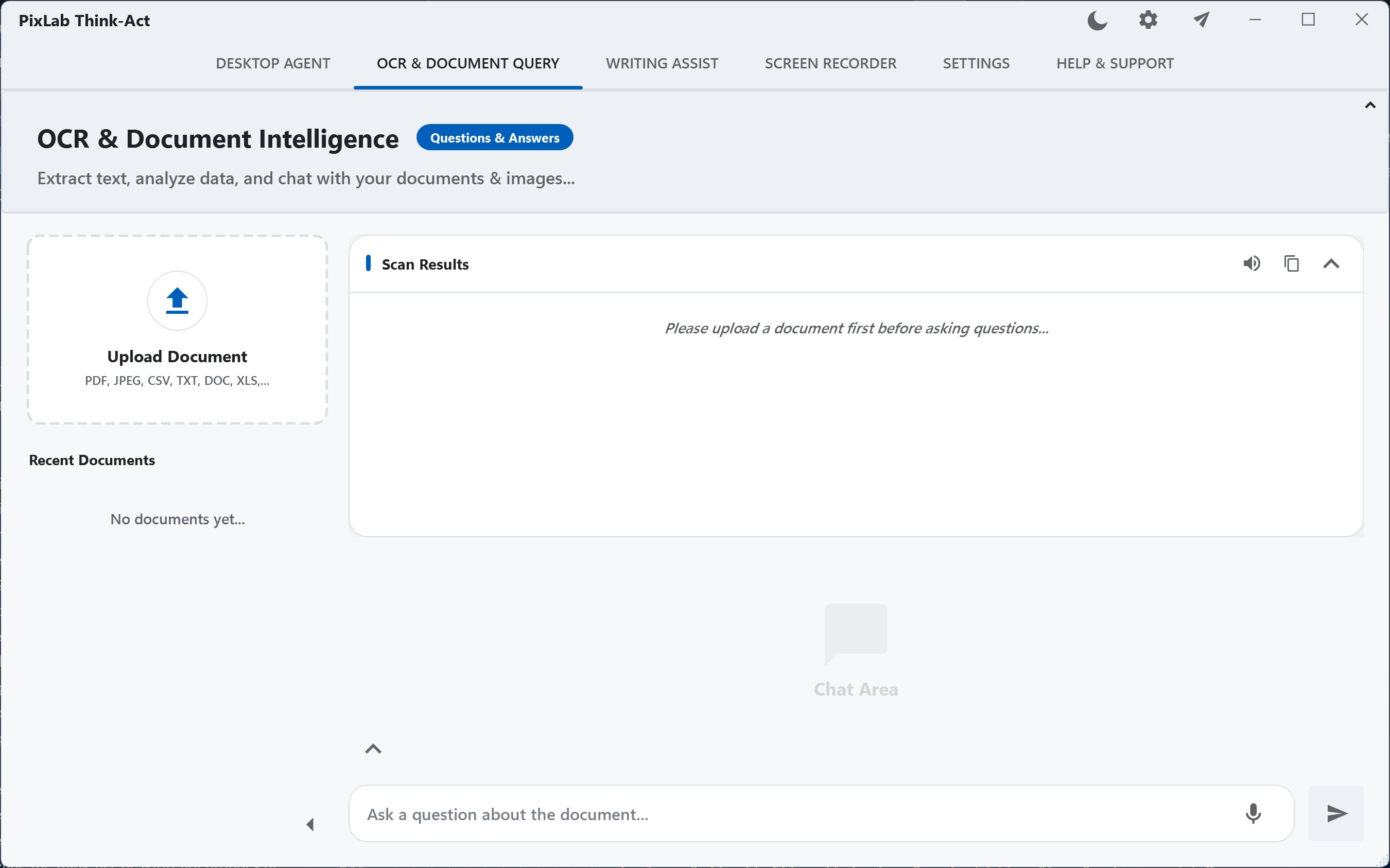
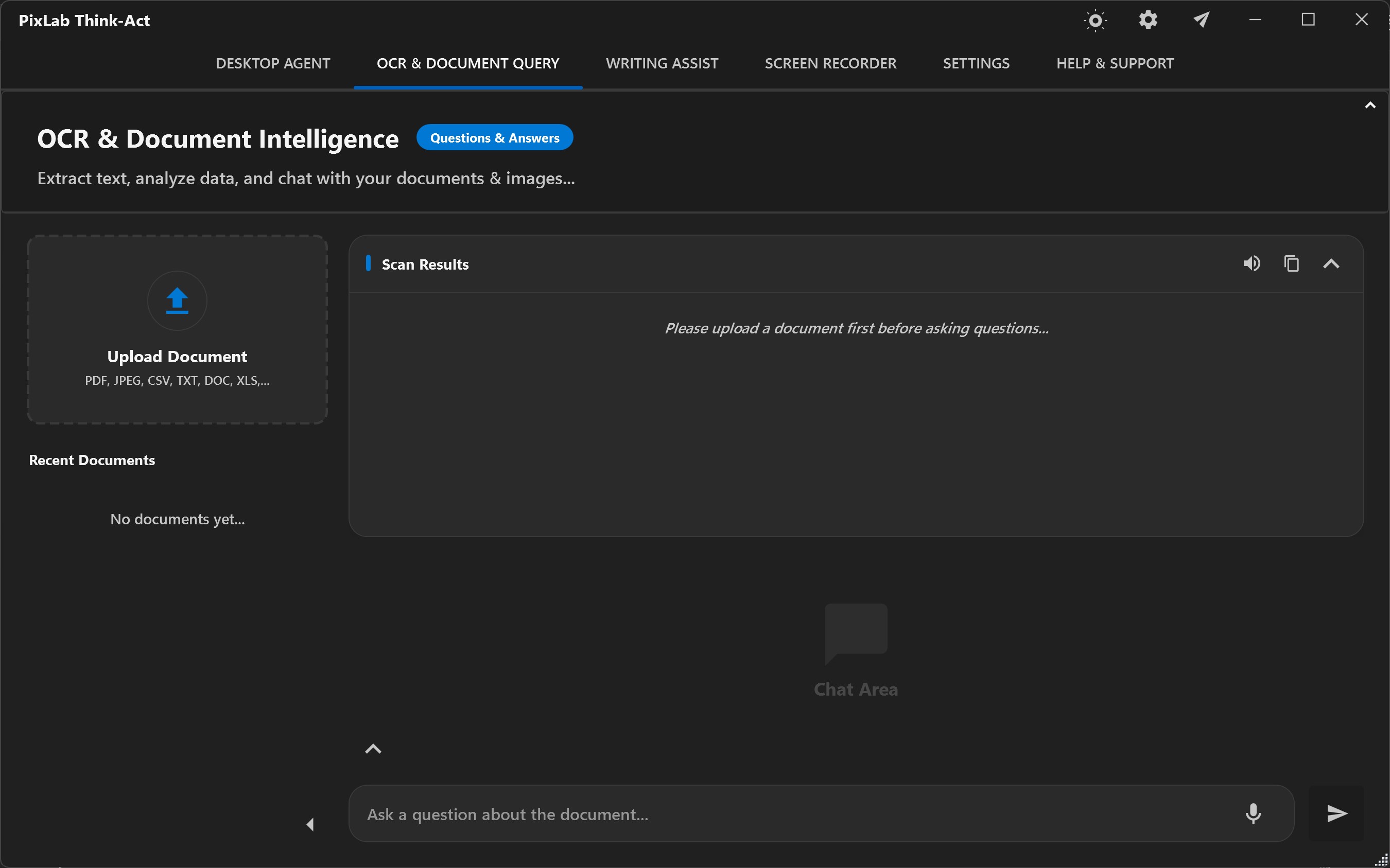
1 · Context
Bring the source
2 · Work
Use the right tool
3 · Review
Check the result
Writing, document intelligence, and recording remain useful on their own. The Desktop Agent adds coordination when one outcome spans context, several capabilities, connected tools, or approval steps.
Desktop Agent
Give Think-Act the source material, the outcome you want, and the capabilities available to the run. Follow supported activity, respond where approval is required, and review the result before relying on it.
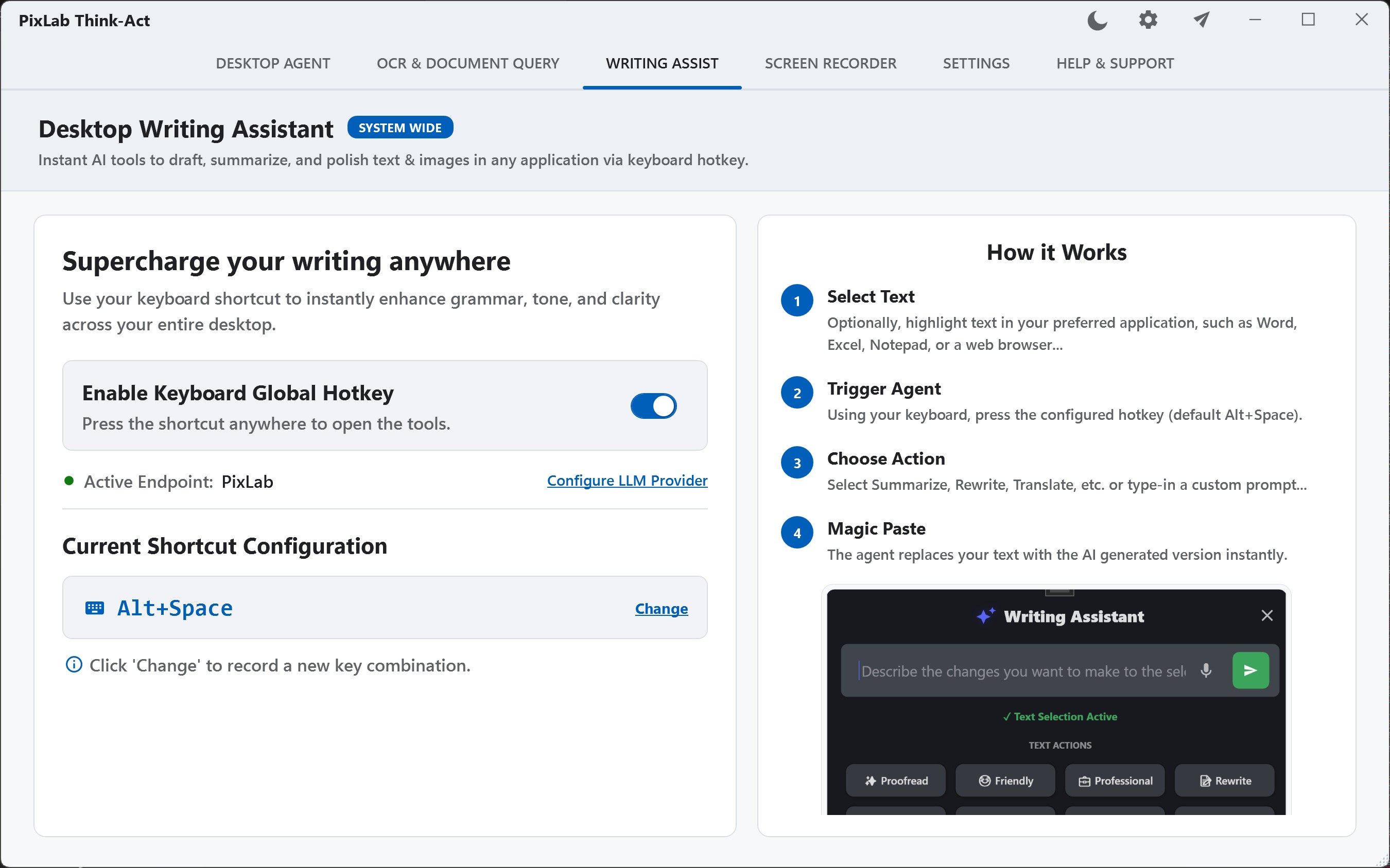
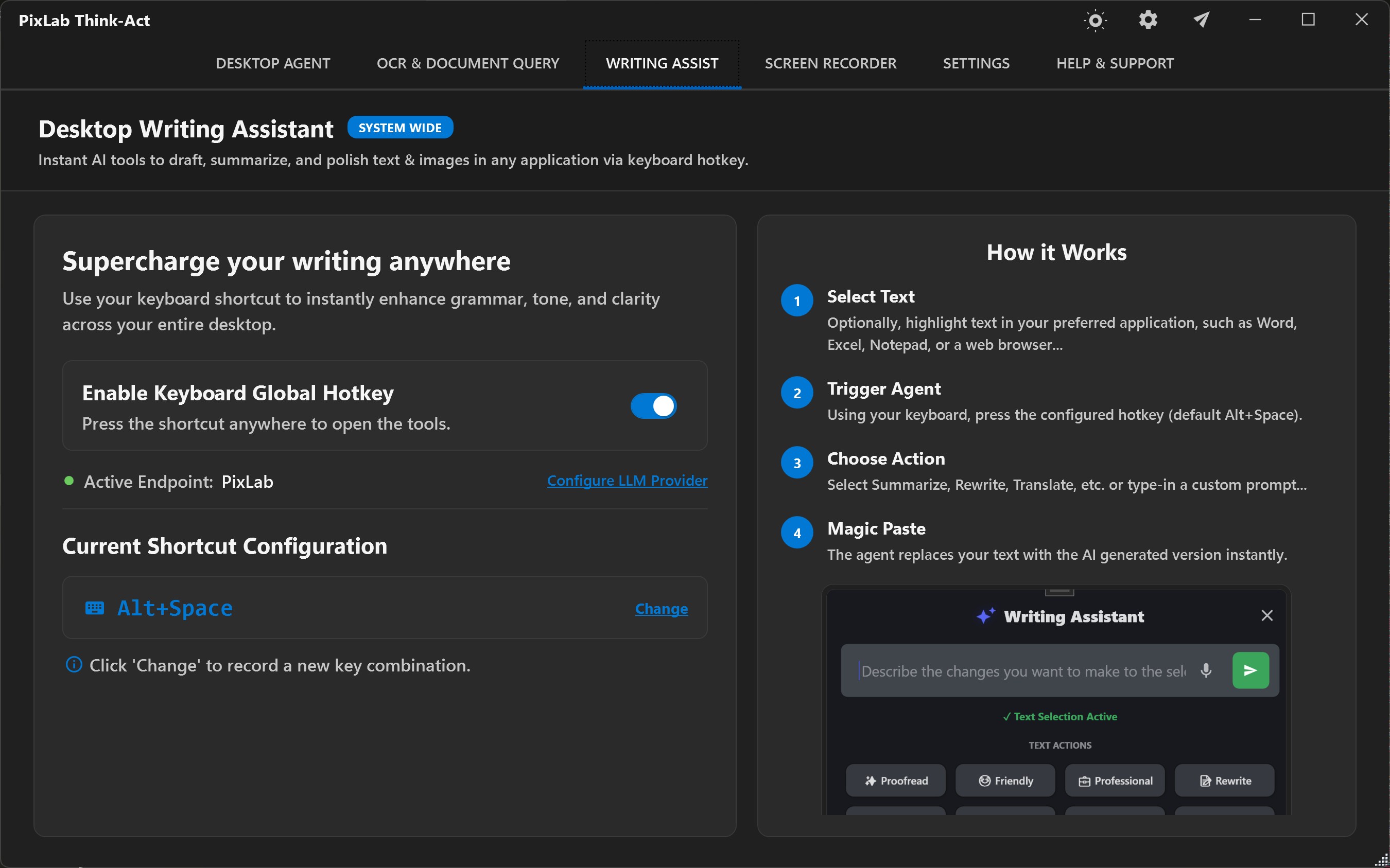
Rewrite, summarize, clarify, translate, or draft from selected or supplied text, then review the result before using it.
See Writing Assistance in Action →Extract text and useful document information from supported scans, screenshots, images, and PDFs, then organize or carry it into the next step.
Review OCR & Document Intelligence →Capture a walkthrough, procedure, or bug reproduction so the real sequence remains available for documentation or later analysis.
See Screen Recording Workflows →Select or supply the text you are already working with, tell Think-Act what should change, and review the draft before using it. Rewrite, summarize, translate, clarify, or adjust tone without rebuilding the context from scratch.
Rewrite awkward wording, improve clarity, shorten a passage, or adjust the tone while keeping the original nearby for comparison.
Summarize notes, messages, passages, or supplied content into a more focused draft without losing sight of the source.
Compare the generated version with the original, make any final edits, and decide what should actually be copied, saved, or shared.
Source
PDF, scan or image
Extract
Text & useful fields
Verify
Compare with source
Think-Act helps turn visual documents into usable working context. Extract the text, identify the details that matter, and keep the original close enough to check important values before they move into the next step.
Extract text from supported scans, screenshots, photographed pages, images, and image-based PDFs instead of entering it again manually.
Organize names, dates, references, totals, and other useful fields rather than stopping at one long block of extracted text.
Check important wording and values against the original before using them in a reply, report, comparison, or larger Think-Act task.
Record a process while the details are still visible. Think-Act keeps that capture available as a reference so you can turn what actually happened into documentation that is easier to review, share, and repeat.
Preserve the real order of a routine task before turning it into an SOP or internal guide.
Keep the visible sequence and failure context available while preparing reproducible steps.
Compare the draft with the original capture before someone else relies on it.
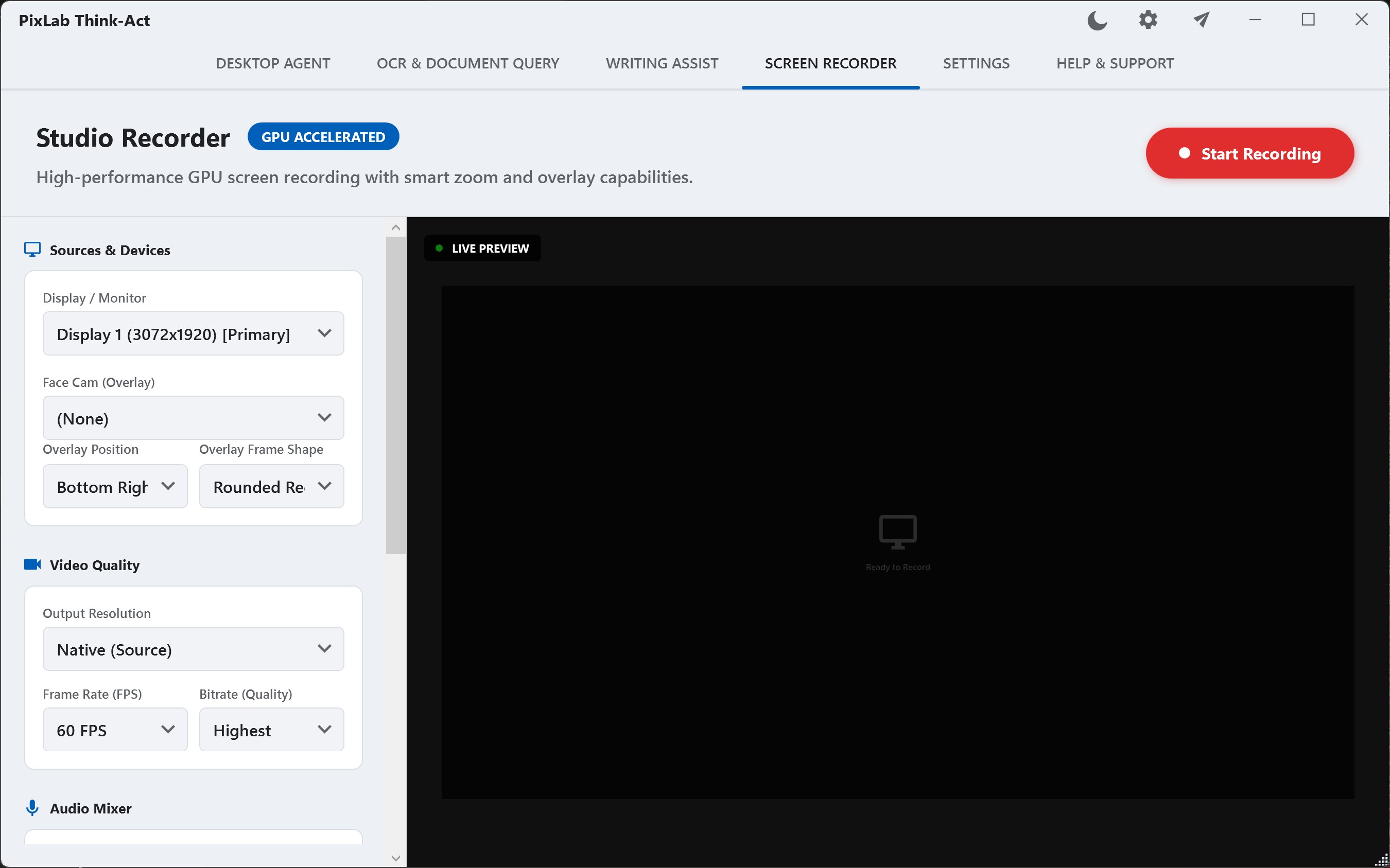
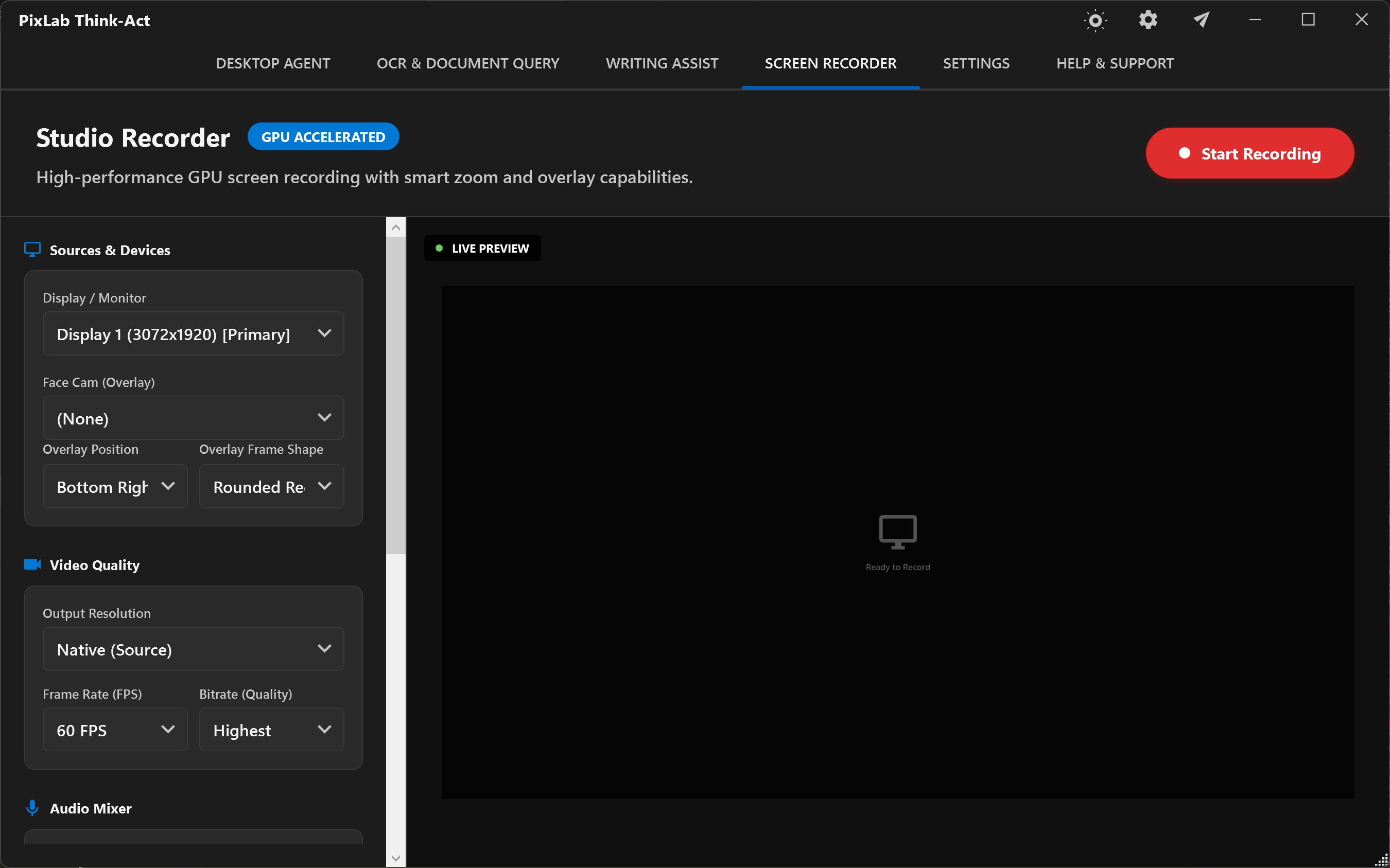
The recording is the reference, not the finished documentation. Review the draft against what actually happened before sharing or reusing it.
A useful Desktop Agent run should make the important parts understandable: what it started from, which capabilities were used, where approval was required, and what still needs checking.
Define
Describe what should be achieved and, when useful, define criteria that make the finish line easier to recognize.
Example: “Extract the invoice details, identify anything inconsistent, and prepare a reviewable reply.”
Context
Bring in relevant documents, screenshots, files, selected text, recordings, transcripts, or extracted information rather than treating the entire desktop as task context.
Capabilities
The run can use supported Think-Act capabilities and connected tools that are available to it. A connector that is disabled, unavailable, or unhealthy stays outside the task.
Approval
Supported consequential actions can proceed automatically, ask for confirmation, or remain blocked according to the configured policy.
Verify
Inspect the result together with relevant supported activity and compare important values, claims, or conclusions with the original material before relying on them.
Skills and connectors solve different parts of the problem. A Skill preserves a useful way of working. A connector gives the task access to another supported capability when the workflow actually needs it.
Think-Act Skills
Turn reviewed instructions, checks, and conventions into a reusable local Skill so the next similar task does not have to start from scratch.
Useful when
You already have a method that works and want future tasks to follow it consistently.
MCP & connectors
Connect a supported local or external tool when the workflow needs access beyond Think-Act's core desktop capabilities.
Useful when
The task needs to interact with another supported capability instead of only working with supplied context.
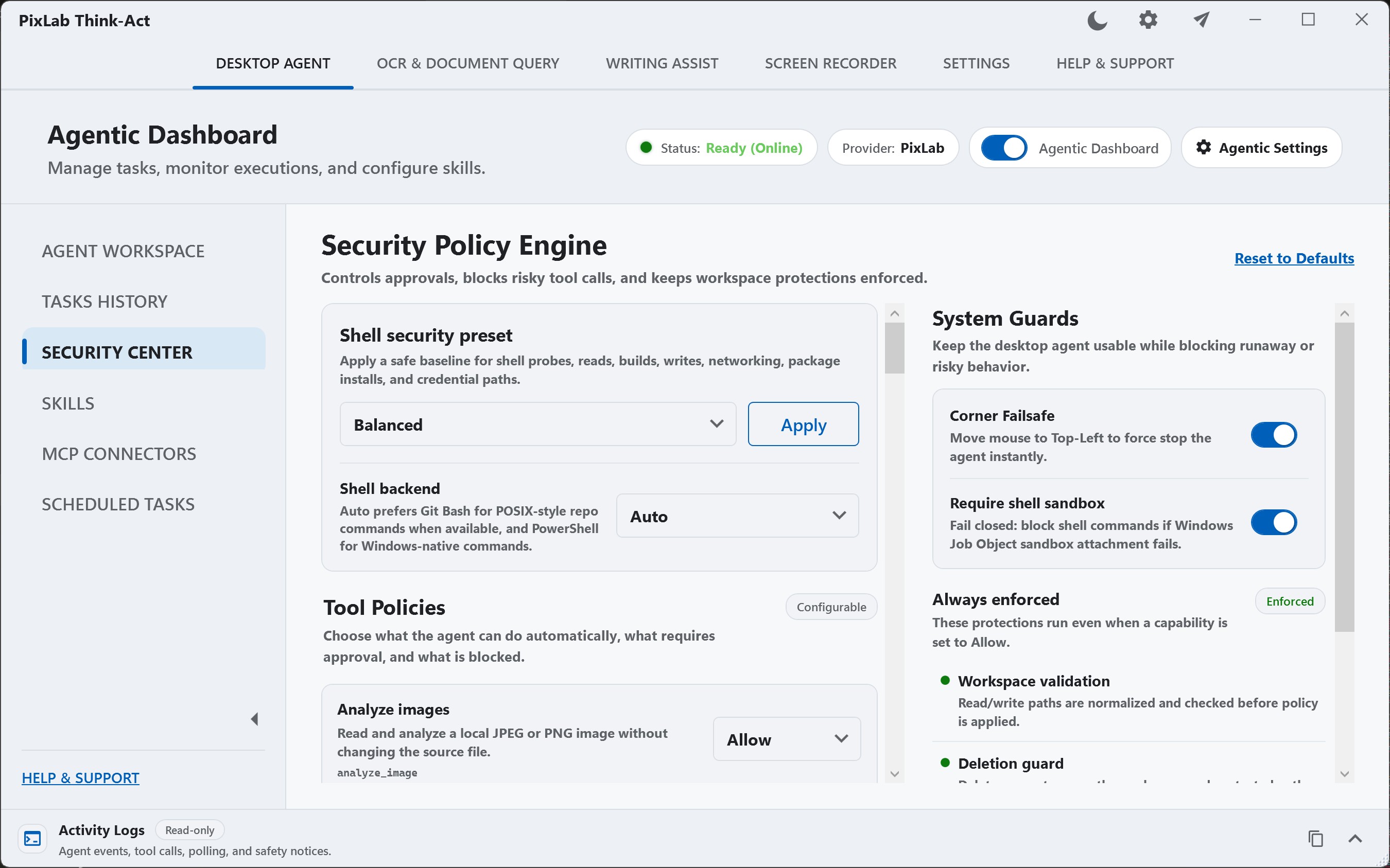
Allow
Proceed by policy
Ask
Pause for decision
Block
Keep unavailable
Think-Act runs on the desktop, while configured models, endpoints, or connectors may process task data elsewhere. Review the data-flow guidance before working with sensitive material.
A desktop agent may work with files, applications, and connected systems. Think-Act keeps access and approval policy visible so important actions remain deliberate and reviewable.
Unavailable or disabled connectors stay outside the run.
Supported actions can allow, ask, or remain blocked.
Inspect supported observations, approvals, tool calls, and results.
Processing location depends on the configured model, endpoint, connector, and workflow.
Think-Act fits practical desktop work that moves between documents, screenshots, recordings, text, files, and applications. The workflow changes by role, but the need to keep context close is the same.
Work from reports, meeting notes, selected passages, and documents to prepare summaries, replies, action lists, or clean handoffs.
Bring together logs, failure screenshots, recordings, configuration details, technical notes, and supported local tools.
Pull fields from invoices or statements, organize the result, compare values, and keep the original document nearby for verification.
Extract scanned content, summarize clauses, compare wording, and identify dates or obligations that still require qualified review.
Capture procedures, prepare onboarding references, document recurring work, and preserve reviewed instructions as reusable local Skills.
Read text from images, simplify a difficult document, improve everyday writing, or record a process you may need to repeat later.
Browse role-specific workflow examples or start with a task you already need to finish on your own desktop.
Try Think-Act for Your WorkflowThe essentials about desktop support, connectors, approvals, processing, and how Think-Act differs from a browser-only AI workflow.
Think-Act is a desktop AI workspace for Windows and macOS. It brings together writing assistance, OCR and document intelligence, screen recording, reusable Skills, integrations, and a controlled Desktop Agent guide for work that needs several coordinated steps.
Think-Act is available for Windows and macOS. Visit Windows and macOS downloads for the current installers and platform requirements.
No. Writing assistance, OCR and document intelligence, and screen recording can be used without MCP. A connector matters when a task needs access to another supported capability. See Skills and connector guide for the distinction between reusable instructions and tool access.
That depends on the capability and the policy configured for the run. Supported actions can be set to ALLOW, ASK, or BLOCK. A capability that is unavailable or disabled cannot be used by the task. Review security and approval model before enabling higher-impact actions.
Not necessarily. Think-Act runs as a desktop application, but the processing location depends on the model, endpoint, connector, and workflow you configure. Check the data-flow guidance before using sensitive material.
Browser AI often begins by asking you to move or describe the context first. Think-Act is designed around desktop work, so a task can begin from the text, document, screenshot, recording, or file already involved in the job and bring in additional capabilities only when they are useful.
Improve a piece of writing, inspect a document, capture a process, or give the Desktop Agent a clearly bounded multi-step job. Start small, review the result, and extend the workflow only when it is useful.